DRY MODE
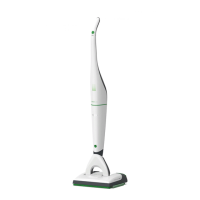
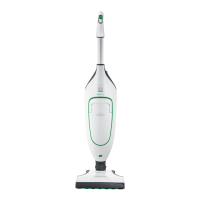
After you have switched on the Kobold vacuum
cleaner, the SP600 initially runs in dry mode.
No LED waves are lit.
SINGLE APPLICATION OF MOISTURE TO A DRY
CLOTH
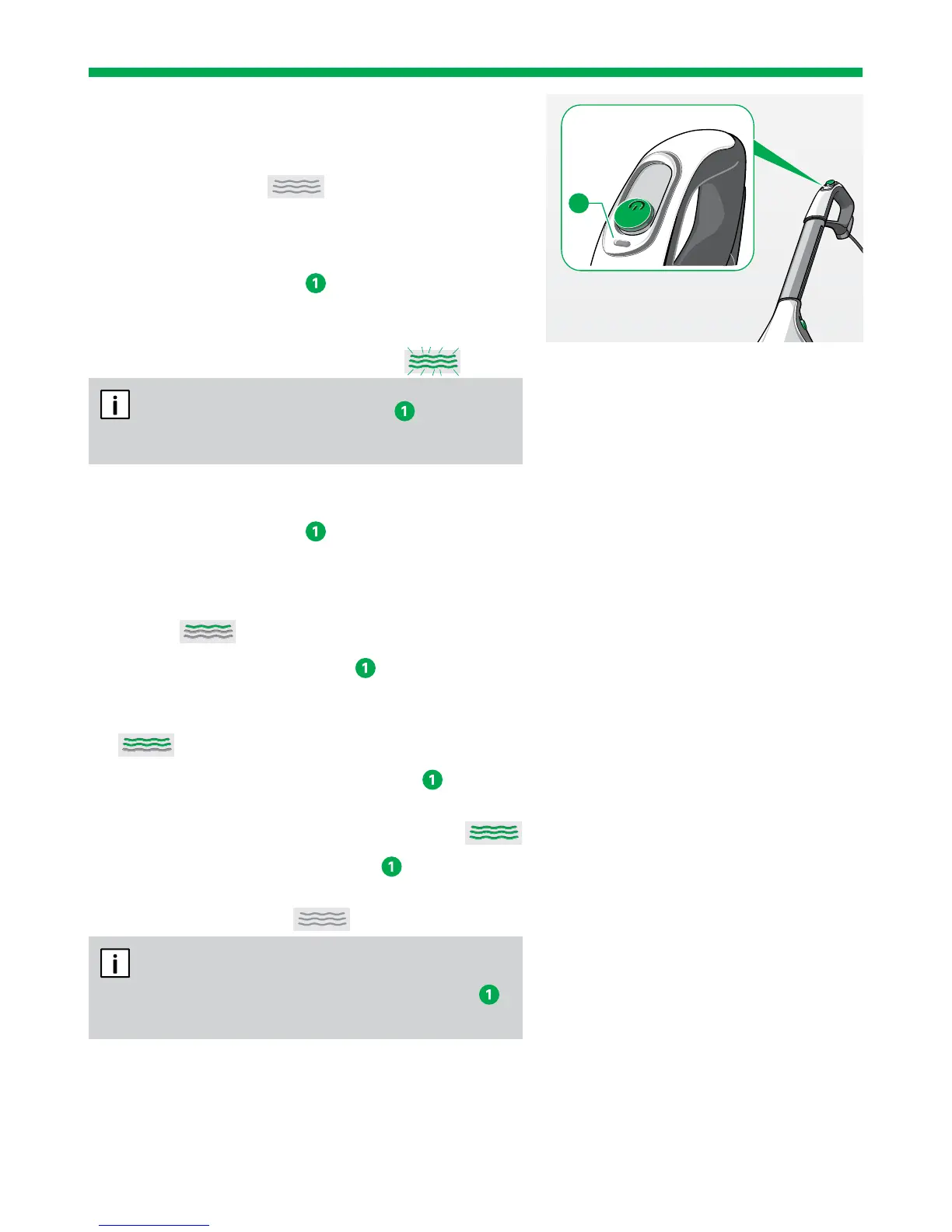
1. Press the function key
on the handle of your
vacuum cleaner for about five seconds
to start the process of fully moistening the cloth.
The LED waves on the SP600 flash.
After pressing the function key the device
automatically switches to setting 1.
CHANGING MOISTURE SETTINGS
1. Press the function key
on the handle of your
vacuum cleaner to start the automatic applica-
tion of moisture to the cloth.
The first of three LED waves light up on the
SP600.
2. Press the function key again to switch from
the lowest setting to moisture setting 2.
Two out of three LED waves on the SP600 light up.
3. Press the function key a further time to switch
from moisture setting 2 to moisture setting 3.
All three LED waves on the SP600 light up.
4. Pressing the function key again will return
the SP600 to dry mode.
No LED waves are lit.
If the cleaning cloth is too dry, increase the
moisture setting by pressing the function key
on your Kobold vacuum cleaner.
1


 To Next Page