CVS-842/852/843 Chapter 6
Operation Manual Using the Menus
6.6.14 Image partition
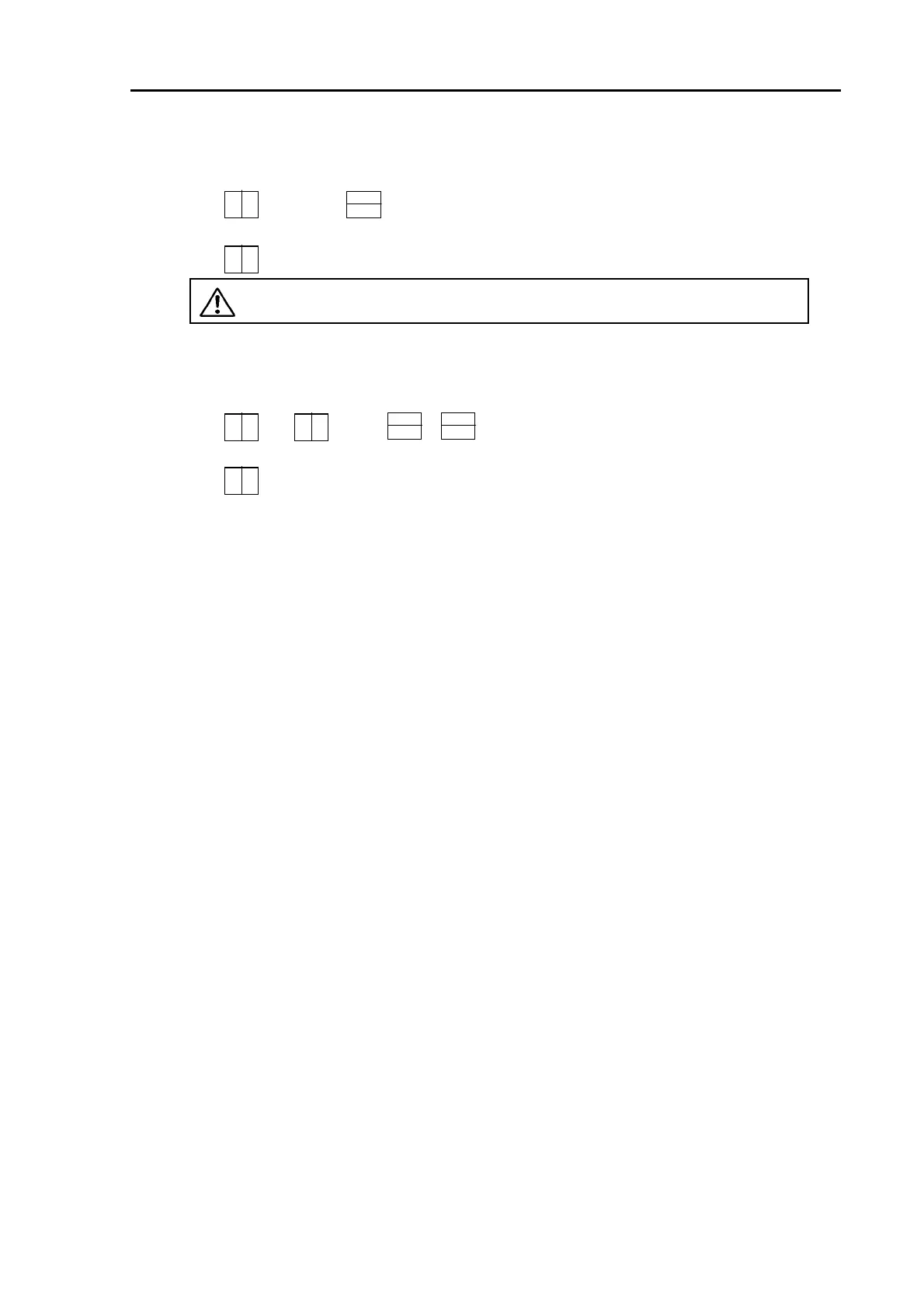
Selects the image split way, either in a vertical split or a horizontal split..
Selections: (Vertical), (Horizontal)
Initial setting:
CAUTION: This function is not available when the image is split to 3 sections.
6.6.15 Image swap
This function allows swapping of the dual image display left side right, or up side down.
Selections: 、
/
、
B
B
B B A
Initial setting:
B
6.6.16 Color Bar scale
Turns on or off color bar scale, which is shown on the left side of the screen.
Selections: ON、OFF
Initial setting: ON
6.6.17 Present position
Turns on or off the boat position display (position display in latitude/longitude or LOP).
Selections: OFF, L/L, LOP
Initial setting: OFF
6.6.18 Boat speed
Turns on or off your boat speed and selects its unit.
Selections: OFF, kt, kmh, mph
Initial setting: OFF
6.6.19 Bearing
Turns on or off the bearing of your boat.
Selections: OFF, ON
Initial setting: OFF
6.6.20 Water Temp
Turns on or off water temperature and selects its unit.
Selections: OFF,
o
C,
o
F
Initial setting: OFF
0093132692-05 6-13



 To Next Page