Startup
Make Connections
2-1
Chapter 2
Startup
Ifhookingupnewgearisfamiliartoyou,andyoujustwanttogetgoing,here’saquick
descriptionofwhatyouneedtogetstartedwithyourPC3LE.Ifyouneedmoreinformation,
thoroughdescriptionsofeachstepfollow.
Make Connections
1. Setthekeyboardonahard,flat,levelsurface.Makesuretoleaveplentyofroomfor
ventilation.
2. Fouradhesive‐backedrubberfeetareprovidedwithyourPC3 LE .Ifyouwanttoattach
themtothebottomofthePC3LE(recommendedtopreventscratchingyourtabletop),
carefullyturnthekeyboardover,
removethepap erbackingfromtherubberfeetand
attachthemnow,neareachcorner,allonthe samelevel.
3. Connectthepowercable.
4. Makesureyoursoundsystemisatasafevolumelevel.AlsomakesurethatthePC3LE’s
MASTERVOLUMEslider(onthefarleftsideofthe
frontpanel)isallthewaydown.
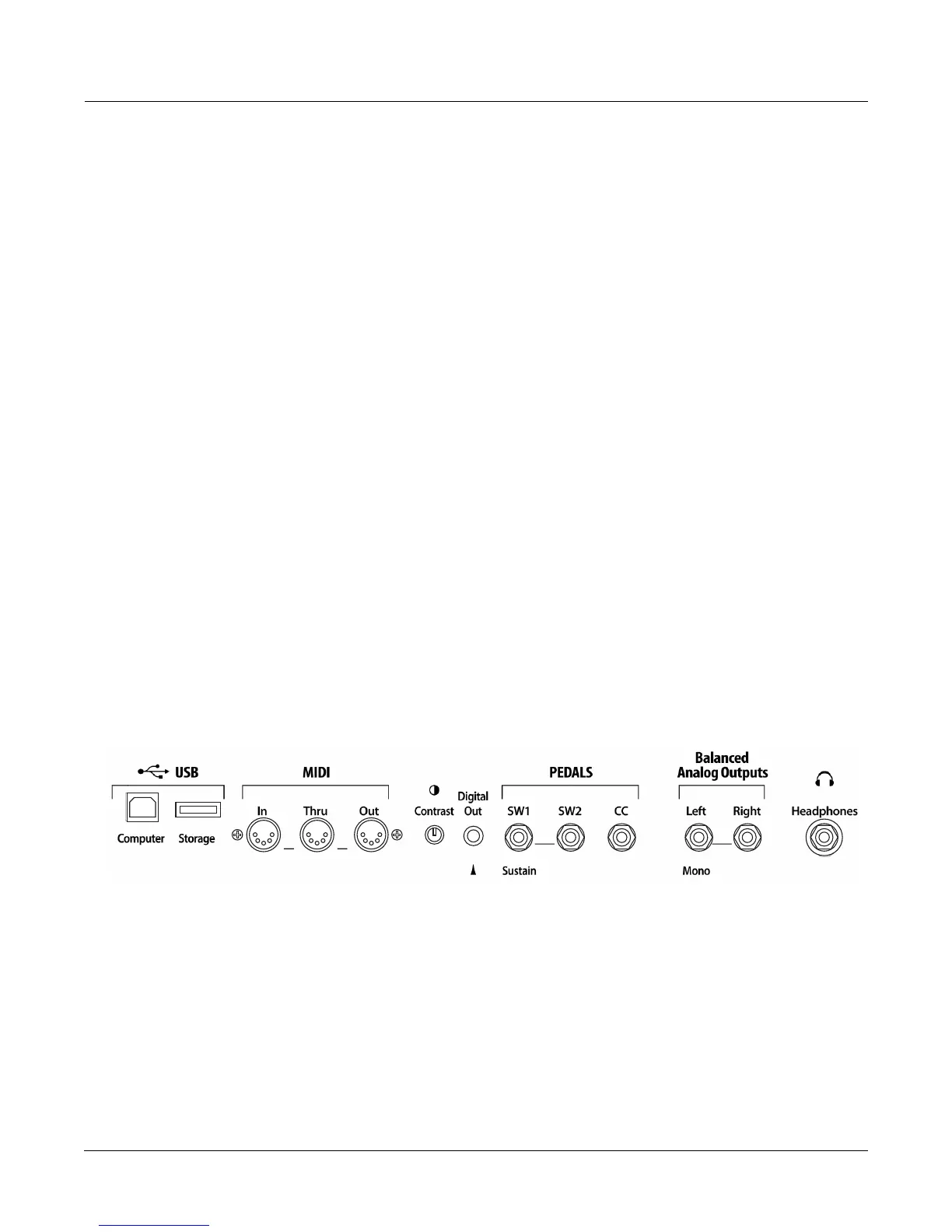
5. Pluginapairofstereoheadphonesorrunstandard(1/4‐inch)au dio cablesfromyour
amplifierormixertotheBalancedAnalogOutputsonthePC3LE.(UsetheBalanced
AnalogOutputsLeftoutformono.)Balanced(“TRS”or“Stereo”)cablesare
recommended.
Make Music
1. PowerupyourPC3LE,raisetheleveloftheMASTERVOLUMEslider,andcheckout
someoftheprograms.ThePC3LEstartsupinProgrammodebydefault.
2. ScrollthroughtheprogramlistwiththeAlphaWheel,‐/+buttons,orusethecategory
buttonstoselectprogramsandtrythePC3LE’s
manysounds.














 To Next Page