User Interface Basics
Navigation
3-7
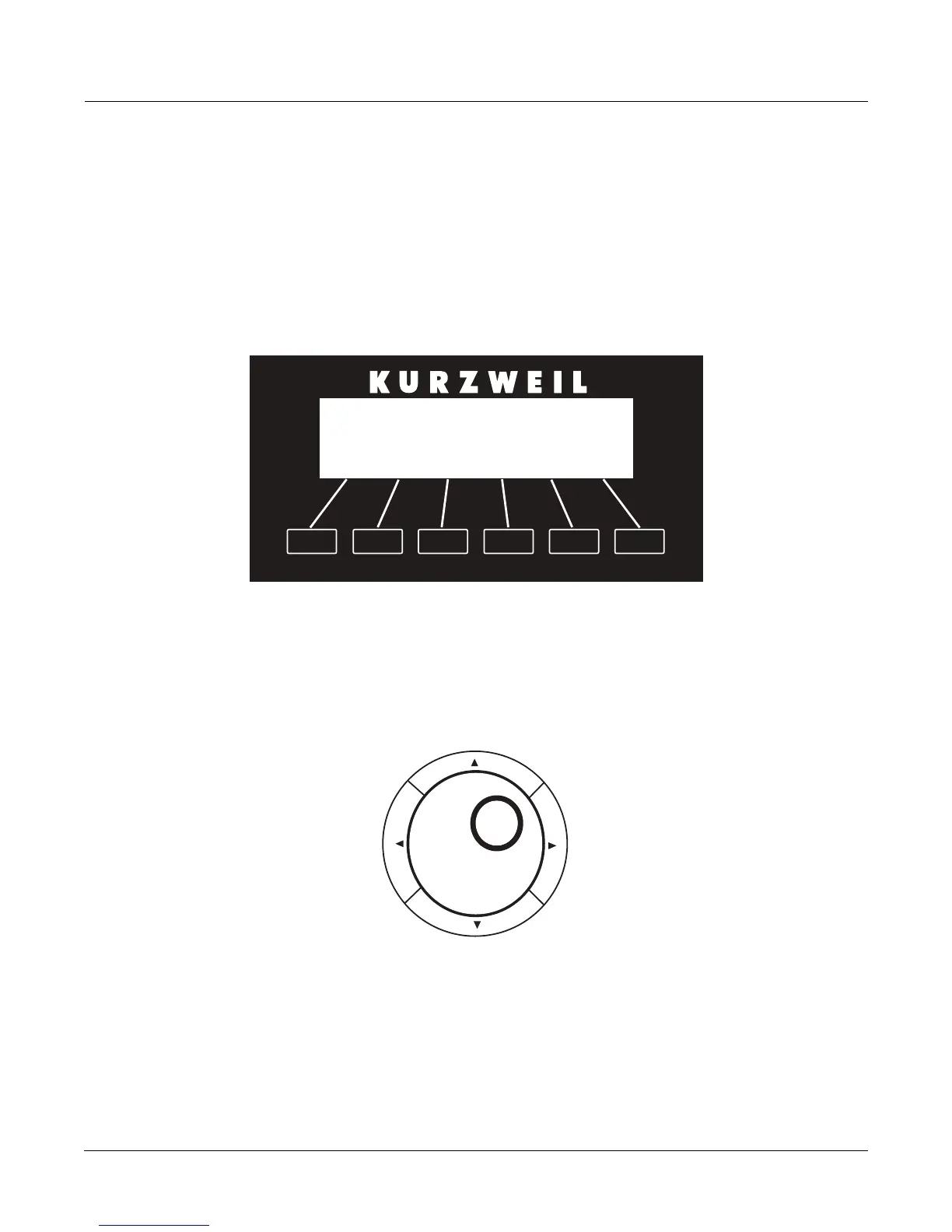
The Soft Buttons
Thesoftbuttonsarelocateddirectlyunderthedisplay(seebelow.)Thesoftbuttonsarecalled
“soft”becausetheirfunctionschangedependingonthecurrentlyselectedmodeandpage.
Sometimestheyperformspecificfunctions,likechangingMIDItransposition.IntheProgram
Editorandothereditors,they’realsousedtomoveto
differentpagesofprogramming
parameters.Ifasoftbutton’slabelisinallcapitalletters(ARP1,forexample),pressingthe
correspondingsoftbuttontakesyoutoapageofparameters.Ifthesoftbuttonislabeledin
lower‐caseormixed‐caseletters(Save,forexample),thesoft
buttonperformssomekindof
function.
The Cursor Buttons
TotherightofthedisplayarefourbuttonsarrangedaroundtheAlphaWheel(seebelow.)These
arecalledthecursorbuttons.Theymovethecursoraroundthecurrentlyselectedpage,inthe
directionindicatedbytheirlabels.Thecursorisahighlighted(reversed)rectangle(sometimes
it’sanunderscore).Itmarks
thevalueofthecurrentlyselect edparameter.
ProgrammingthePC3LEinvolvesselectingvariousparametersandchangingtheirvalues.
Selectparametersbyhighlightingtheirvalueswiththecursor.Youcanchangethehighlighted
valuewith anyofthedataentrymethodsdescribedinthedataentrysectionbelow.














 To Next Page