Startup
Startup—the Details
2-5
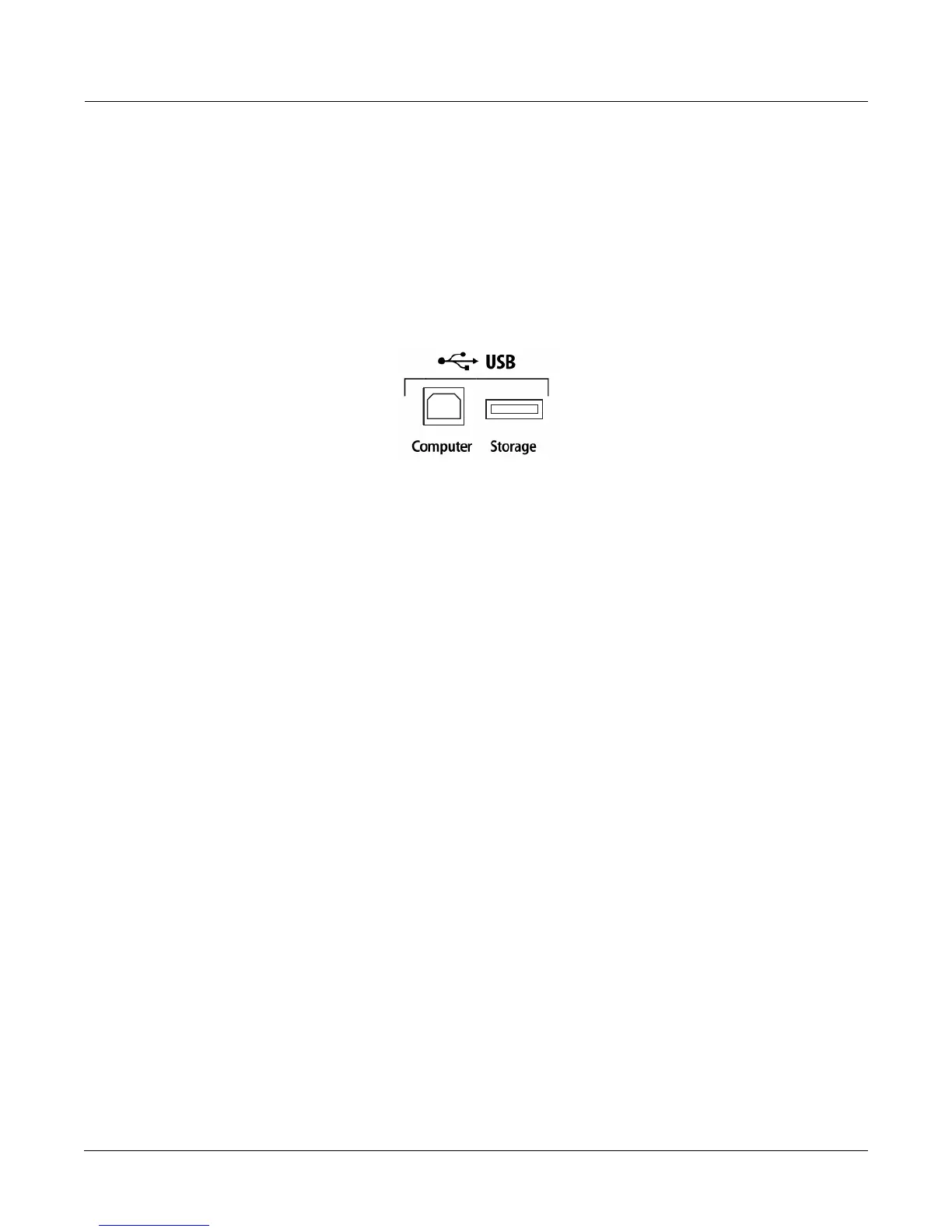
USB Computer Port
NexttotheUSBStorageportonthebackpanelofthePC3LEisaUSBComputerport.TheUSB
ComputerportworksforMIDI(transmitandreceive)ortoconnectyourPC3LEtoacomputer
forfiletransfer.Bydefault,theUSBportissettoMIDImode.Whenselecting
USBPC
connectioninStoragemode,USBMIDIwilltemporarilybedisabled.
WerecommendthatyouusetheUSBcableprovidedwithyourPC3LEanddonotuseextension
USBcables.ThePC3LE’sUSBComputerportisonlyintendedforconnectiontoaUSBTypeA
port.
InUSBStoragemode,
aʺPC3LEʺvirtualdrivewillappearonyourcomputerdesktop.One
importantthingtoknowhereisthatthisisavirtualdrive.Youcansavetothisdrivefromthe
PC3LE,butyoumustimmediatelytransferthatfiletoyourdesktop(orotherfolder).Youmust
copydatafromthe
PC3LEvirtualdrivetoyourcomputer’s driveorelsethedatawillbelost.
WhenyouleaveStorageMode,therewillbeaprompttellingyouthatthePC3LEisturningback
intoaUSBMIDIdevice‐whichyouhavetoacknowledge.Ifyouhaven’tcopiedthe file(s)to
yourdesktop
(orotherplaceonthecomputer)itwon’tbeonthevirtualdiskwhenyouleave
storagemode.
Dependingonyourcomputer’soperatingsystem,youmaysometimesseeascarydevice
removalwarningonyourdesktop(forexample,whenthePC3LEleavestheBoot Loader).You
maydisregardsucha
messagewithoutworriesofdamagetoyourPC3LEorcomputer.














 To Next Page