Editing Conventions
Saving and Naming
5-5
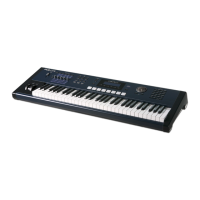
Keyboard Naming
Thekeyboardnamingfeature
makesnamingobjects
convenient,bylettingyouuse
thekeyboard(oryourMIDI
controller)toenterthenameof
theobjectyou’ remodifying.
Whenyou’reinaRename
dialog,useeitheroftheChan/
Zonebuttonstochangebetween
thekeyboardnamingstates:Off
(disabled),On,and
Adv
(Advance).
WhensettoOnorAdv,thekeys
(MIDInotenumbers,actually)
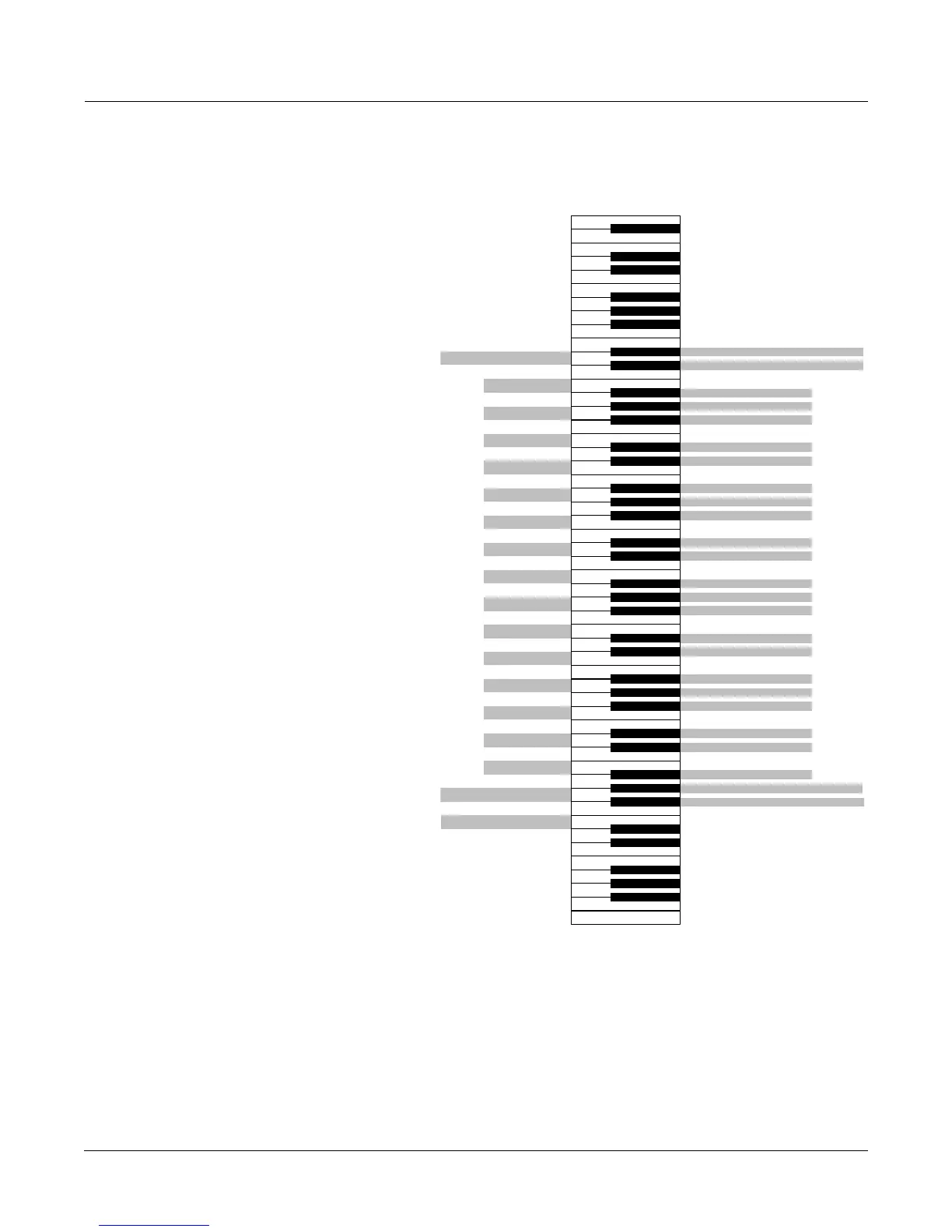
correspondtoallthecharacters
shownonpage 5‐3.Thereare
alsoequivalentstothecursor
movement,insertion,deletion,
andOK(Enter)buttons.
Onrequiresyoutomovethe
cursortoentereachletter,justas
youhavetodowhenusingthe
normaldataentrymethodsfor
naming.Advautomatically
movesthecursoronespaceto
therighteachtimeyoustrikea
key,justlikeatypewriteror
computerkeyboard.Thisisthe
mostconvenientsetting.
l L
Delete; move characters left one space
Move cursor left one space
Move cursor right one space
(Shift)
(Space)
2 @
a A
3 #
b B
c C
4 $
d D
5 %
e E
f F
6 ^
g G
7 &
h H
8 *
i I
j J
9 (
k K
0 (zero) )
m M
- (Hyphen) _ (Underscore)
n N
= (Equals) +
o O
(Backspace)
p P
q Q
; (Semicolon) : (Colon)
r R
' (Apostrophe) '' (Quote)
s S
t T
, (Comma) <
u U
. (Period) >
v V
/ (Slash) ?
w W
x X
[ (Left bracket) ` (Back quote)
y Y
] (Right bracket) \ (Backslash)
z Z
(Space)
(OK, Enter)
(Shift)
Move cursor to end of name
A0
C4
A0 to C8
(Standard 88-note Keyboard)
tch Wheel Absolute Value
C8
1 !
Move cursor to start of name
Insert; move characters right one space
Move cursor right one space
Delete; move characters left one space
Move cursor left one space
C5
C6
C7
C3
C2
Insert; move characters right one space
Use the (Shift) keys or
Sustain pedal to enter
upper-case and
special characters






 To Next Page