2-8
Startup
Setups
Setups
Setupsallowyoutoplayacombinationofprograms,aswellasgivingyouadvanced
performanceandcontroloptions.Setupscanhaveupto16zones,eachofwhichcanbeassigned
toanyrangeofthekeyboard(overlappingorsplit).Eachzonecanhaveitsownprogram,MIDI
channel,and
MIDIcontrolassignments,aswellasriffandarpeggiatorsettings.
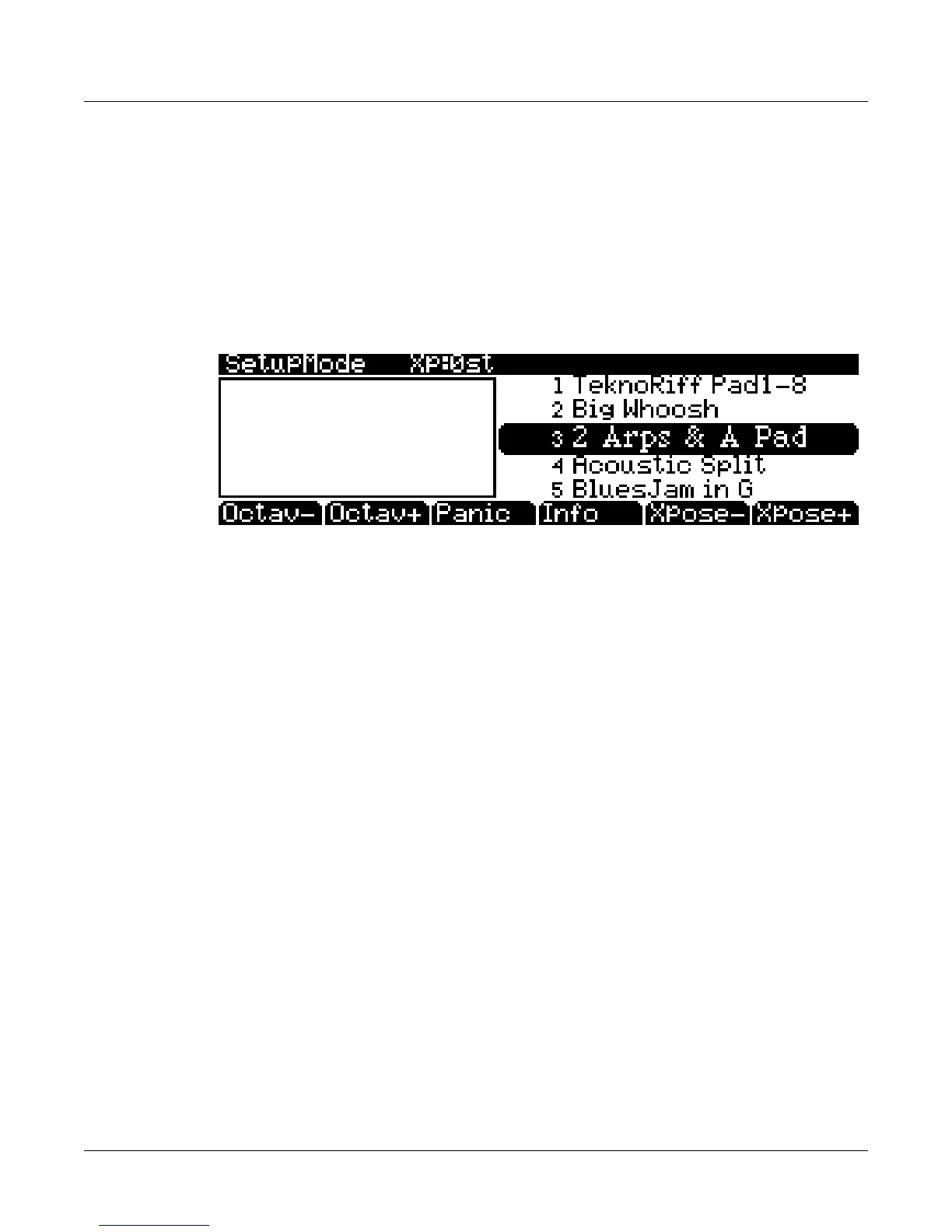
PresstheSetupmodebuttontotheleftofthedisplay.ItsLEDwilllight,tellingyouthatyou’ re
inSetupmode.NoticethattheSetupmodedisplayissimilartotheProgrammodedisplay.
PresstheInfosoftbuttonto
whichprogramsandassignmentsaresetforeachzone.See
page 7‐1foramoredetaileddescription.
Manysetupsincludearpeggiationandnote‐triggeredsongstocreategroovesthatyoucanuse
asis,orastemplatesforyourownmaterial.Asyouplaywiththesesetups,experimentwiththe
knobs
andothercontrollersforawiderangeofeffects.Someofthesegrooveskeepplayingafter
you’vereleasedthecontrolsthatgotthemgoing.Whenyouwanttostopthem,selectanother
setup,presstheSetupmodebutton,orpresstheStopbutton.
Quick Access
AconvenientwaytoselectprogramsandsetupsistouseQuickAccessmode,whereyousel ect
aQuickAccessbankfromalistoffactorypresetoruser‐programmedbanks.Eachbankcontains
tenmemoryslots,orentries,whereyoucanstoreanycombinationofprogramsorsetups.While
you’ re
inQuickAccessmode,youcanselectanyprogramorsetupinthebankwithbuttons0
through9orthecursorkeys.
ThePC3LEcomeswithafewQuickAccessbanksalreadyprogrammedsoyoucangetanidea
ofhowtheywork.CreateyourownQuickAccessbanksto
helpyouselectprogramsandsetups
withaminimumofsearching.PresstheQuickAccessmodebuttontotheleftofthedisplay.Its
LEDlights,totellyouyou’ reinQuickAccessmode.
ThetoplineofthedisplaytellsyouwhichQuickAccessbankisselected.UsetheChan/Zone
buttons(totheleftofthedisplay)toscrollthroughthebanks.Thenamesofeachoftheten
entriesinthebankarelistedinthecenterofthedisplay.Longernameswillbeabbreviated.The
currentlyselectedentry’sfullnameisshownnearthebottomofthedisplay.
Theamountof
transpositionisdisplayedtotheleftoftheentryname.Ifthecurrententryisaprogram,you’ll
seethecurrentkeyboard(MIDI)channeldisplayedtotherightoftheentry’sname.Ifit’sasetup,
you’llseethewordSetup.
TheentriesontheQuickAccesspage
arearrangedtocorrespondtothelayoutofthenumeric
buttonsonthealphanumericpad(exceptforthe0button.)
Whenyou’rereadytocreateyourownQuickAccessbanks,turntoChapter 8tolearnaboutthe
QuickAccessEditor.














 To Next Page