3-4
User Interface Basics
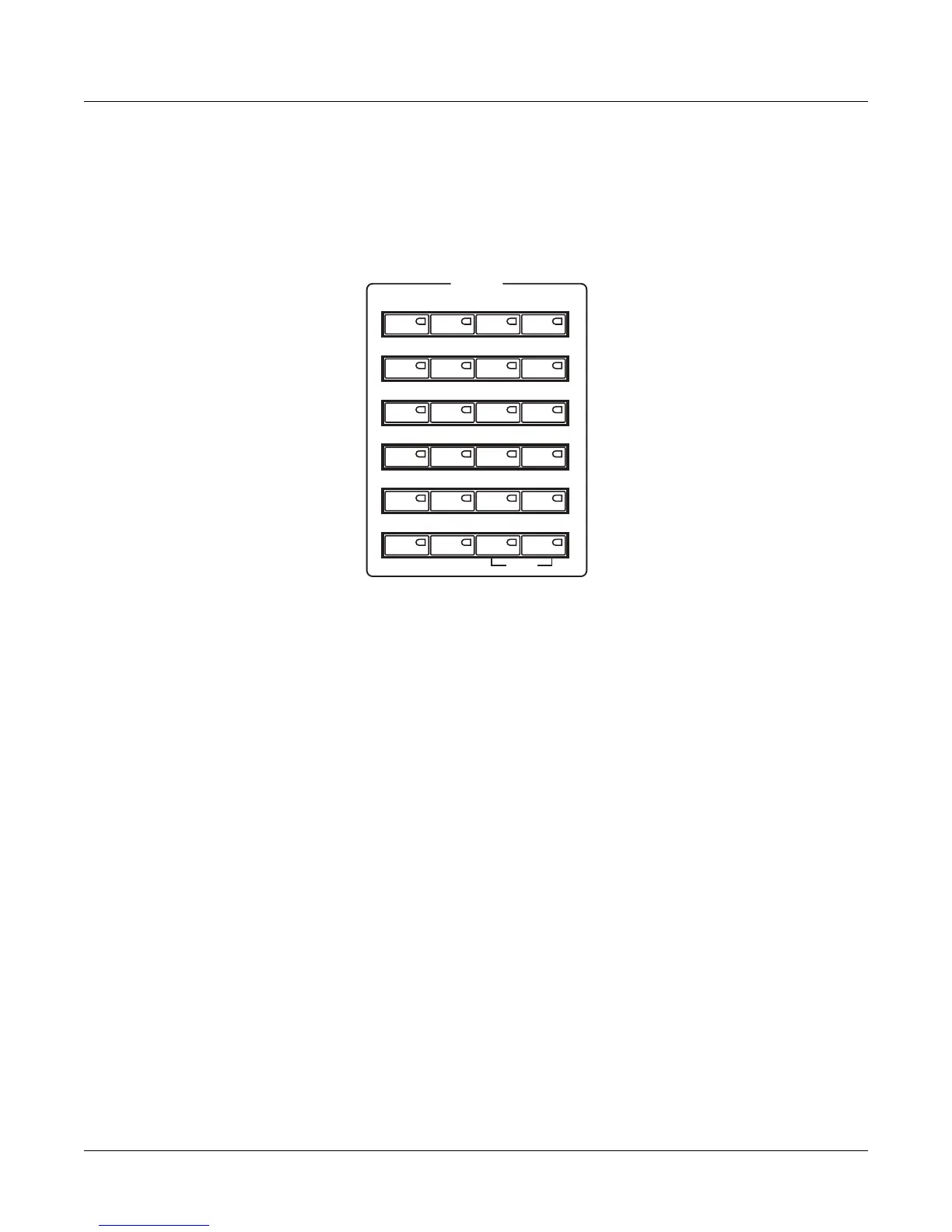
Category Buttons
Category Buttons
UsetheCategorybuttonstoselectagroupingofPC3LEprogramsbyinstrumenttype.Pressthe
AllCategorybuttontolistallprogramsregardlessoftype.TheCategorybuttonsalsodoubleas
analphanumericpad(SeeDataEntry,below.)
Picking Favorites
Youcanselectafavoriteprogramwithineachcategorythatwillbeautomaticallyrecalledwhen
youchoosethatcategory.Todothis,firstselectacategorybypressingoneoftheCategory
buttonswhileinProgrammode(makesurethecategoryShiftbuttonisnotlit.)Next,findyour
favoriteprogram
inthatcategorybyusingtheAlphawheel,‐/+buttons,orup/downcursor
buttons.(Alternatively,youcanfindtheprogrambypressingthecategoryShiftbuttonand
usingthenumberedcategorybuttonstoentertheprogram’sIDnumber,thenpressthecategory
Enterbutton.Ifyouusethismethod,make
suretounlightthecategoryshiftbuttonbypressing
itagainaftermakingyourselection.)Lastly,holdthecategorybuttonthatyouwishtosavea
favoriteforforafewseconds.Thenexttimeyouchoosethatcategory,yourfavoritewillbe
selected.
Piano E Piano Clavier Organ
Leads Pads Synth Syn Bass
Strings Brass Winds Ensemble
Guitar Bass Drums Percussion
Voices Mallets Hybrid Misc
User All
Panic
CATEGORY
1 2 3 Clear
4 5 6 +/-
7890
ABC DEF GHI JKL
MNO PQR STU VWX
YZ Space Shift Enter














 To Next Page