9-26
Master Mode
Soft Buttons In Master Mode
IfyourPC3LEisalreadyinthebankyouwanttouse(groupof128programsstartingfrom0,)
youcansenditsinglePCHs(standardprogramchangecommands)from0to127,toselect
programswithinthatbank.ThePC3LE’sresponsedependsonthesettingfortheBank/Select
parameteron
theReceive(RECV)pageinMastermode.Ifyouwanttochangethebankof
availableprograms,thePC3LEmustreceiveeitheranMC(MIDIcontroller)0or32message
withvalue0–127.ThenextPCHintherange0–127willselectthecorrespondinglynumbered
programinthenewlyselected
bank.Thefollowingtableofexamplesshouldhelpmakeitclear.
Soft Buttons In Master Mode
Reset
PresstheResetsoftbuttonifyouwanttoreturnyourPC3LE’smemorytothestateitwasin
whenyouboughtit.
CAUTION:Resettingthe
PC3LEsystemcausesALLparameterstoberestoredtodefaultvaluesandALL
userobjectstobeerased.
Delete
PresstheDeletesoftbuttontodeletethemastertable,whichstoresallsettingsontheMaster
Modepages,programsettingsforeachMIDIchannelandprogram categoryfavoritesfor
ProgramMode,andreplacementGeneralMIDIprogramsinProgramModewhenthePC3LEis
inGeneralMIDIMode.MasterModeparameters
willbereturnedtotheirfactorydefault
settings.
UTILITIES
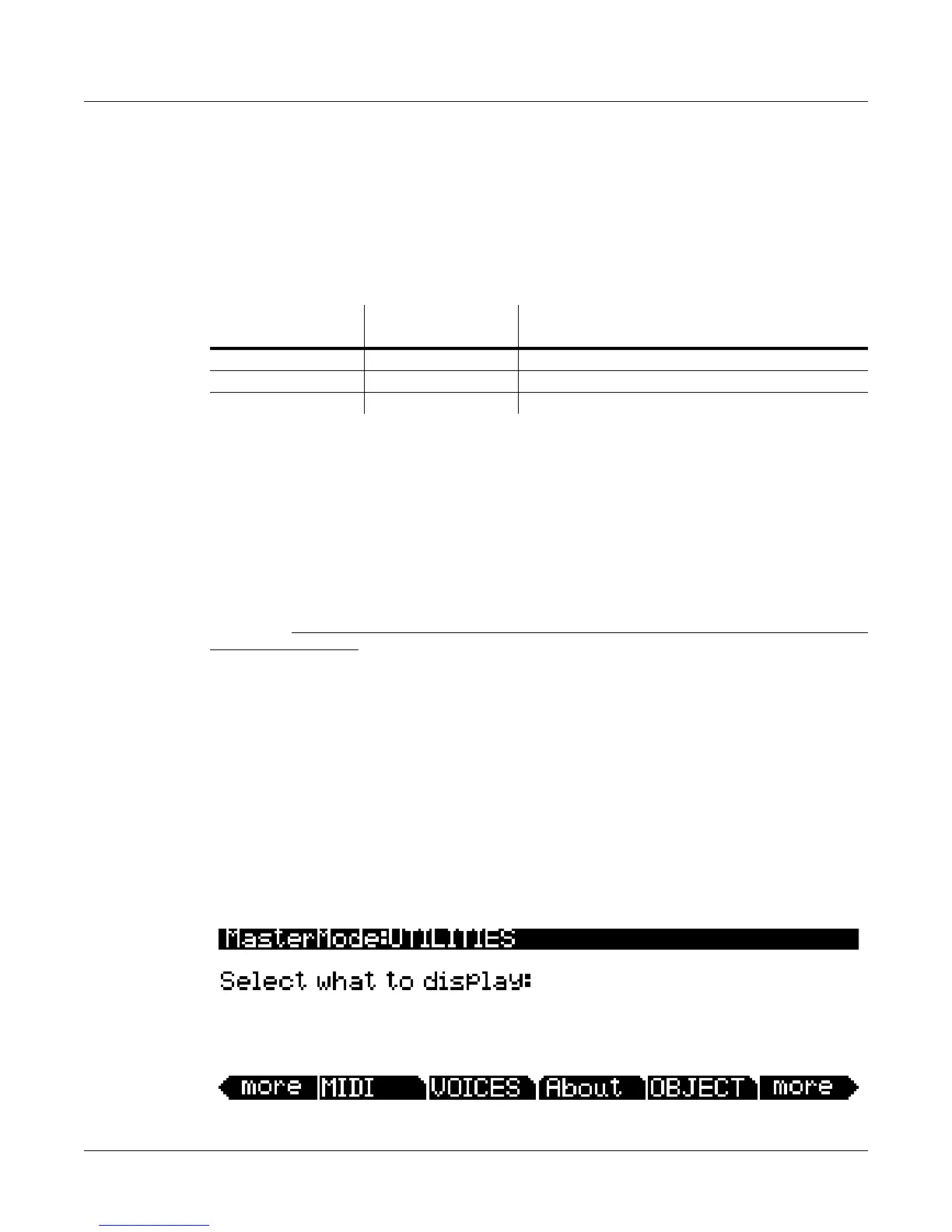
InMasterMode(oronanypage)pressthePC3LE’stwocentersoftbuttons(3and4)
simultaneouslytoentertheUTILITIESpage.TheUTILITIESpagegivesyouaccesstoMIDIand
voicediagnostictools,systeminformation,theobjectDeleteutility,andthebootloader.The
Utilitiespageappearsasshownbelow:
Bank Change
Command Received
Program Change
Command Received
Result
MC 0 or 32: value 0 PCH: value 99 Program 98 (bank 1, 98th program)
MC 0 or 32: value 1 PCH: value 41 Program 168 (bank 2, 41st program)
MC 0 or 32: value 2 PCH: value 56 Program 311 (bank 3, 56th program)














 To Next Page