9. DRIVE AND DRIVEN PULLEYS
9-3
MX’er SYSTEM
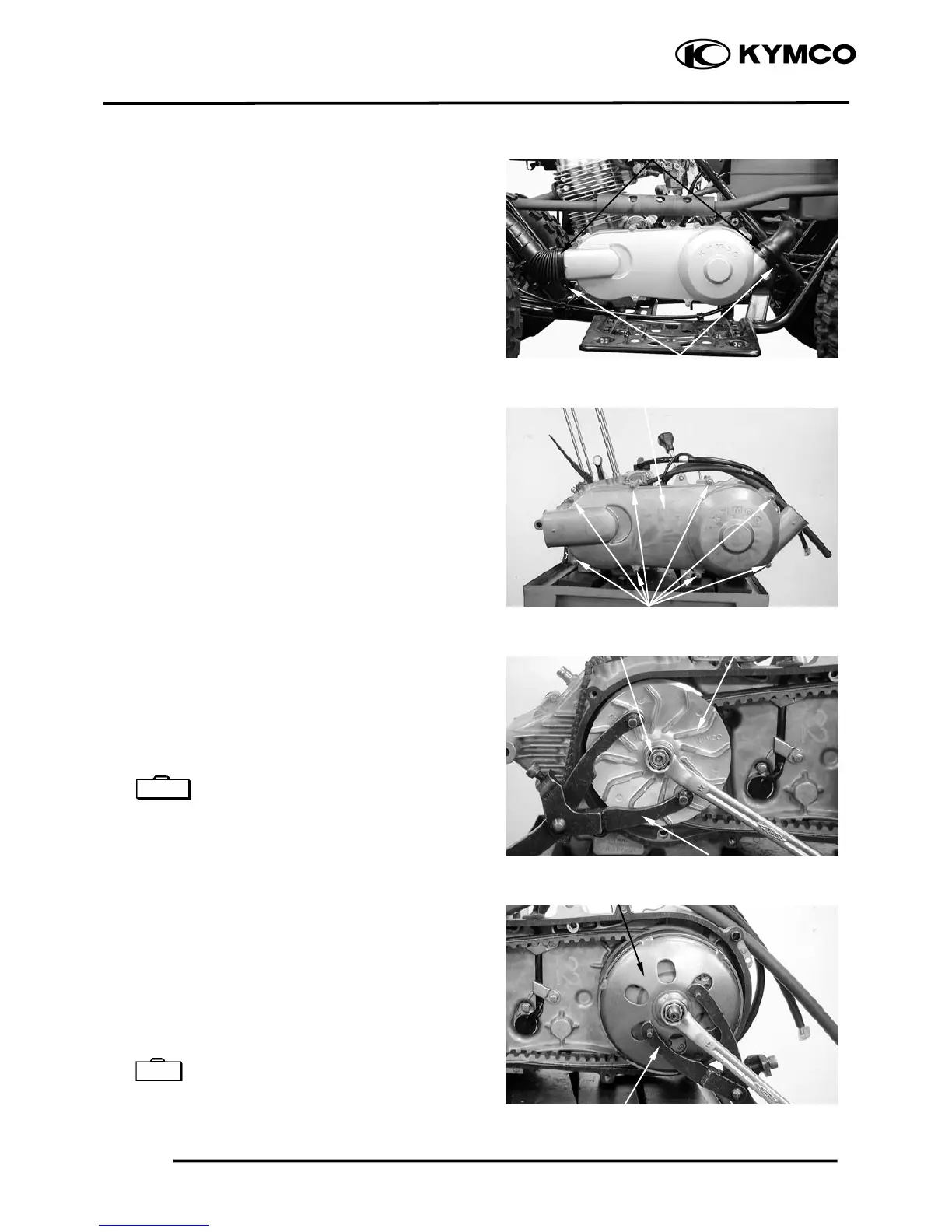
LEFT CRANKCASE COVER
REMOVAL
Loosen the drive belt air tube band screw.
Remove the left crankcase cover bolts and
left crankcase cover.
Remove the gasket and dowel pins.
DRIVE PULLEY
REMOVAL
Hold the drive pulley using an universal
holder and remove the drive face nut and
starting ratchet.
Remove the drive pulley face.
Universal Holder E017
CLUTCH/DRIVEN PULLEY
Remove the drive pulley and drive belt.
Hold the clutch outer with the flywheel
holder and remove the clutch outer nut.
Remove the clutch outer.
Remove the clutch/driven pulley and drive
belt.
Universal Holder E017
Air Tube Band
Screw
Left Crankcase Cove



 To Next Page