3.6 Making Default Settings
3-49
Character Pitch for Courier/Letter Gothic
You can set the character pitch for fixed fonts when the default font is Courier or Letter
Gothic.
1
11
1
Press MENU key.
2
22
2
Press the U or V key repeatedly until Font > appears.
3
33
3
Press the Z key. Press the U or V key until >Font Select > appears.
4
44
4
Make sure that Internal is displayed and press the Z key.
5
55
5
Press the U or V key repeatedly until >>Pitch appears.
6
66
6
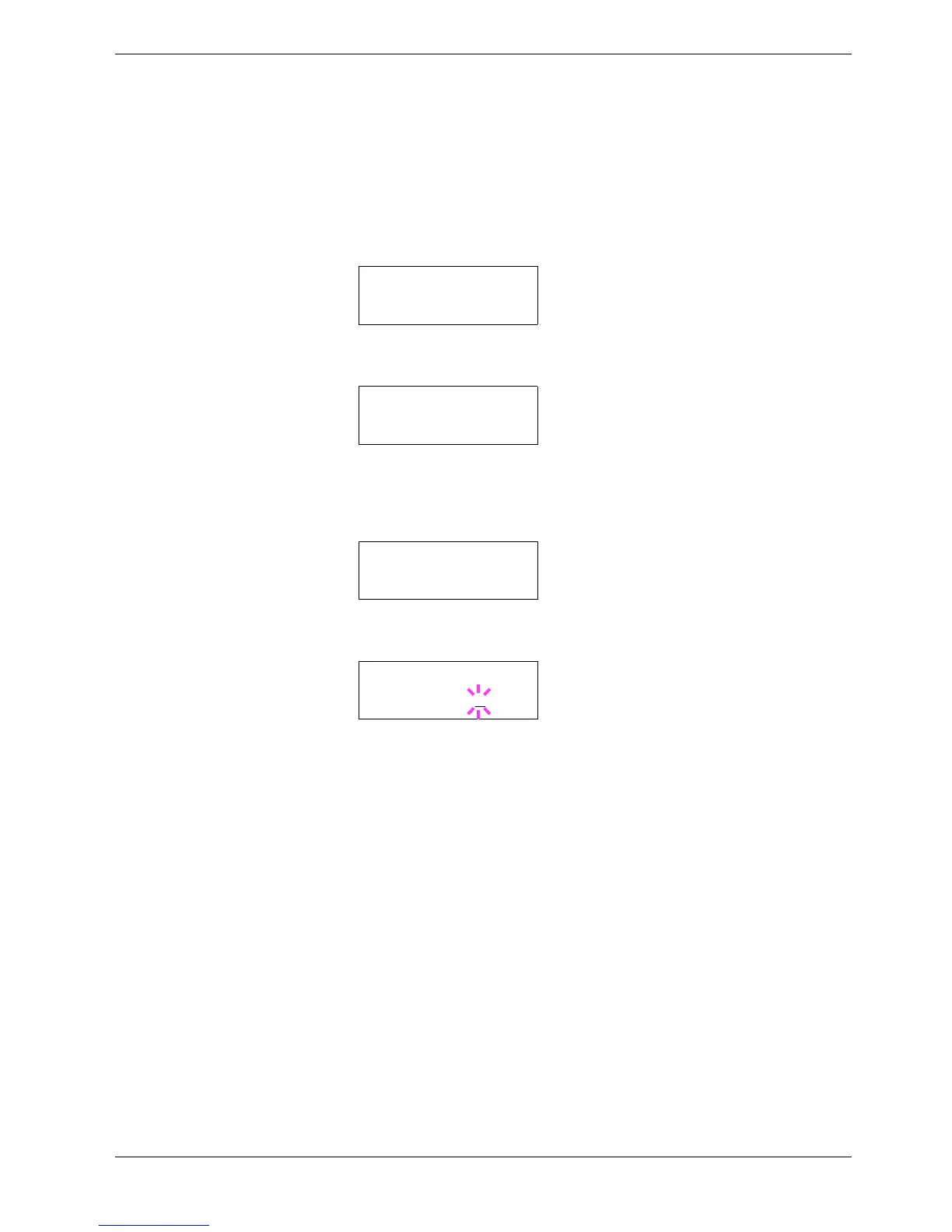
Press the ENTER key. A blinking cursor (_) appears.
7
77
7
Press the U or V key to increase or decrease the value at the blinking cursor. The
character pitch can be set between 0.44 and 99.99 characters per inch, in 0.01
character-per-inch increments. Use the Z or Y key to move the cursor right and left.
8
88
8
When the desired size is displayed, press the ENTER key.
9
99
9
Press the MENU key. The display returns to Ready.
Font >
>Font Select >
Internal
>>Pitch
10.00 cpi
>>Pitch
10.00
cpi



 To Next Page