3.6 Making Default Settings
3-50
Setting the Code Set
You can change the character code set. Available character code sets vary depending on the
current font. (The default is IBM PC-8.)
1
11
1
Press the MENU key.
2
22
2
Press the U or V key repeatedly until Font > appears.
3
33
3
Press the Z key.
4
44
4
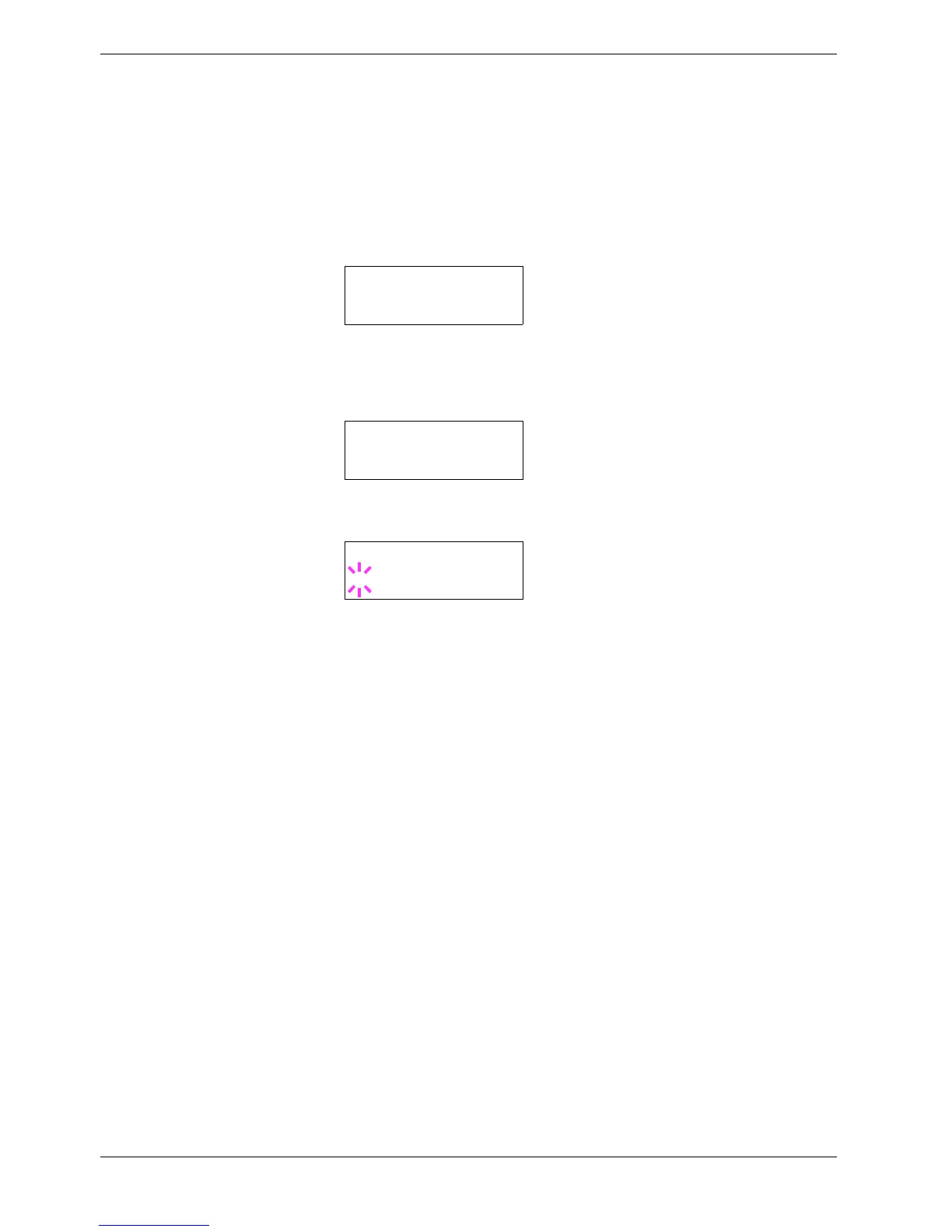
Press the U or V key repeatedly until >Code Set appears.
5
55
5
Press the ENTER key. A blinking question mark (?) appears.
6
66
6
Press the U or V key until the desired character code set appears.
7
77
7
Press the ENTER key.
8
88
8
Press the MENU key. The display returns to Ready.
Font >
>Code Set
IBM PC-8
>Code Set
?IBM PC-8



 To Next Page