d2, 2big, and 5big Network 2 User Manual 106
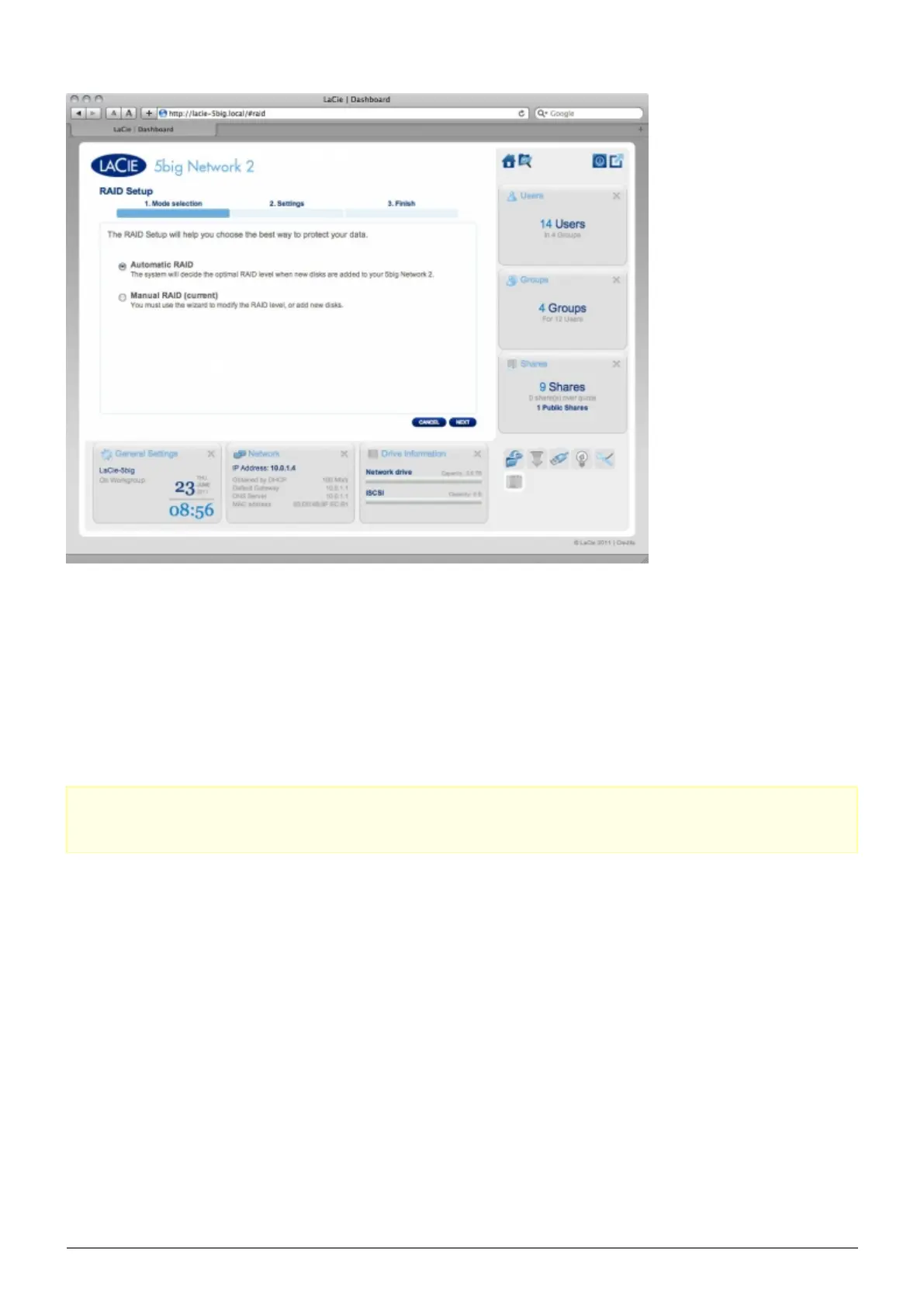
Automatic RAID (5big Only)
In automatic mode, the RAID mode will be chosen automatically to ensure constant protection with maximum
capacity. At least two disks must be installed in your 5big for this option to work. This way, you can increase the
number of disks in your NAS, or rotate in new, higher-capacity disks, without ever losing your data. The Wizard
will also tell you know if you're about to choose a destructive (ie one in which data will be lost) RAID change,
such as moving three disks in RAID5 to four disks in RAID0.
Caution: If the Wizard warns you that a destructive RAID change will occur, cancel the Wizard and perform
a backup before proceeding with Automatic RAID mode.
Once you select Automatic RAID, click NEXT, then click FINISH to initiate the Automatic RAID mode, your NAS
will stop and then restart services. It will rebuild the array if necessary.
Manual RAID
This method allows you to manually choose the RAID level. Click NEXT to continue. In the next screen, you can
choose how many disks you wish to include in the RAID array. Disks not involved are spares that can be added
to the array when and if you choose.














 To Next Page