d2, 2big, and 5big Network 2 User Manual 107
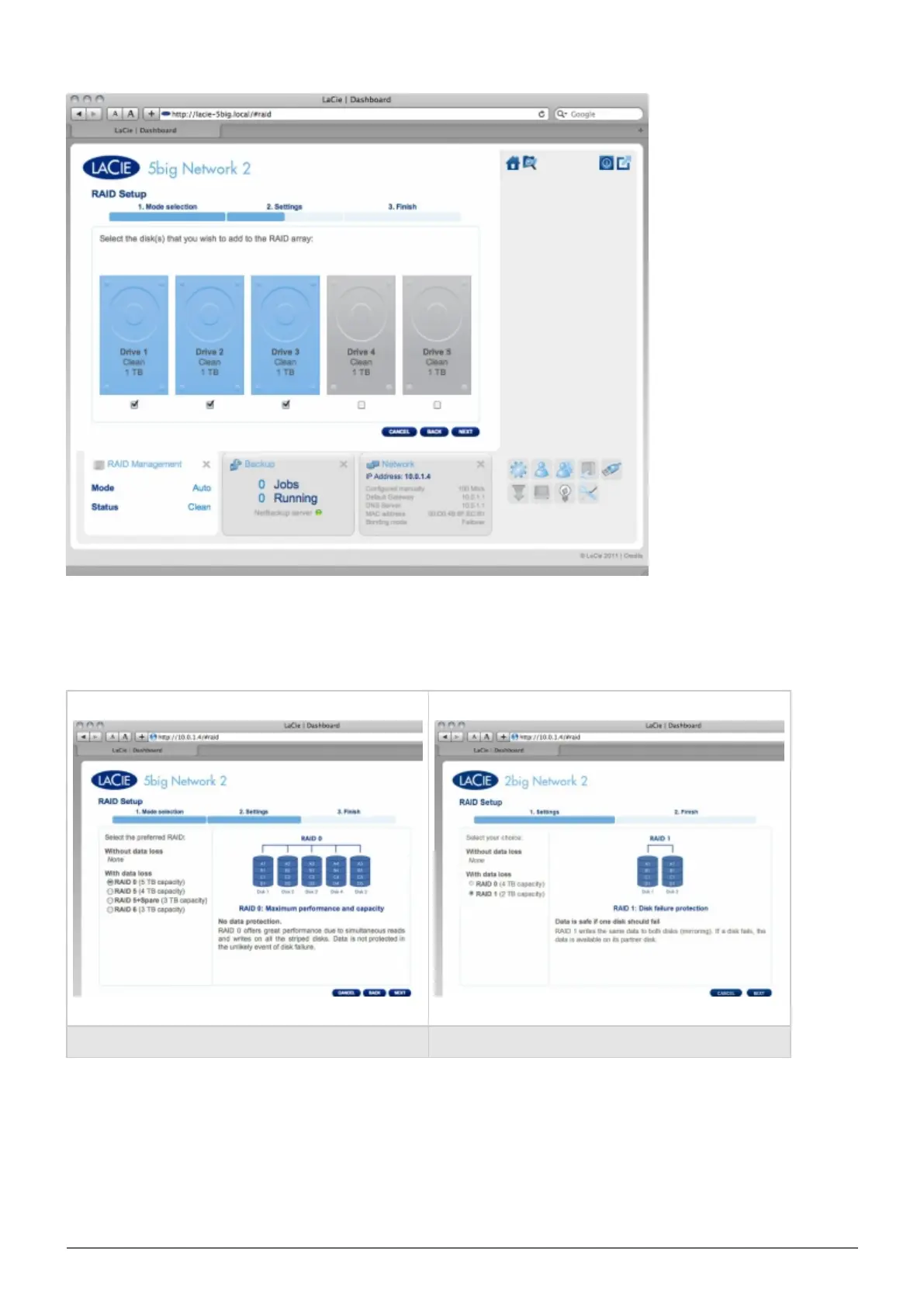
Click NEXT.
In the next screen, choose a RAID level. Clicking the RAID mode's button will give you an explanation of its
strengths and weaknesses.
5big 2big
If you select a RAID mode under the heading Without data loss, converting the new mode will not erase files
stored on your LaCie NAS. If you select a RAID mode under the heading With data loss, converting to the new
mode will erase files on the shares (but Dashboard configuration will not be affected).
In the next screen, review the information, then confirm the RAID change by clicking the FINISH button. Then in
the next screen, click the FINISH button once again, then confirm by clicking YES.














 To Next Page