d2, 2big, and 5big Network 2 User Manual 130
The most precise way to set the product's time is to use the NTP Server feature in the Dashboard - General
Settings widget. It can also be set manually from this page.
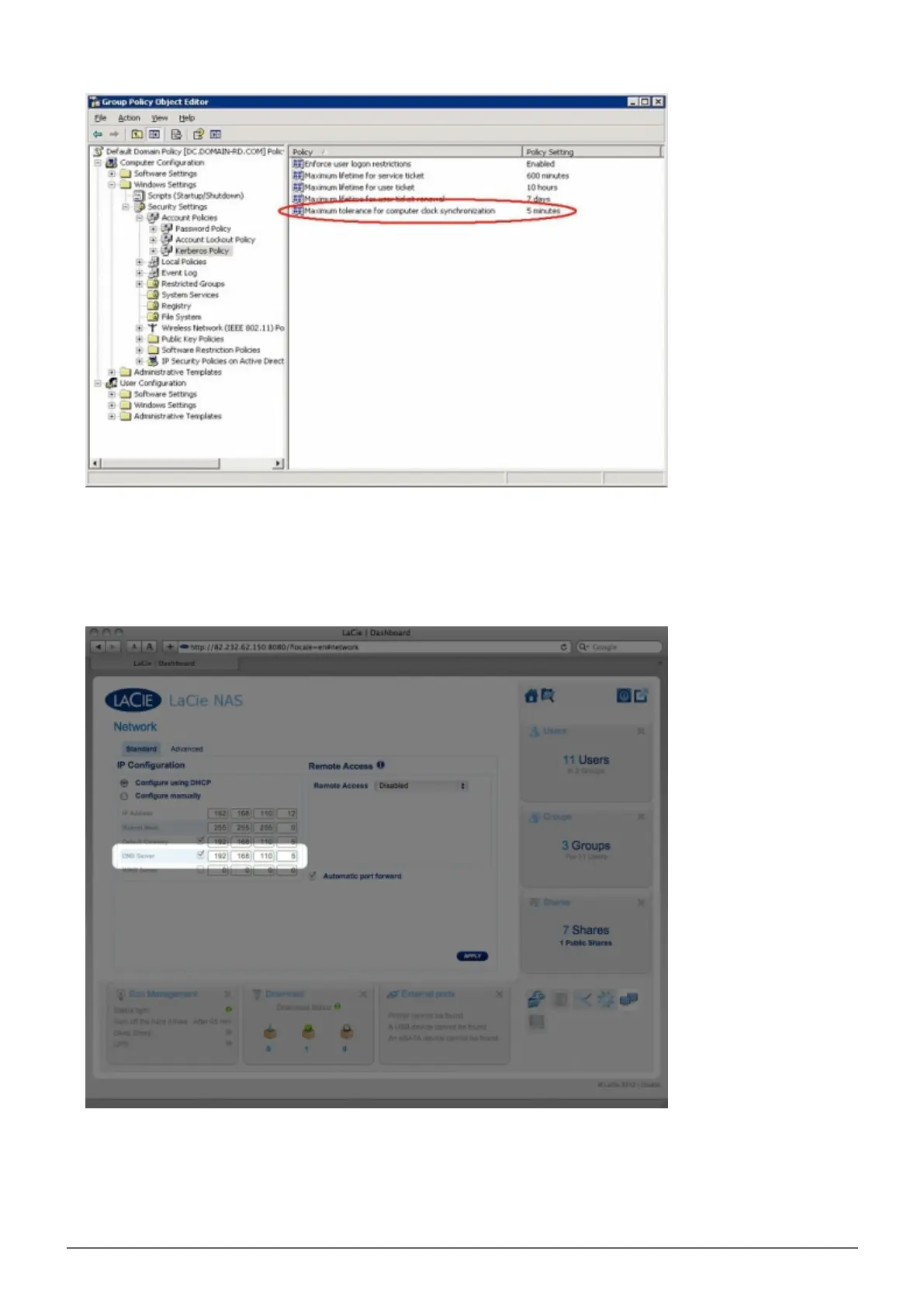
Make sure that the DNS server address provided to the product is a domain DNS, NOT an internet DNS (as5.
may be provided by an internet provider).
The product must connect to the local network domain, not to a server on the internet.
It's important that the product be assigned a correct and reachable DNS server IP address on the local
network configuration, because joining a domain is based on DNS resolution. Verify the DNS IP on another














 To Next Page