d2, 2big, and 5big Network 2 User Manual 26
), enter your new credentials.
Transfer files normally between your computer and the share. Mac users: If the share does not open in a5.
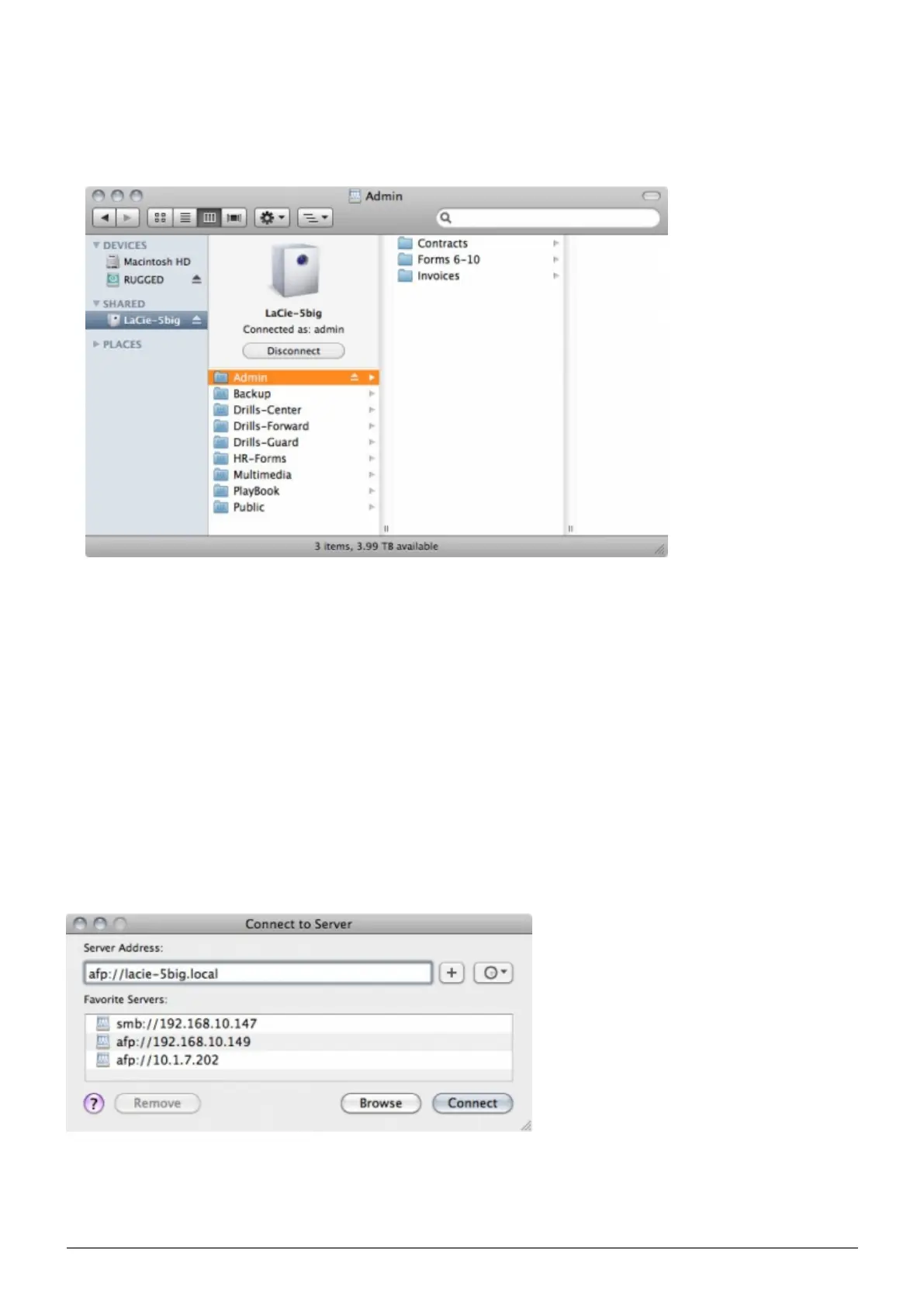
Finder window, simply navigate in the Finder to Network > [machine name] > [share name].
Option 2
Mac Users
In your Finder, navigate to Go > Connect to Server.1.
In the dialogue window that opens, type one of the following:2.
afp://[machine name].local
smb://[machine name].local
afp://[IP address]
smb://[IP address]
Windows XP Users














 To Next Page