d2, 2big, and 5big Network 2 User Manual 27
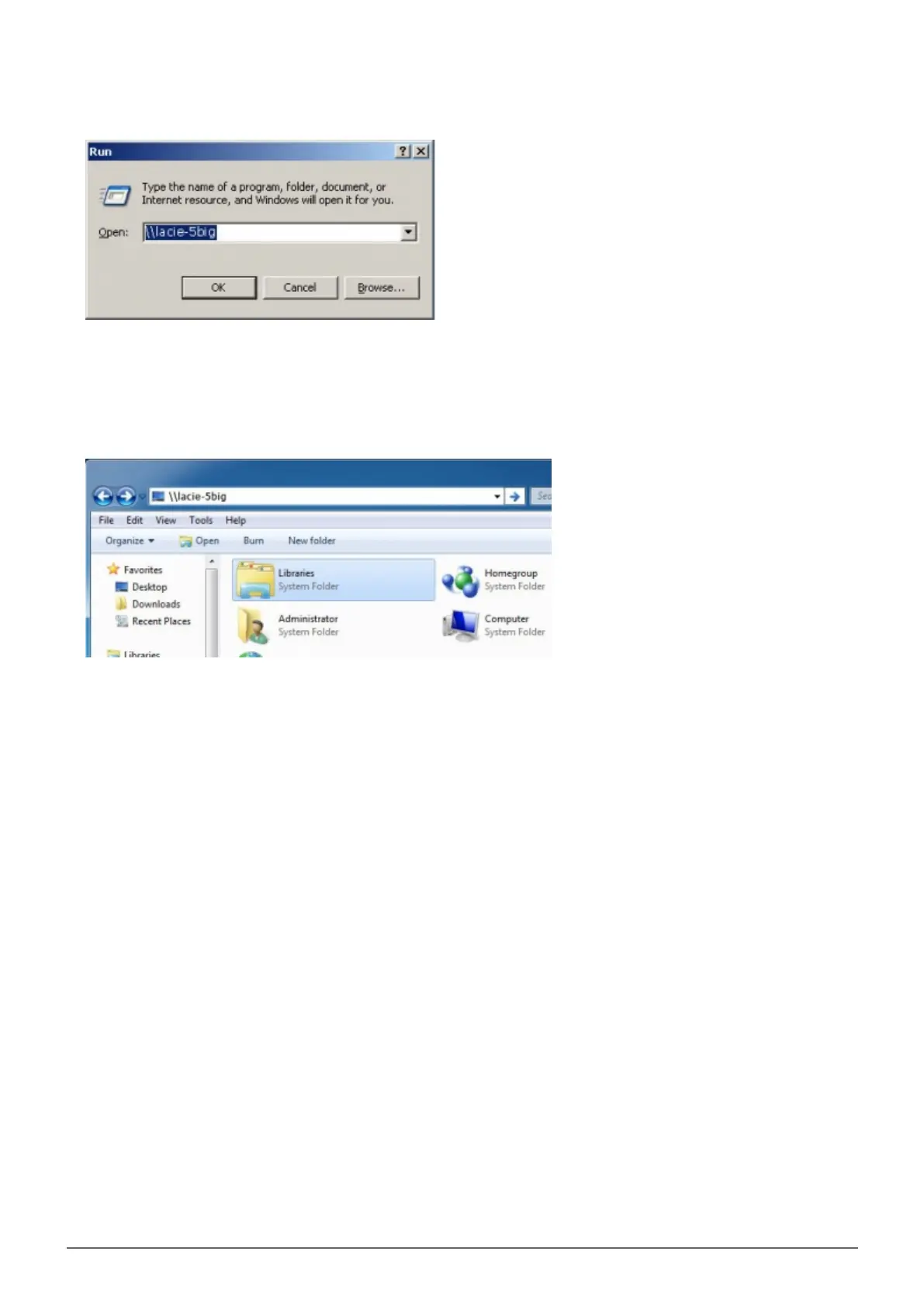
In an explorer window address field, type \\[machine name] or \\[IP address]] and click Go. Alternatively,1.
from the Start menu, click Run, type \\[machine name] or \\[IP address]] and click OK.
Windows 7 and Vista Users
In an explorer window address field, type \\[machine name] or \\[IP address]] and hit enter.1.
Option 3
Launch LaCie Network Assistant.1.
Windows Users: Select LaCie Network Assistant in Start/Programs. A Network Assistant icon will appear
■
in the system tray and LaCie Network Assistant will automatically detect your LaCie product on the network.
Mac Users: Select LaCie Network Assistant in your Applications folder. A Network Assistant icon will
■
appear in the menu bar and LaCie Network Assistant will automatically detect your LaCie product on the
network.
Right-click the icon in the system tray (Windows) or click the icon in the menu bar (Mac) and select2.
Configuration Window.
Select your LaCie NAS' machine name from the list of devices in the left-hand column, then click the3.
Volumes tab.














 To Next Page