d2, 2big, and 5big Network 2 User Manual 28
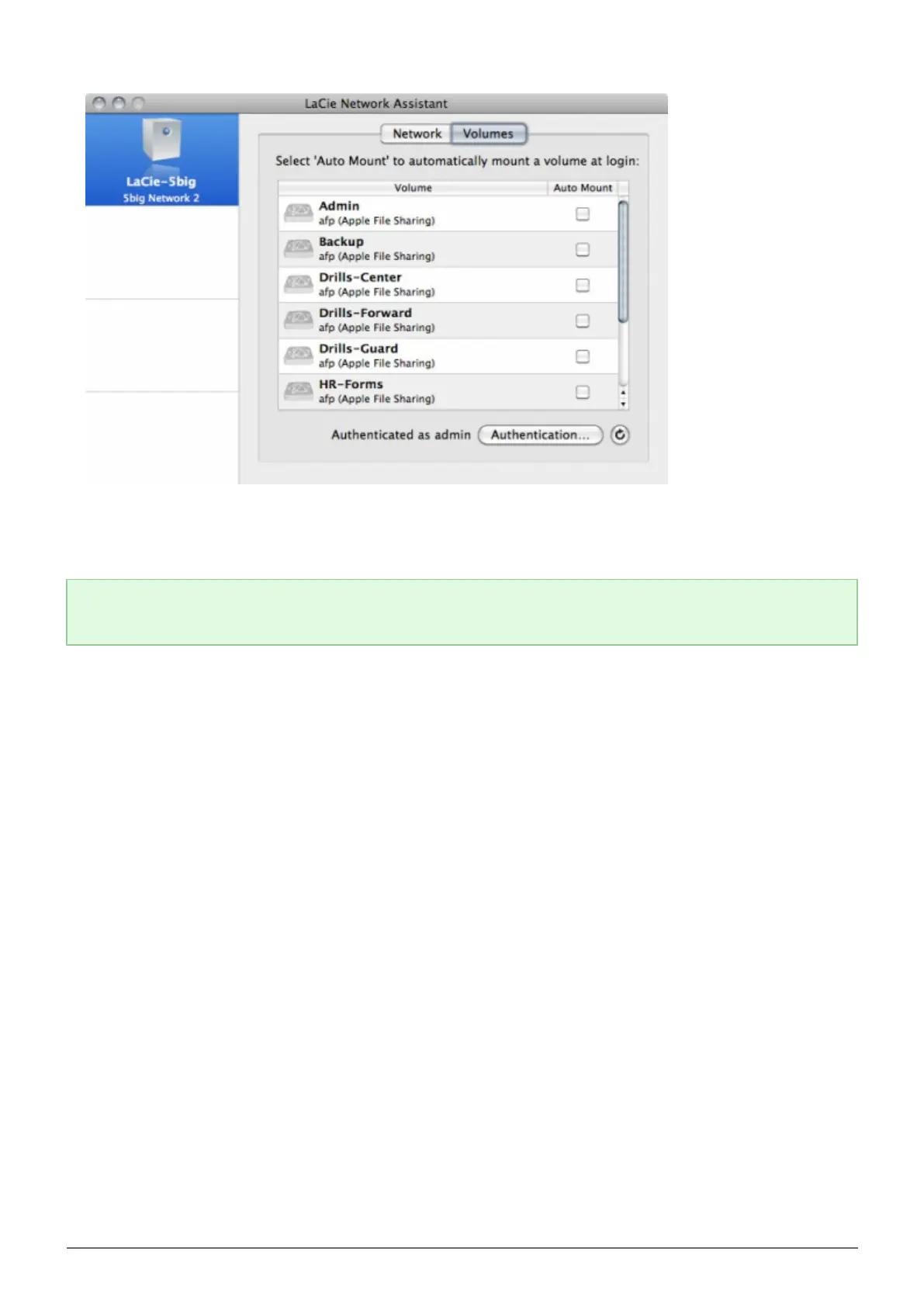
Double-click the share you wish to access. The share will open in a Finder window (Mac) or an Explorer4.
window (Windows). Transfer files normally from your computer to the share.
Technical note: Mac users: If the share does not open in a Finder window, simply navigate in the Finder to
Network > [machine name] > [share name].














 To Next Page