LaCie Ethernet Disk RAID (Firmware version 1.4)
User Manual
page 118
Protecting Local Disks
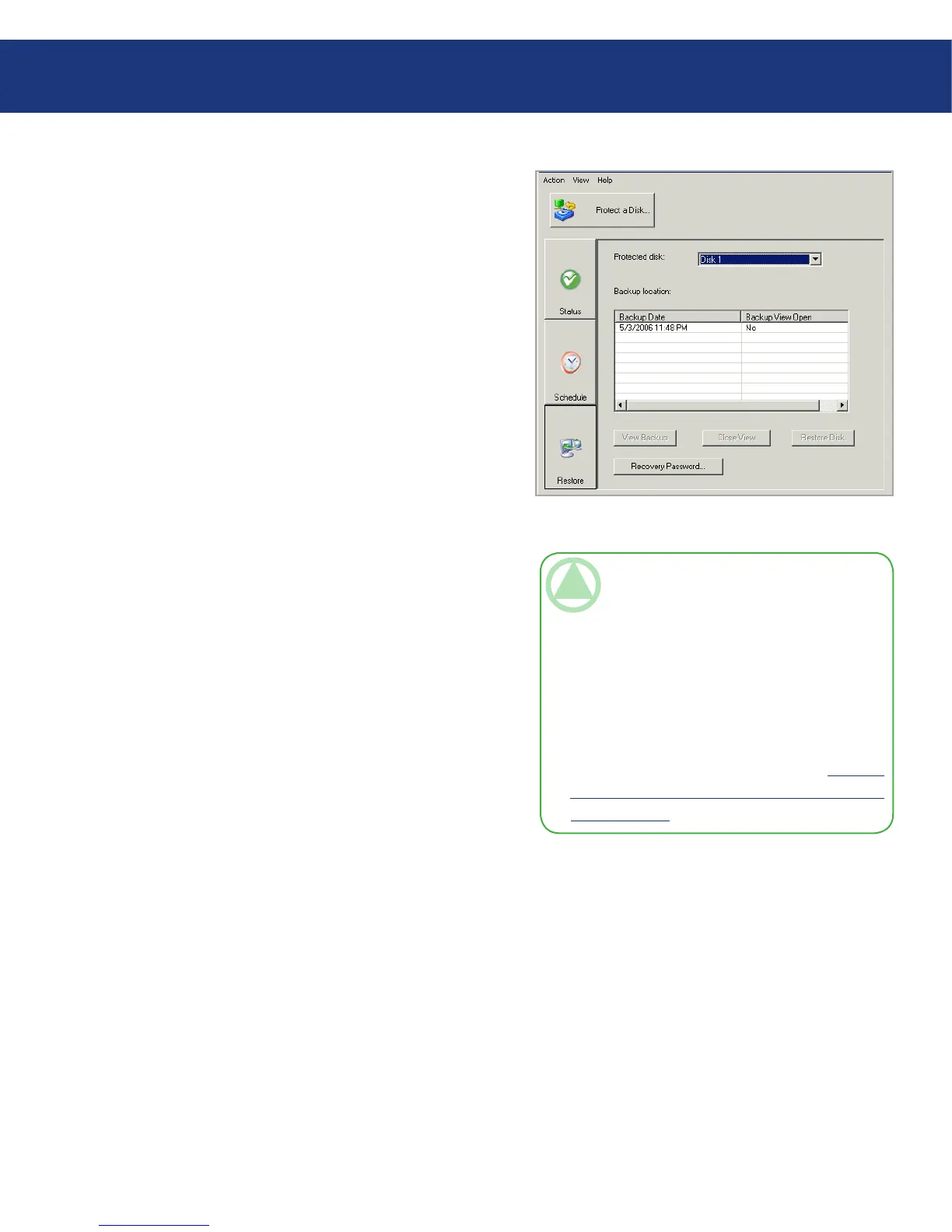
10. Click Restore.
e Protected disk list displays the disk or parti-
tion that you are currently booting from. See Fig.
7.9.3.1-A.
Fig. 7.9.4.A
11. In the Backups list, select the most recent backup.
You cannot recover any backup except the most
recent one.
TeChNICAl NOTe: If no backups appear in
this list, the backup that you booted from is not
using the same recovery password as the Ethernet
Disk RAID. is can occur if you changed the
recovery password on the Ethernet Disk RAID
before booting remotely, or if you changed it be-
tween backups in Windows Backup Software and
booted from an earlier backup. To resolve this is-
sue, you must reset the password in the Microsoft
iSCSI Initiator* (as described in section 8.4. Re-
setting the Recovery Password in the Microsoft
iSCSI Initiator). en restart Windows Backup














 To Next Page