LaCie Ethernet Disk RAID (Firmware version 1.4)
User Manual
page 14
Installing Your Ethernet Disk RAID
Insert the power cable into the power outlet on the
back of the unit and plug the other end into a power
socket.
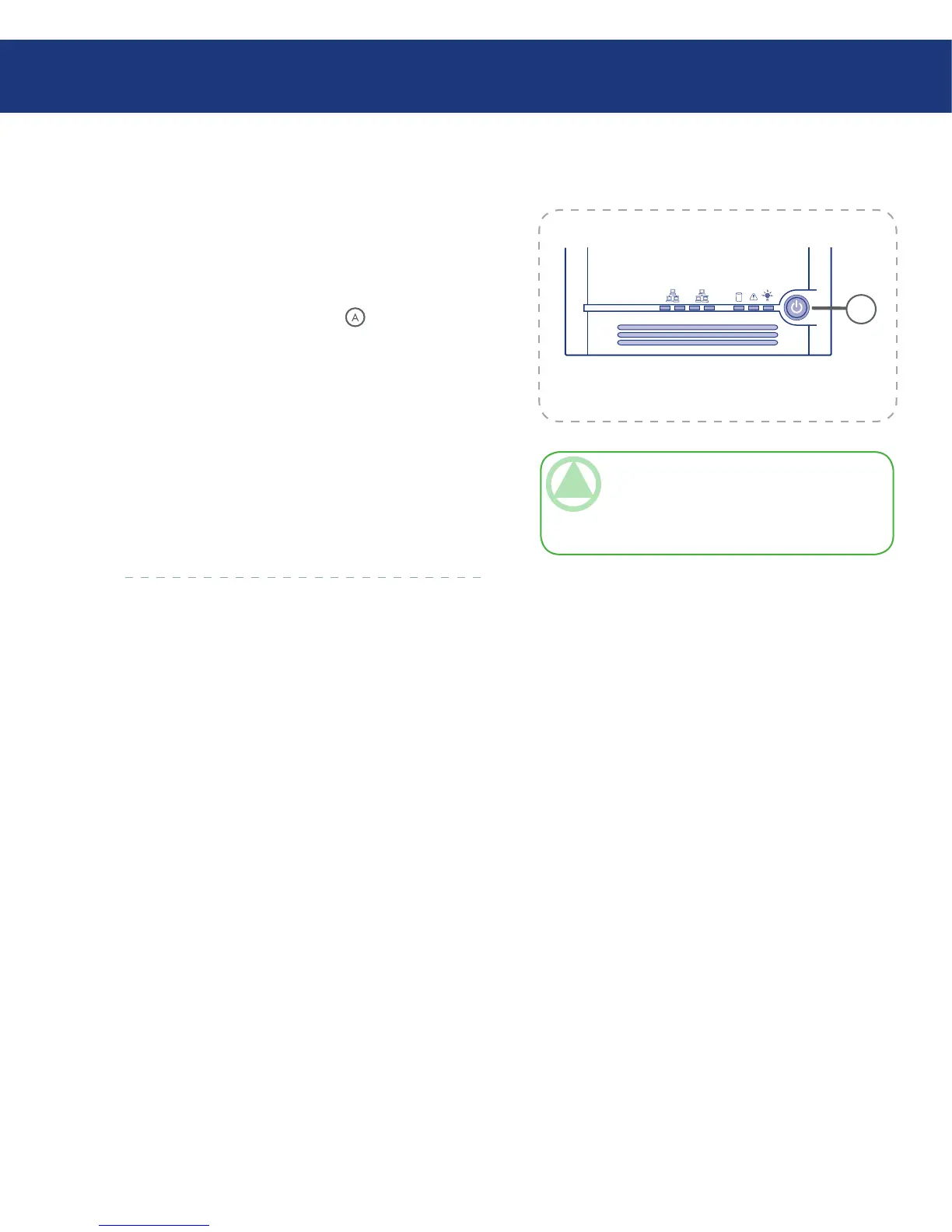
Once you have connected the power cord, press the
power button on the front (see in Fig. 3.2.).
e System Status LED light will blink green while
the Ethernet Disk RAID is booting up. When the sys-
tem has finished booting up, the System Status LED
and Disk Status LED will remain green.
e System Status LED will turn solid yellow when
you power up the system for the first time, indicating
the hard drives are not configured with a RAID level. It
will remain yellow until the drives are configured then
the Status System LED will turn solid green.
1.
2.
TeChNICAl NOTe: It is recommended that
you plug the Ethernet Disk RAID into a surge
protector or uninterruptible power supply to pre-
vent damage to the system from power surges.














 To Next Page