LaCie Ethernet Disk RAID (Firmware version 1.4)
User Manual
page 57
Managing Your Ethernet Disk RAID
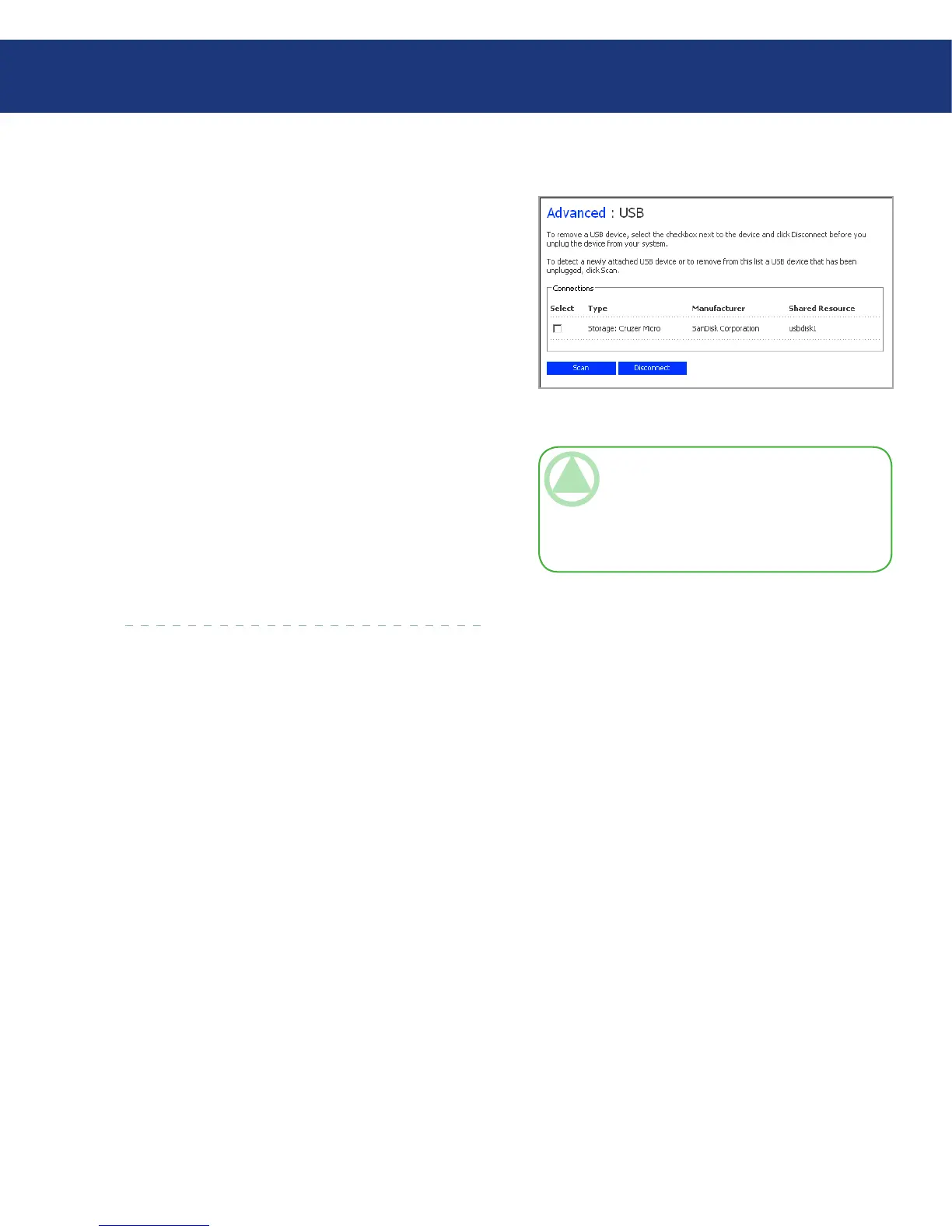
Fig. 5.7.3.
TeChNICAl NOTe: If you inadvertently
disconnect a USB device, unplug it from the
Ethernet Disk RAID, plug it back in, and then
click Scan. is reactivates the USB device. User
assignments are always retained.
e USB page displays a list of all USB devices that
are currently attached to the Ethernet Disk RAID. USB
disks are identified by the names usbdisk1 and usbdisk2.
(ese names cannot be changed.)
To unplug a USB device from the Ethernet Disk
RAID, you must first use the Manager to disconnect it.
To disconnect a USB device:
In the navigation bar, click Advanced.
In the left pane, click USB.
In the list of USB devices, select the device(s) that
you want to disconnect.
Click Disconnect.
When the confirmation message appears, click OK.
You can now unplug the USB device.
1.
2.
3.
4.
5.
5.7.3. USB■














 To Next Page