LaCie Ethernet Disk RAID (Firmware version 1.4)
User Manual
page 54
Managing Your Ethernet Disk RAID
5.7. Advanced Management
e Alerts page allows you to set up the Ethernet
Disk RAID to notify up to three people via email if a
problem occurs—for example, if one of the disks fails, or
if insufficient space is available for creating new files or
performing a backup.
To take advantage of this feature, you must have ac-
cess to an SMTP e-mail server either within your own
network or through an Internet service provider.
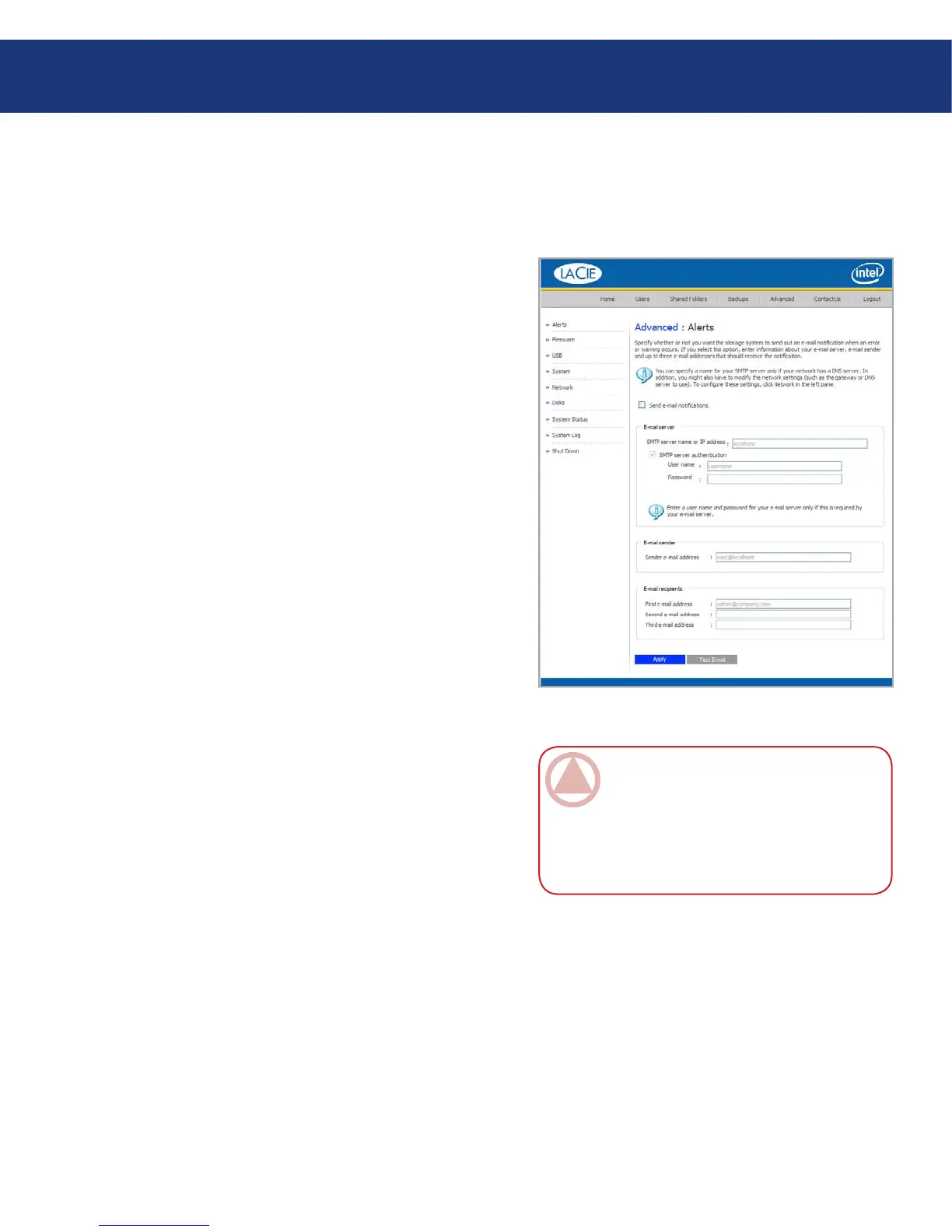
To set up e-mail alerts:
In the navigation bar, click Advanced.
On the Advanced page, click Alerts.
Specify whether or not the Ethernet Disk RAID
should send e-mail notifications when a problem oc-
curs by selecting or clearing the Send e-mail notifi-
cations check box.
If you select this option, you must provide the fully
qualified domain name or IP address of your e-mail
server and at least one e-mail address.
If you clear this option, e-mail notifications will not
be sent, and all the related fields on this page appear
dimmed. However, if you previously entered infor-
mation on this page, that information is retained so
that you can easily re-enable e-mail notifications lat-
er. If you clear this option, you do not have to com-
plete the rest of this procedure; simply click Apply.
4. In the SMTP server name or IP address text box,
enter the fully qualified domain name or IP address
of your e-mail server.
5. Specify where or not your e-mail server requires
authentication by selecting or clearing the SMTP
server authentication check box.
If you select this option, you must enter a user name
and password for logging into that server in the User
name and Password text boxes. If you clear this op-
1.
2.
3.
Fig. 5.7.1.
ImpOrTANT INfO: e e-mail might not
be sent immediately when the problem occurs,
but will be sent within five minutes of the event.
In addition, if the problem is fixed within that
time frame - for example, if you replace the disk
that failed - the alert will not be sent.
5.7.1. Alerts■














 To Next Page