LaCie Ethernet Disk RAID (Firmware version 1.4)
User Manual
page 58
Managing Your Ethernet Disk RAID
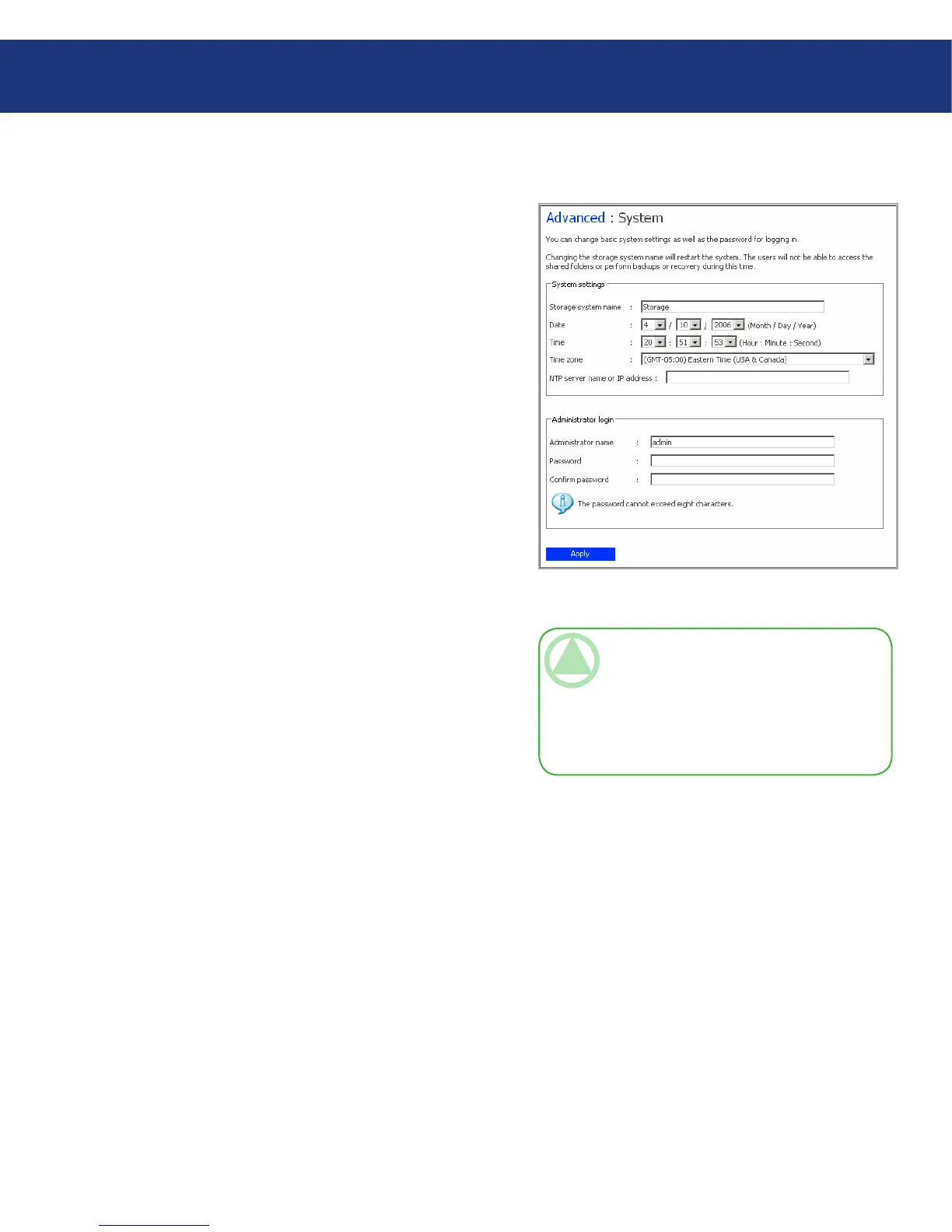
e System page displays the settings that you spec-
ified when you initially configured the Ethernet Disk
RAID, such as the system name, and the current date
and time.
Using the System page, you can also change the ad-
ministrator name and password to use for logging in to
the Manager, as well as the password to use for protect-
ing local disks.
To change any of the system settings:
In the navigation bar, click Advanced.
In the left pane, click System.
1.
2.
Fig. 5.7.4.
TeChNICAl NOTe: If you change the name
of the system, be sure to also change that name
in any local hosts files or on the DNS server in
your network. e Ethernet Disk RAID does not
register its name with your DNS server automati-
cally.
(continued on next page)■
5.7.4. System■














 To Next Page