LaCie Ethernet Disk RAID (Firmware version 1.4)
User Manual
page 26
Managing Your Ethernet Disk RAID
To ensure that your connection to the Ethernet Disk
RAID is secure, the HTTPS protocol is used, and only
individuals who know the administrator user name and
password can view or change any of the Ethernet Disk
RAID settings.
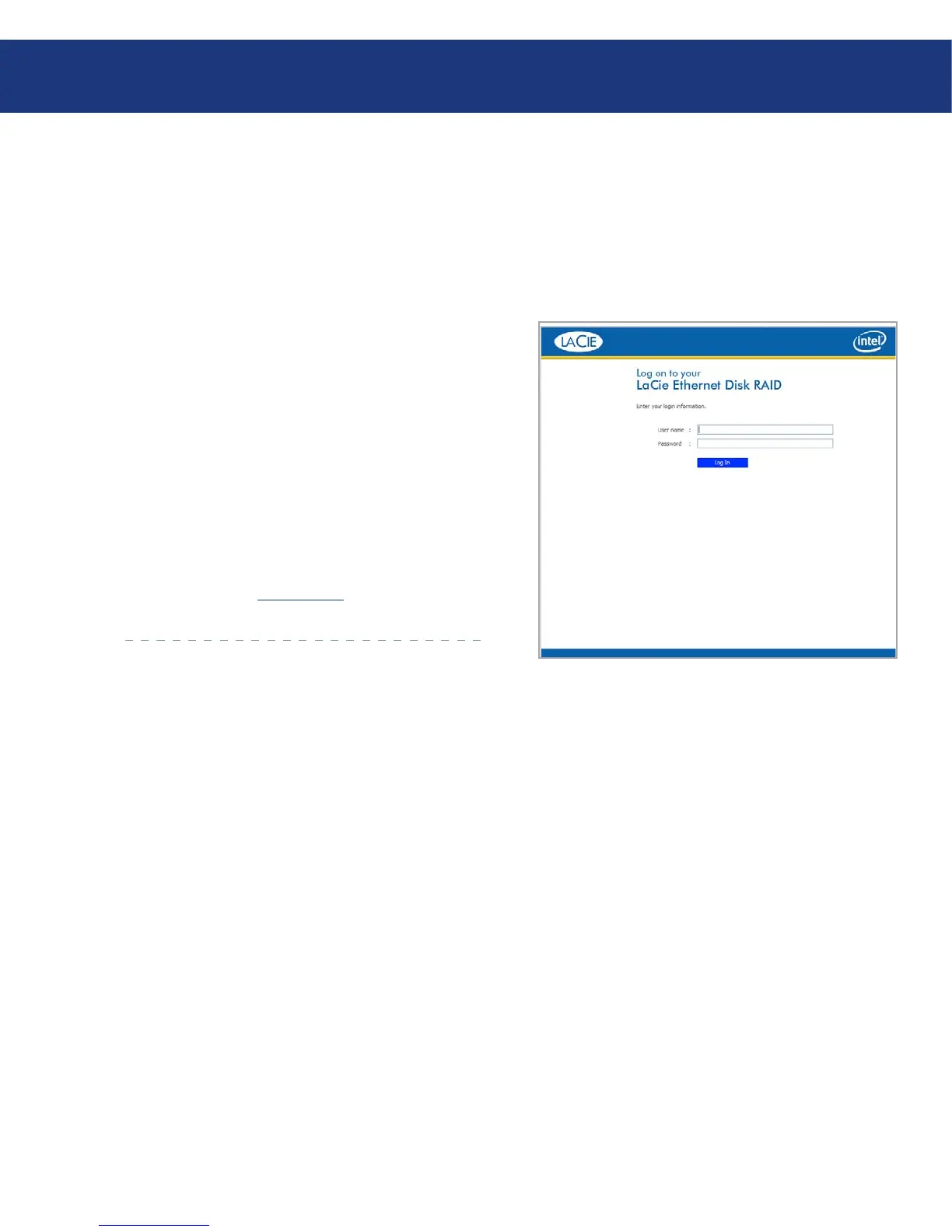
To log in to the Manager:
When the security alert appears, click Yes. e Login
page appears.
Enter the administrator user name and password.
Click Log In.
e default administrator user name is admin, and
the default password is storage. (ese are case-sensi-
tive.) However, you can change both the administrator
user name and password at any time. For more informa-
tion, refer to section 5.7.4. System.
1.
2.
3.
Fig. 5.2.
5.2. Logging In to the Manager














 To Next Page