LaCie Ethernet Disk RAID (Firmware version 1.4)
User Manual
page 69
Managing Your Ethernet Disk RAID
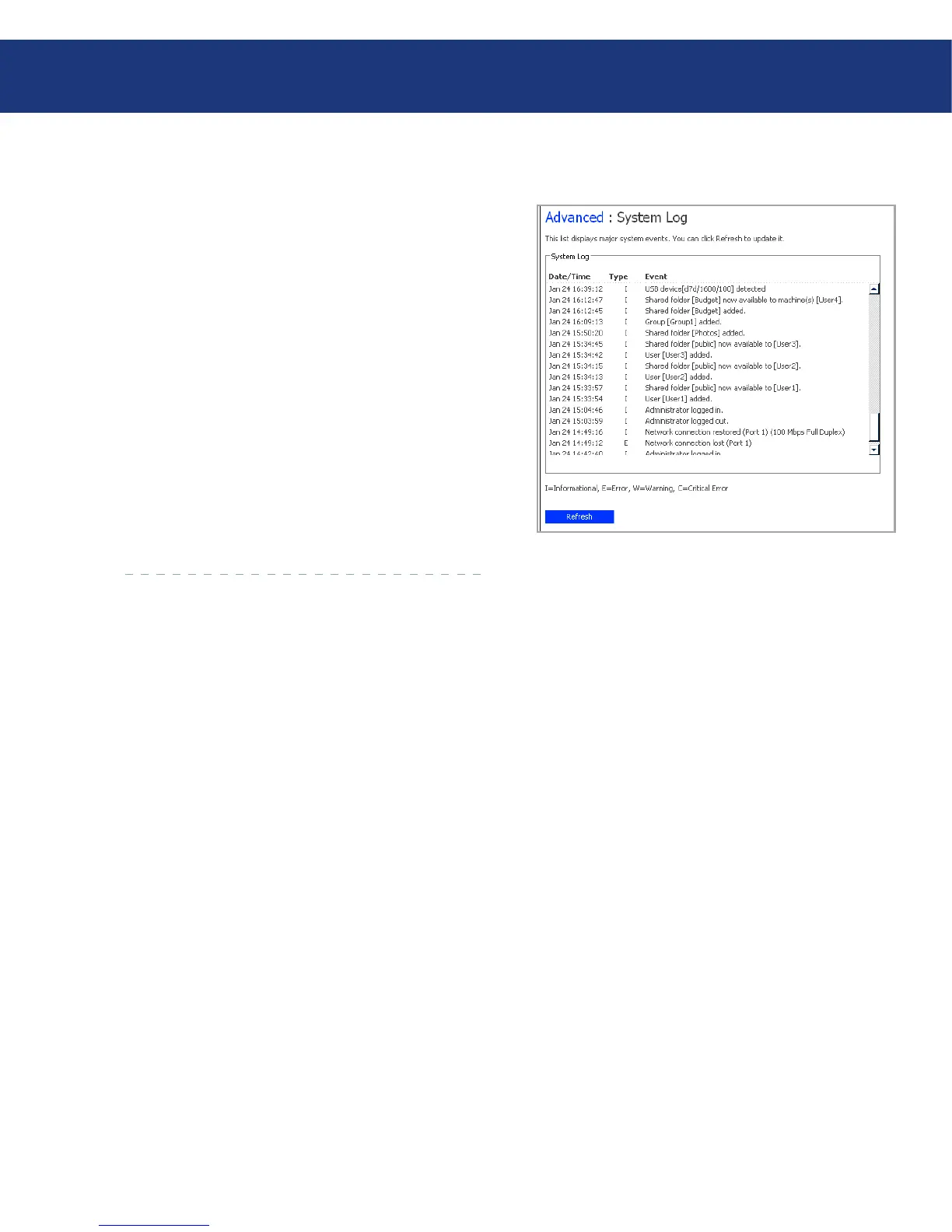
e System Log page displays a list of events that
have occurred on the Ethernet Disk RAID. Reviewing
this list can help you identify and resolve any problems
that you might encounter.
Fig. 5.7.8.
To view event information:
In the navigation bar, click Advanced.
In the left pane, click System Log.
e System Log page displays the date and time of
the event, the type of event (I for Informational, E
for error, W for warning, and C for critical), and a
brief description of the event.
If an event occurs while you’re viewing this list, click
Refresh to update it.
1.
2.
3.
5.7.8. System Log■














 To Next Page