LaCie Ethernet Disk RAID (Firmware version 1.4)
User Manual
page 97
Protecting Local Disks
7.3. Manually Backing Up Your Disk
Once you protect a disk, it is automatically backed
up at regular intervals (unless you chose Not Sched-
uled from the Recurrence list when you completed the
schedule). You can also back up a disk manually as long
as a backup or recovery is not currently occurring. For
example, if you’re about to install a new application, you
might want to back up your disk right before you do
that so that if any problems occur, you can recover your
disk to the state it was in immediately before you in-
stalled the application
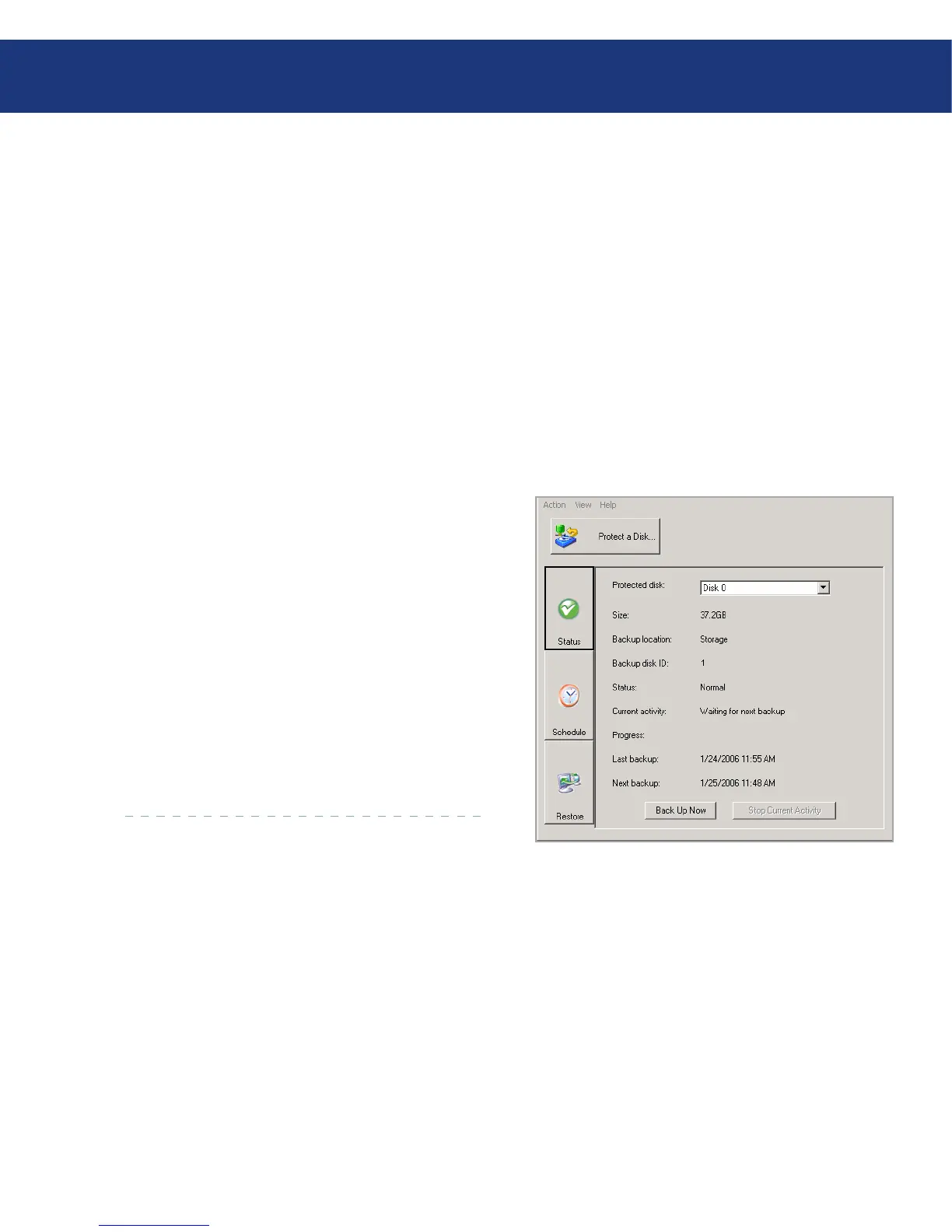
To manually back up a disk:
Click Status.
In the Protected disk list, select the disk that you
want to back up.
Click Back Up Now. e Current activity area
displays information about what’s happening,
the percentage of the backup that has complet-
ed, and the speed at which the data is being sent
over the network. e Progress bar graphically
indicates how much of thebackup is complete.
To stop a backup in progress, click Stop Current
Activity.
1.
2.
3.
Fig. 7.3.














 To Next Page