LaCie Ethernet Disk RAID (Firmware version 1.4)
User Manual
page 96
Protecting Local Disks
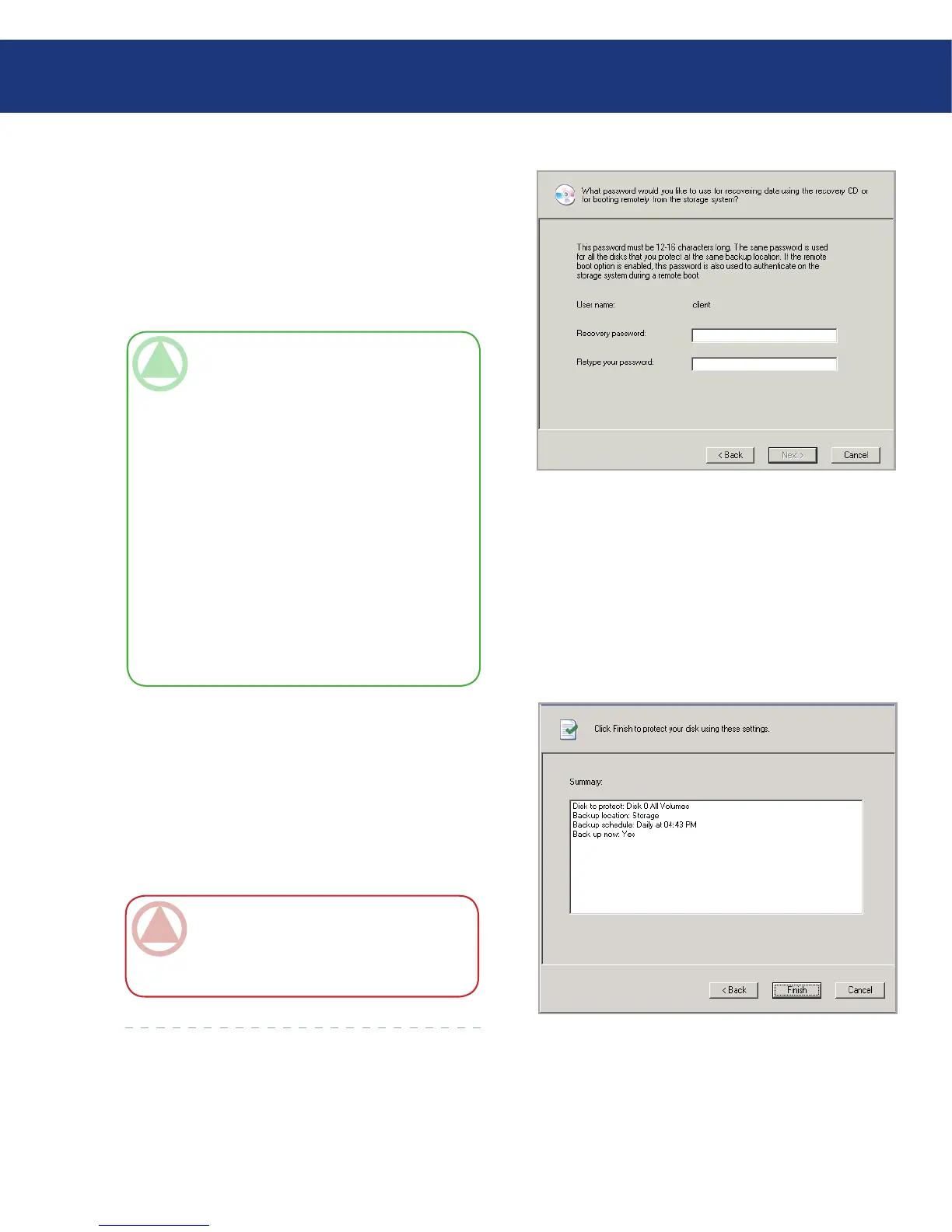
8. If you ever need to recover your disk using the re-
covery CD or remotely boot from a backup on the
Ethernet Disk RAID, you’ll be prompted for a pass-
word. In the Recovery password text box, enter the
password that you’d like to use, enter it again in the
Retype your password text box, and then click Next.
See Fig. 7.2.F.
9. Review all your selections and click Finish. See Fig.
7.2.G.
If you selected the Back up now check box, backup
begins as soon as you click v, and you can review its
progress on the Status page in Client Backup and
Recovery. If you want to protect additional disks or
partitions, repeat this procedure for each one.
Fig. 7.2.F
TeChNICAl NOTe:
e recovery password must be 12–16 characters
long.
e same password is used for all disks backed
up to the same Ethernet Disk RAID. If you sub-
sequently protect a second disk using the same
Ethernet Disk RAID, you will not be prompted
to provide this password again. However, if you
protect a second disk using a different Ethernet
Disk RAID, you will be prompted to provide a
password for that Ethernet Disk RAID.
You can change this password later using Win-
dows Backup Software and using the Ethernet
Disk RAID.
❖
❖
❖
Fig. 7.2.G
ImpOrTANT INfO: If you subsequently
change the drive letter of a protected disk or par-
tition, you must restart Windows Backup Soft-
ware to update this application.














 To Next Page