LaCie Ethernet Disk RAID (Firmware version 1.4)
User Manual
page 34
Managing Your Ethernet Disk RAID
Windows and Mac OS X users can be put into
groups, which makes it easier to give several users access
to the same shared folder at once.
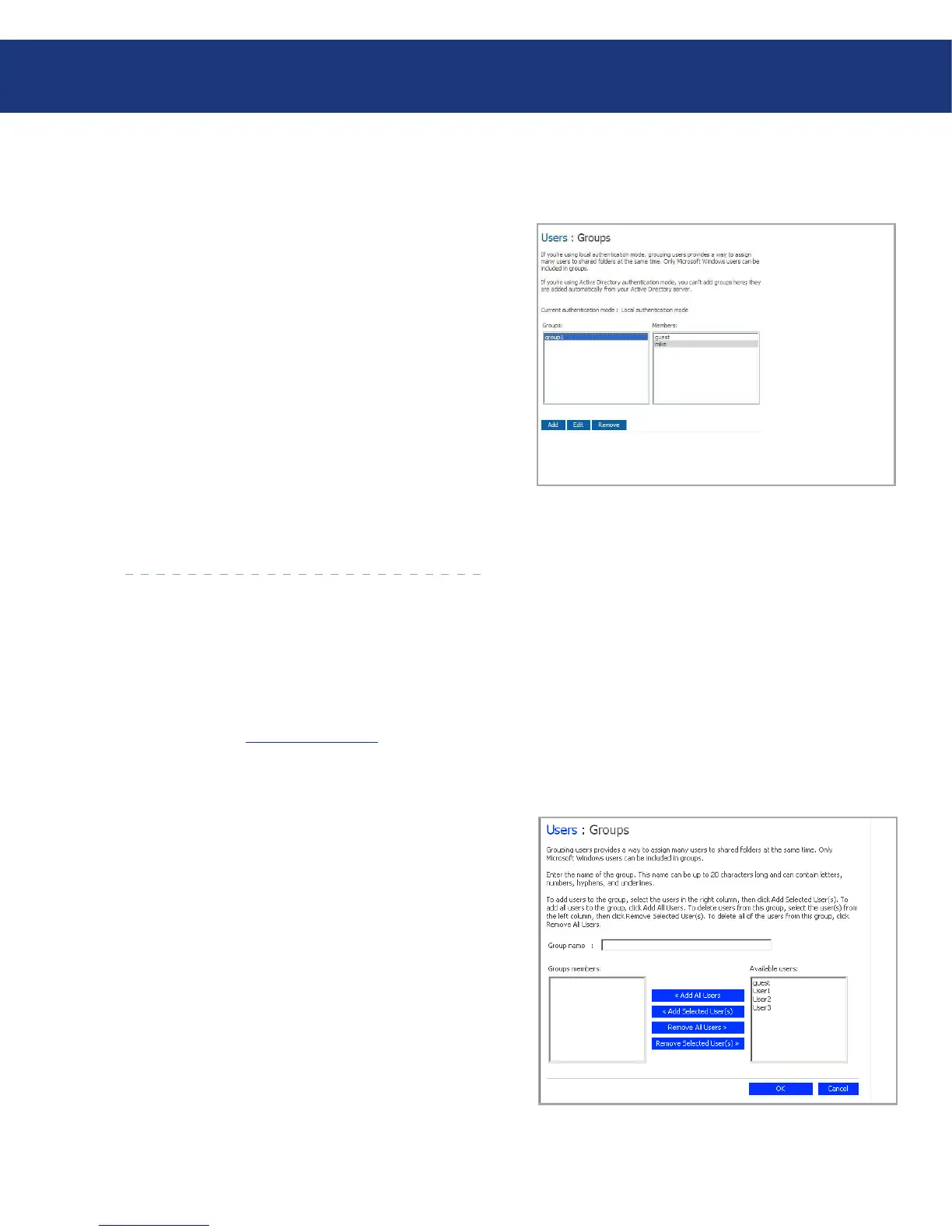
When you click Users in the navigation bar and
click Groups in the left pane, the page displays a list
of all currently configured groups. When you select a
group in the Groups list, the members of that group
appear in the adjacent Members list.
If you are using local authentication mode, you can
add a group, modify the group membership, or remove
groups at any time. If you are using Active Directory au-
thentication mode, you can view the group membership
but not add, modify, or remove groups. ose actions
can be done only on the Active Directory server.
Fig. 5.4.4.
5.4.4.1. Adding a Group
Fig. 5.4.4.1.
5.4.4. Working with Groups■
In local authentication mode, when you create a
group, you typically specify which users should be mem-
bers of that group, although you can create an empty
group and add users later. (You must add users as de-
scribed in section 5.4.1, Adding Users before you can
add those users to a group.)
Each user can be a member of multiple groups. For
example, the user Alice might be a member of both the
Marketing and Executives groups.
You can create up to 128 groups.
To add a group:
In the navigation bar, click Users.
In the left pane, click Groups.
Click Add.
In the Group name text box, enter a unique name
for the group.
is name can be up to 15 characters long and can
include letters, numbers, hyphens, and underlines.
1.
2.
3.
4.














 To Next Page