ECO GOLD
40 Operation 25/08/2011/ YACE0088
7.1 Switching on
− Switch on the device with the mains switch. An acoustic signal
sounds.
1 s
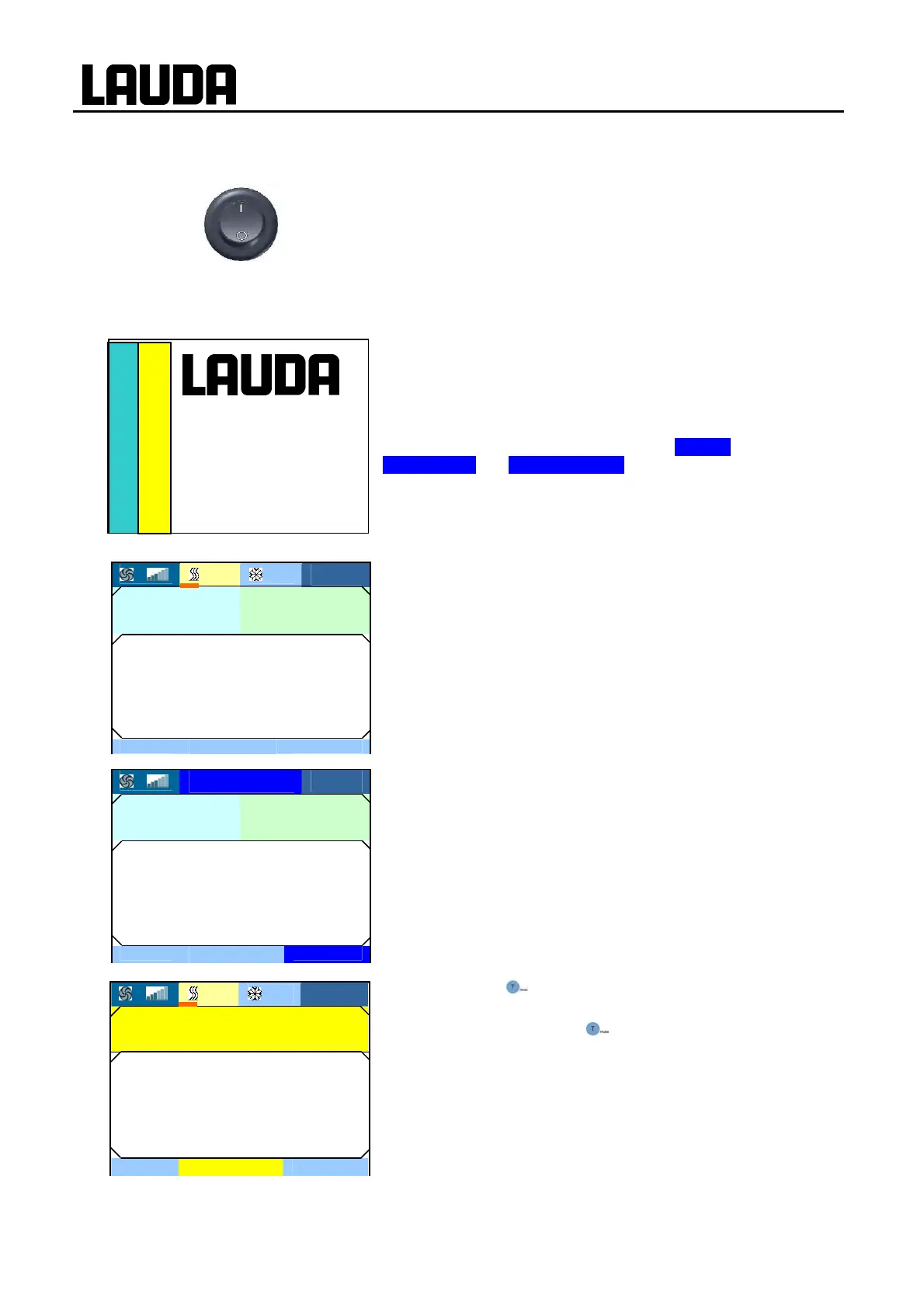
According to the adjacent display the software version numbers
(depends on device type and options) appear for approx. 5 sec-
onds.
When making technical enquiries, please have the version num-
bers and device serial number (Ì 8.2.5) at hand.
Further installed modules are displayed in Settings Æ
Device status Æ Software version.
The current bath temperature (T
int
) is displayed with the status
display above it, the expanded status display at the top margin and
the soft-key bar at the bottom margin.
The pump starts (exception: "Standby" operating status).
When standby is activated (Ì 7.4.4), the last operating values are
taken ove
r
.
With the key T
max
you check or change the overtemperature
switch-off point:
− On pressing the key T
max
the value in the upper line is dis-
played.
(Setting the overtemperature switch-off point T
max
(Ì 7.4.1)).
Control 1.31
Safety 1.31
Cool 1.27
Ext Pt 1.21
3 25% 0%
27.10.2009
10:58
Tmax 200 °C
26.45
- - -
סּ Tmax
- - -
Tint
3 25% 0%
27.10.2009
10:55
Text Tset
- - - °C
30.00°C
26.45
Display
סּ Menu
Standby
Tint
3
Standby
27.10.2009
10:57
Text Tset
- - - °C
30.00°C
26.45
Display
סּ Menu
Standby
Tint


 To Next Page