8. Once you have entered the numerical values for the [standard
gateway], press the [Apply] button. Otherwise the entries will be
discarded.
If you do not know the numerical values, ask someone in your
IT department for the relevant values. If you enter the wrong
numerical values, an error message appears.
9. PC control: Set the slide switch to [On].
The PC can now be controlled from the control station.
10. Switch o the constant temperature equipment.
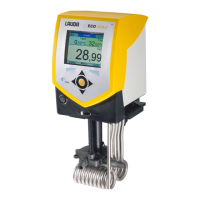
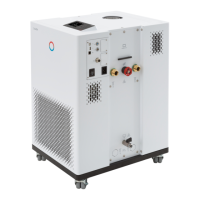
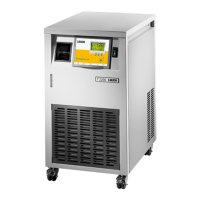
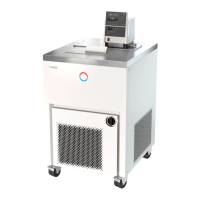
11. Connect the Ethernet interface on the constant temperature equip-
ment as illustrated in Fig. 15 to Fig. 17. Use a commercially available
Ethernet cable (patch cable).
12. Switch on the constant temperature equipment.
13.
Test the connection with Ä “Checking the LAN network”
on page 40 or Ä “Check the LAN network and the process inter-
face” on page 41.
Set the [DHCP client] from [On] to [O], all numerical values
are reset to 0. 0. 0. 0 .
Use the same procedure (enter LAN settings manually) if there is a
switch between the constant temperature equipment and PC.
When configuring direct Ethernet communication between the con-
trol station and the constant temperature equipment, it may take 1
or 2 minutes to establish the connection.
1. Switch on the constant temperature equipment.
2. Open the Home window in the Command Touch unit.
3.
Touch the Settings Basic settings Ethernet configuration tile.
The Ethernet configuration submenu opens.
4. DHCP client: Set the slide switch to [On].
The DHCP client is active. The Ethernet interface is configured
automatically.
5. PC control: Set the slide switch to [On].
The PC can now be controlled from the control station.
6. Switch o the constant temperature equipment.
7. Connect the Ethernet interface on the constant temperature equip-
ment as illustrated in Fig. 15 to Fig. 17. Use a commercially available
Ethernet cable (patch cable).
8. Switch on the constant temperature equipment.
Automatically obtain LAN configuration
V6 PRO bath thermostats and circulation thermostats 39 / 156



 To Next Page