5. OPERATION - OBJECTIVES
Leica DMi8 - automated variants
The objectives can be swung into the beam path by mo-
torized action using variable function keys on the stand or
Leica SmartMove or using the Touch Screen.
Note:
The positions of the objectives in the objective turret have
been specified at the factory and must be observed when
installing the objectives.
(See Installation Manual).
When selecting an objective, the microscope automatically
selects:
t5IFNPTUSFDFOUMZDPOmHVSFEQPTJUJPOPGUIFJMMVNJOBUFE
field diaphragm
t5IFNPTUSFDFOUMZDPOmHVSFEQPTJUJPOPGUIFBQFSUVSFEJB-
phragm
Function keys on the right side of microscope
t5IFNPTUSFDFOUMZDPOmHVSFEMJHIUJOUFOTJUZJOUIFSFTQFD-
tive contrast method (with DIC fine adjustment where ap-
plicable)
t5IFNPTUSFDFOUMZDPOmHVSFEGPDVTJODMVEJOHQBSGPDBM-
ity)
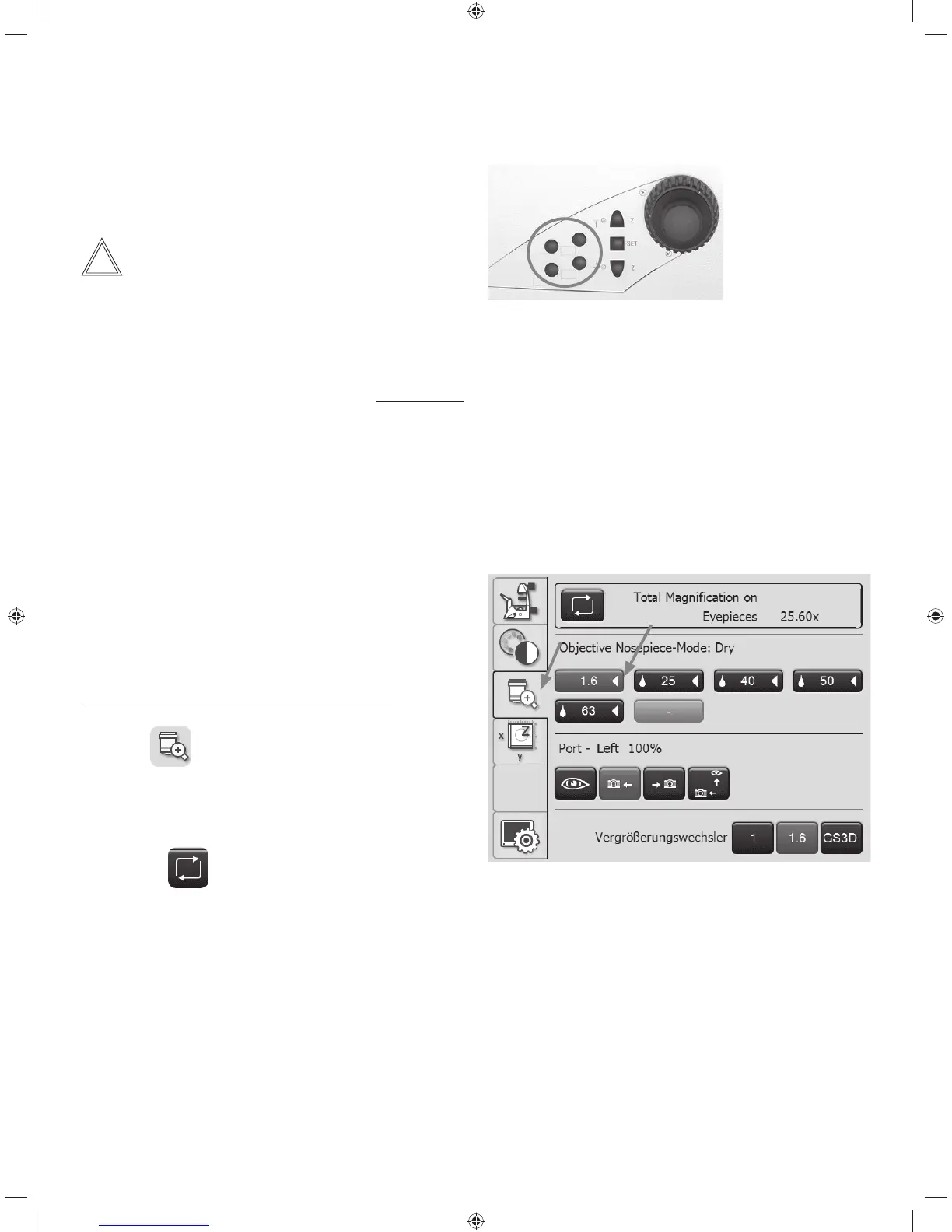
Adjusting the objectives using the Touch Screen:
t6TFUIF
tab to switch to the Magnification menu.
The information field on the top edge of the screen shows
the current total magnification at the specified observation
port.
Pressing the
key allows you to switch between de-
tails for the various observation outputs.
The objective keys are labeled with the corresponding ob-
jective magnification. The objectives permitted for the se-
lected contrast method are identified with a white triangle.
Immersion objectives are also marked with drop symbol.
t5PTXJUDICFUXFFOobjectives, press the corresponding
key, which is then color-coded.
47



 To Next Page