5.2308.8512.0 B
INSTALLATION 5-37
2. Remove approximately 5 cm (2 in) of the insulation (2).
3. Slide the screen backwards (2).
4. Install the metal shielding tape on the screen (2).
5. Cut the remaining screen (2).
6. Remove the plastic shield from the cable.
7. Splice the wires. The blue and red wires on one side, the yellow and
green wires on the other side (3).
A Type 2 Network Connector can only be configured accordingly a
Type A wiring scheme. Use scheme (A) on both cable ends.
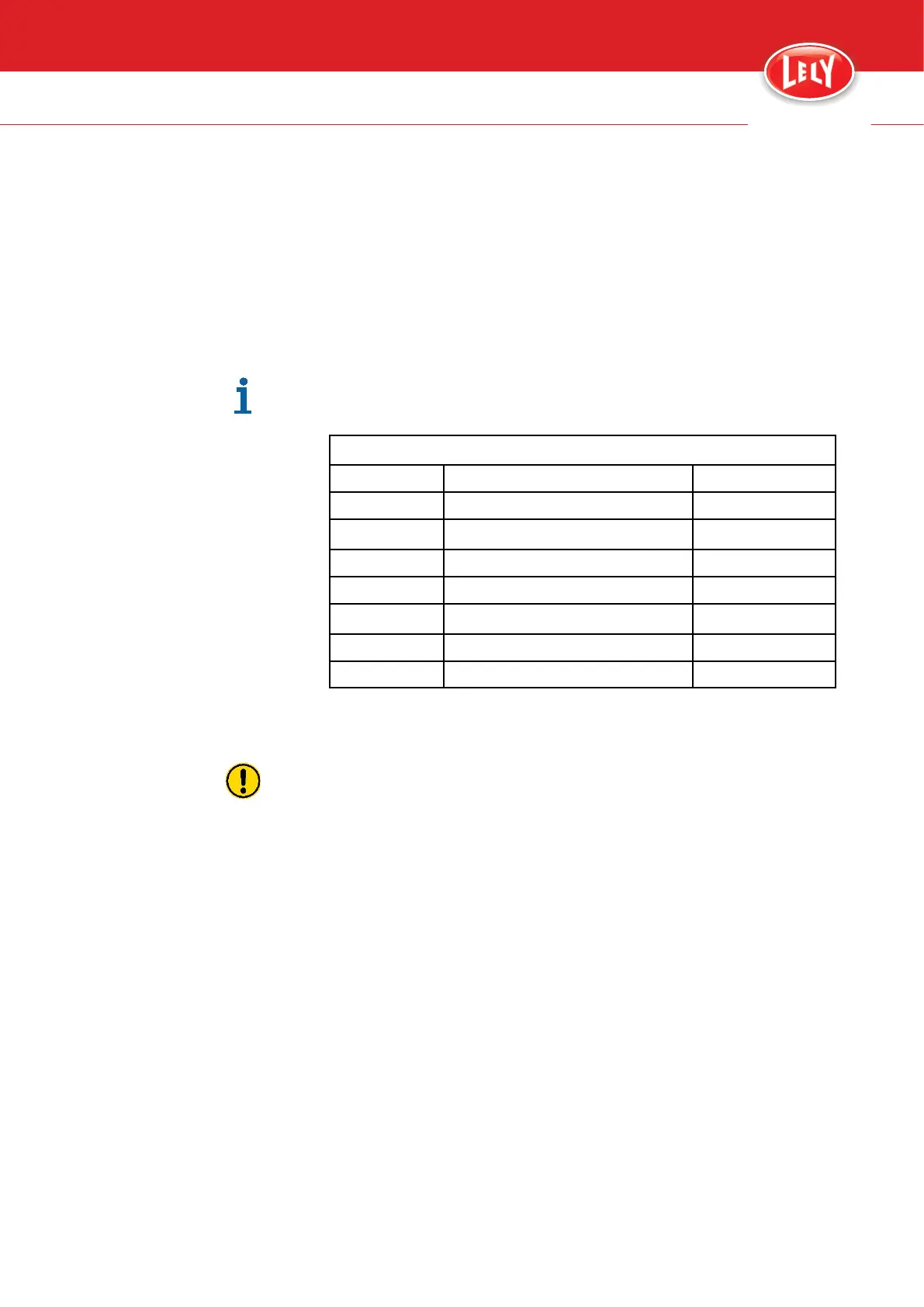
Type A
1
Green/white
1
2
green
2
3
Orange/white
3
4
Blue
4
5
Blue/white
5
6 Orange 6
7
Brown/white
7
8
Brown
8
8. Install the connector on the cable with the metal contact on the metal
shielding tape (4).
Make sure the wire order in the network connector is the same as the
network connector on the other side of the network cable.
9. Put the wires in the correct position (3) and (4)
10. Cut the wire to length (5).
11. Install a plate on both sides of the connector (6).
12. Push both plates until you hear a click (7).
13. Push the connector cover on the connector until you hear a click (8).
14. Install the cap on the cover (8).
innovators in agriculture









 To Next Page