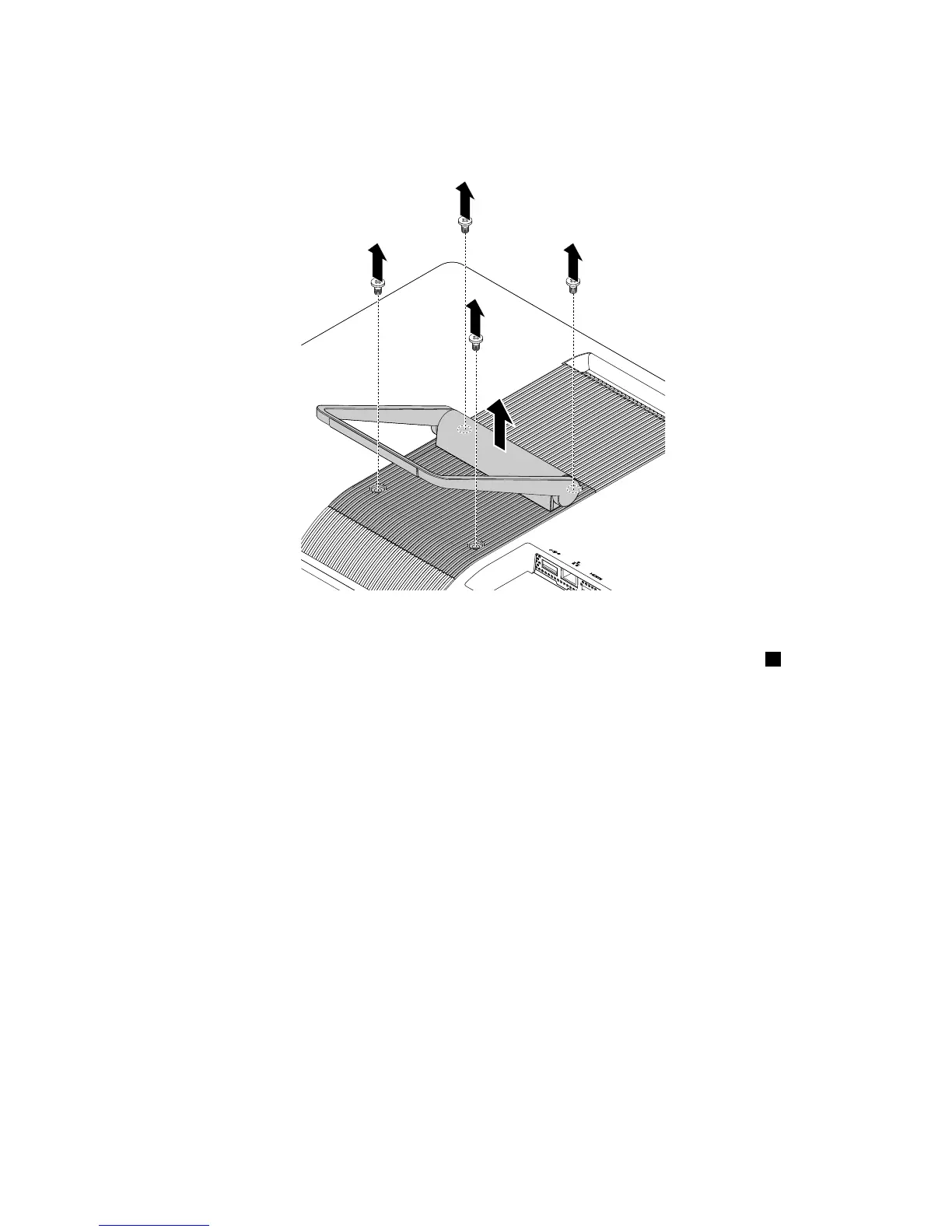
3.Removethefourscrewsthatsecuretheframestand.Then,lifttheframestandtoremoveitfromthe
computer.
Figure11.Removingtheframestand
4.Toinstalltheframestand,positiontheframestandoverthecomputersothatthethreetabs1align
withthecorrespondingholesinthecomputercover.Then,installthefourscrewstosecuretheframe
standtothecomputercover.
100ThinkCentreE63zUserGuide












 To Next Page