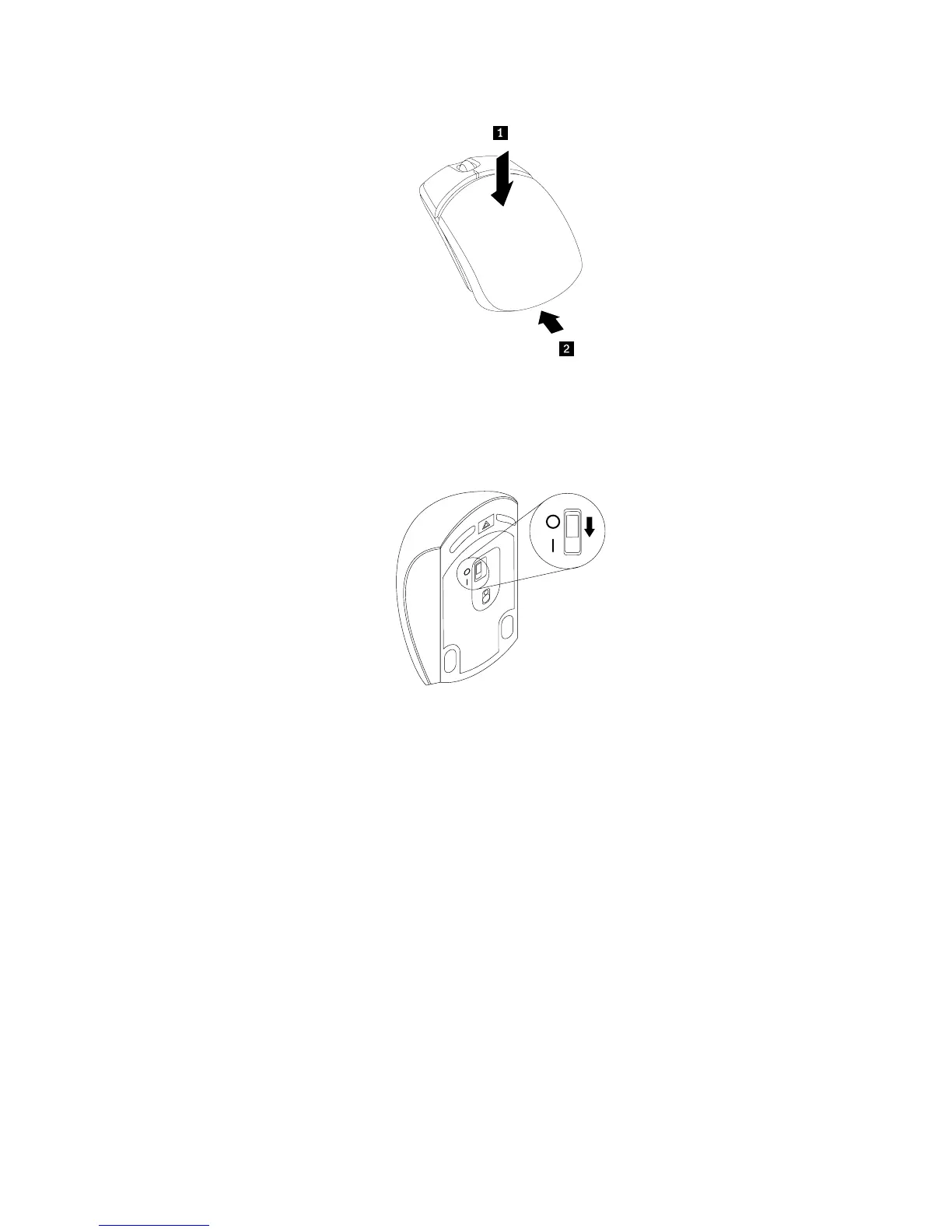
Figure50.Closingthebatterycompartmentcover
8.PushthepowerswitchtotheonpositiononthebottomofthewirelessmouseuntiltheLED
(light-emittingdiode)ison.
Figure51.Pushingthepowerswitchtotheonposition
Notes:
•ThegreenLEDindicatesthatthemouseisreadyforuse.
•TheflashingamberLEDindicatesalowbatterypowerlevel.
•Pushthepowerswitchtotheoffpositionwhenyouarenotusingthemousetoextendthebatterylife.
•AfterdisconnectingtheUSBdonglefromyourcomputer,storeitinthewirelessmousecompartmentorin
thewirelesskeyboardcompartment.
Completingthepartsreplacement
Aftercompletingtheinstallationorreplacementforallparts,youneedtoinstallthecomputercoverand
connectcables.
Toinstallthecomputercoverandconnectcables,dothefollowing:
1.Ensurethatallcomponentshavebeenreassembledcorrectlyandthatnotoolsorloosescrewsareleft
insideyourcomputer.See“LocatingmajorFRUsandCRUs”onpage30forthelocationsofvarious
componentsinyourcomputer.
2.Ensurethatthecablesareroutedcorrectlybeforeinstallingthecomputercover.Keepthecablesoffthe
hingesandsidesofthechassistoavoidinterferencewithinstallingthecomputercover.
Chapter11.Installingorreplacinghardware127












 To Next Page