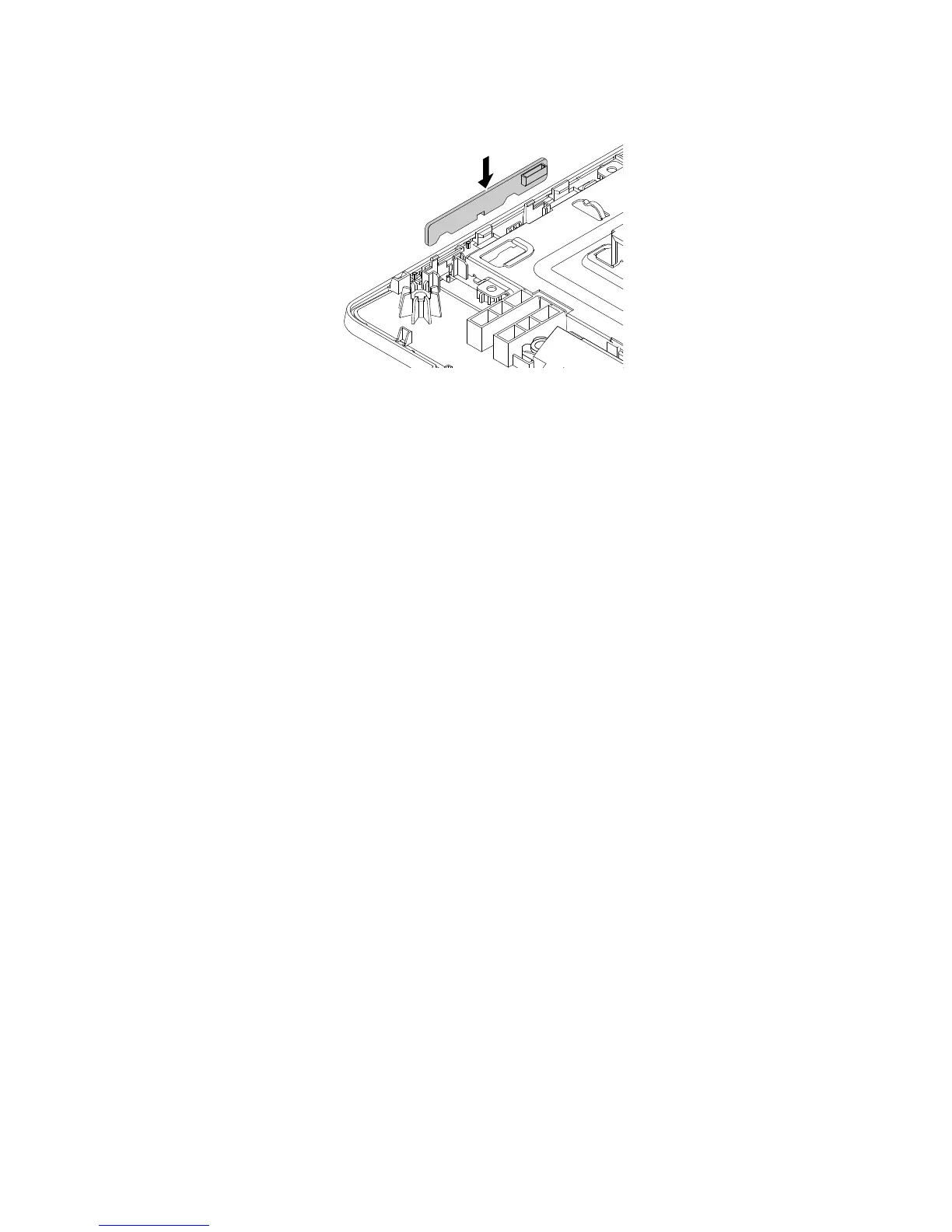
Figure33.Installingthecontrol-buttonboard
9.Routethecableofthecontrol-buttonboard,andthenconnectthecabletothesystemboard.See
“Locatingpartsonthesystemboard”onpage32.
Whattodonext:
•Toworkwithanotherpieceofhardware,gototheappropriatesection.
•Tocompletetheinstallationorreplacement,goto“Completingthepartsreplacement”onpage127.
Replacingthesystemfan
Attention:DonotopenyourcomputerorattemptanyrepairbeforereadingandunderstandingtheChapter
1“Readthisfirst:Importantsafetyinformation”onpage1.
Thissectionprovidesinstructionsonhowtoreplacethesystemfan.
Toreplacethesystemfan,dothefollowing:
1.Removeallmediafromthedrivesandturnoffallattacheddevicesandthecomputer.Then,disconnect
allpowercordsfromelectricaloutletsanddisconnectallcablesthatareconnectedtothecomputer.
2.Placeasoft,cleantowelorclothonthedeskorsurface.Holdthesidesofyourcomputerandgentlylay
itdownsothatthescreenisagainstthesurfaceandthecoverisfacingup.
3.Removetheframestand.See“Removingandinstallingtheframestand”onpage99.
4.Removethecomputercover.See“Removingthecomputercover”onpage102.
5.Removethesystem-boardshield.See“Removingandinstallingthesystem-boardshield”onpage106.
6.Recordtheroutingofthesystem-fancable,andthendisconnectthecablefromthechassis.
116ThinkCentreE63zUserGuide












 To Next Page