•Self-serviceCRUs:TheseCRUsunplugoraresecuredbynomorethantwoscrews.Examplesof
thesetypesofCRUsincludethekeyboard,themouse,anyUSBdevice,andthepowercord.Other
self-serviceCRUsdependingonproductdesignmightincludememorymodules,adaptercards,hard
diskdrives,andopticaldrives.
•Optional-serviceCRUs:TheseCRUsareisolatedpartswithinthecomputerandareconcealedbyan
accesspanelthatistypicallysecuredbymorethantwoscrews.Oncetheaccesspanelisremoved,the
specificCRUisvisible.
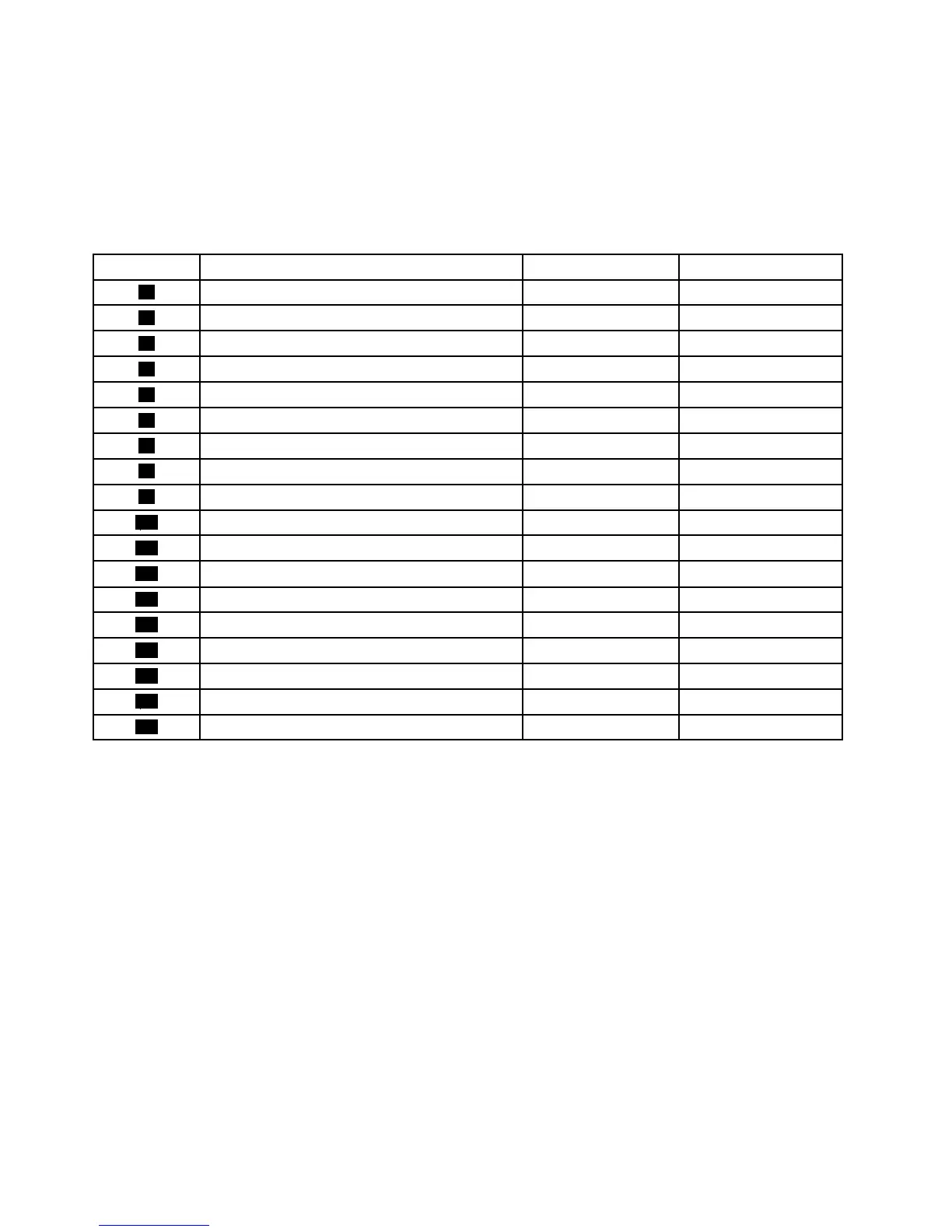
NumberFRUdescription
Self-serviceCRUOptional-serviceCRU
1
FramestandNoNo
2
Computercover
NoNo
3
System-boardshield
NoNo
4
Systemfan
NoNo
5
Camera
NoNo
6
BatteryNoNo
7
HeatsinkassemblyNoNo
8
Wi-Ficard(availableonsomemodels)
NoNo
9
Systemboard
NoNo
10
MemorymoduleNoNo
11
Internalspeakers(2)
NoNo
12
Control-buttonboard
NoNo
13
2.5-inchstoragedriveNoNo
14
Converterboard
NoNo
15
Feet(2)
NoNo
16
KeyboardYesNo
17
acpoweradapterYesNo
18
MouseYesNo
FordetailedFRUinformation,suchastheFRUpartnumbersandsupportedcomputermodels,goto:
http://www.lenovo.com/serviceparts-lookup
Locatingpartsonthesystemboard
Thefollowingfigureshowsthelocationsofthepartsandconnectorsonthesystemboard.
32ThinkCentreE63zUserGuide












 To Next Page