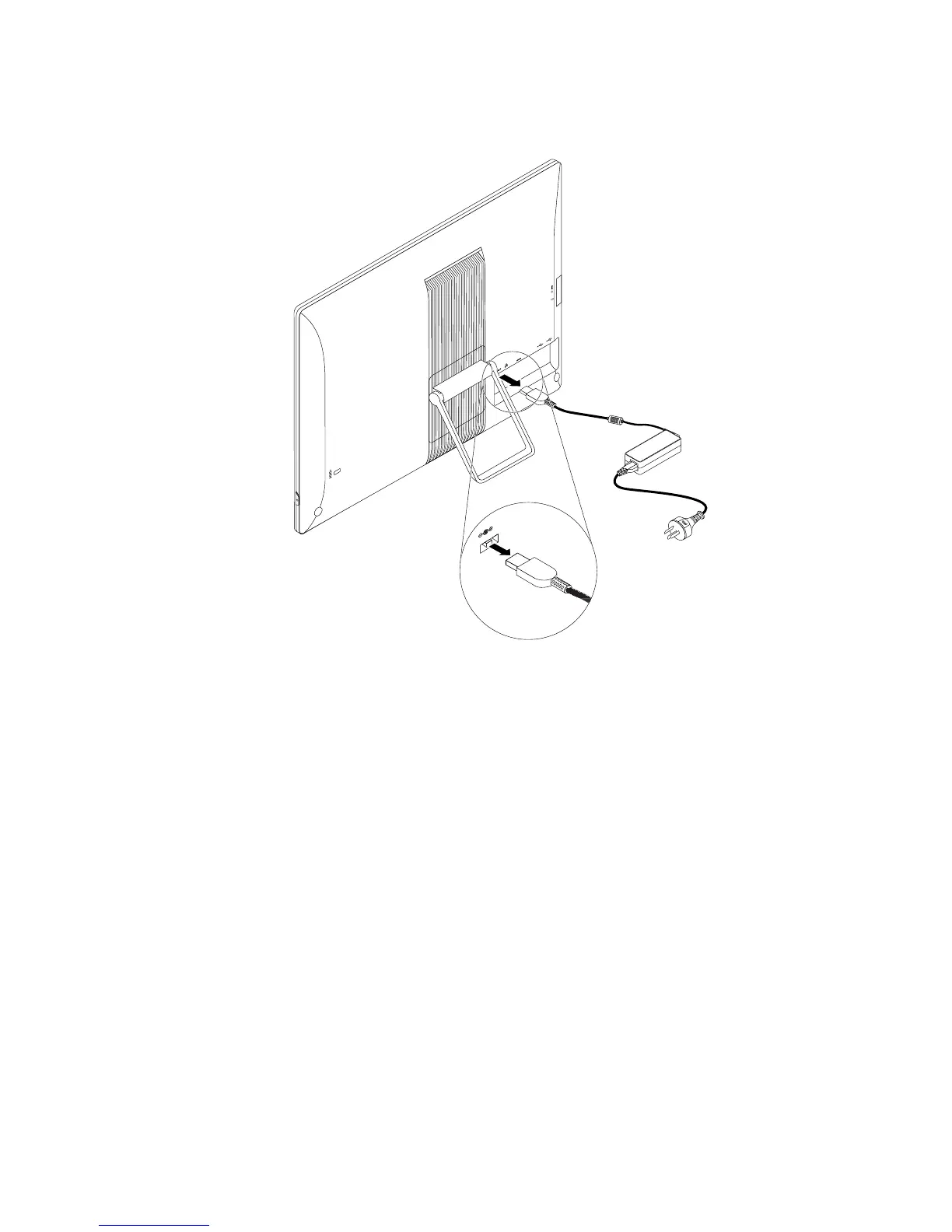
2.Disconnecttheacpoweradaptercablefromthecomputer.
Figure10.Disconnectingtheacpoweradapter
Removingandinstallingtheframestand
Attention:DonotopenyourcomputerorattemptanyrepairbeforereadingandunderstandingtheChapter
1“Readthisfirst:Importantsafetyinformation”onpage1
.
Toremoveandinstalltheframestand,dothefollowing:
1.Removeallmediafromthedrivesandturnoffallattacheddevicesandthecomputer.Then,disconnect
allpowercordsfromelectricaloutletsanddisconnectallcablesthatareconnectedtothecomputer.
2.Placeasoft,cleantowelorclothonthedeskorsurface.Holdthesidesofyourcomputerandgentlylay
itdownsothatthescreenisagainstthesurfaceandthecoverisfacingup.
Chapter11.Installingorreplacinghardware99












 To Next Page