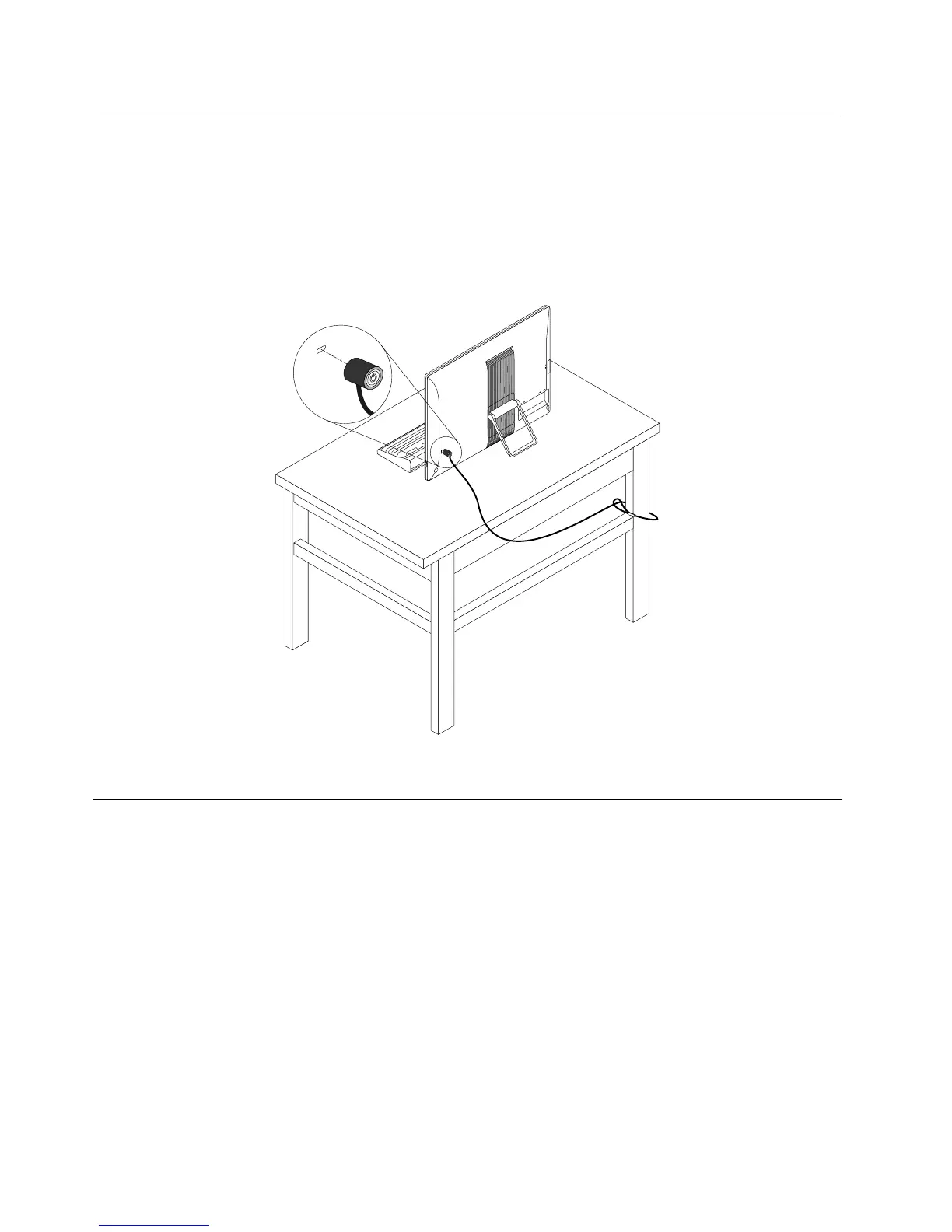
AttachingaKensington-stylecablelock
YoucanuseaKensington-stylecablelocktosecureyourcomputertoadesk,table,orothernon-permanent
fixture.Connectthelocktothesecurity-lockslotattherearofyourcomputer.Dependingonthetype
selected,thelockcanbeoperatedwithakeyorcombination.Thelockalsolocksthebuttonsusedtoopen
thecomputercover.Thisisthesametypeoflockusedonmanynotebookcomputers.Youcanordersucha
lockdirectlyfromLenovobysearchingforKensingtonat:
http://www.lenovo.com/support
Figure8.Kensington-stylecablelock
Usingpasswords
YoucansetavarietyofpasswordsthroughtheMicrosoftWindowsoperatingsystemandthroughtheBIOS
ofyourcomputertohelpdeterunauthorizeduseofyourcomputer.
BIOSpasswords
YoucanusetheBIOSSetupUtilityprogramtosetpasswordstopreventunauthorizedaccesstoyour
computeranddata.Thefollowingtypesofpasswordsareavailable:
•Power-onpassword
•Harddiskpassword
•Administratorpassword
FormoreinformationaboutBIOSpasswords,see“UsingBIOSpasswords”onpage60
.Youdonothaveto
setanypasswordstouseyourcomputer.However,usingpasswordsimprovescomputingsecurity.
56ThinkCentreE63zUserGuide












 To Next Page