Configuring the safety sensor
Leuze electronic RSL 430 87
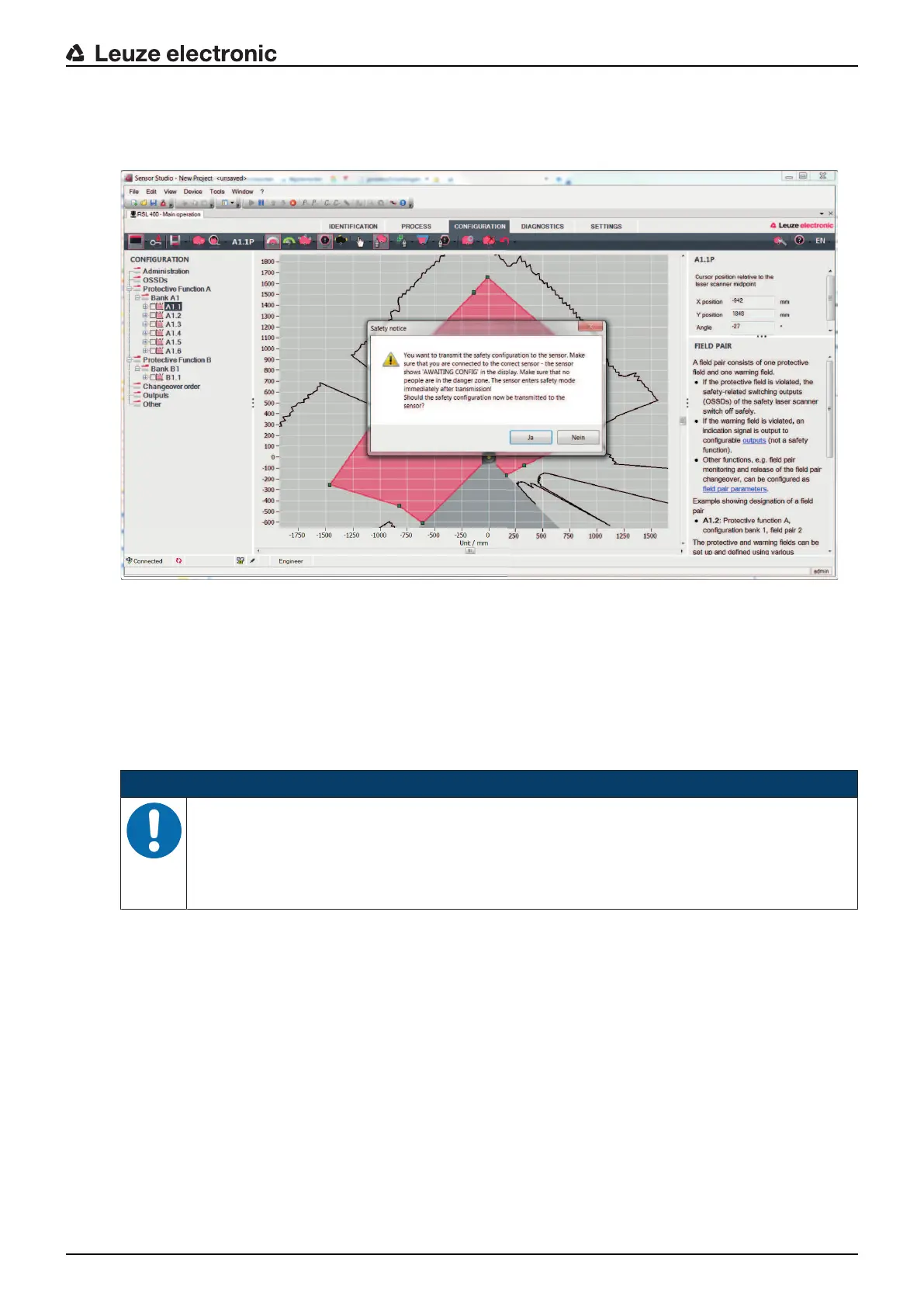
Ä Before downloading the safety configuration, check whether you are connected to the correct safety
sensor.
Confirm the displayed safety notice with [Yes].
Fig.9.3: Check before safety configuration is downloaded
The software transfers the data of the configuration project to the safety sensor.
After successful transfer, the safety sensor immediately enters safety mode, i.e. the safety-related switch-
ing outputs switch on if all conditions are fulfilled.
• The configuration data is saved in the connection unit of the safety sensor.
• A copy of the safety configuration is saved in the scanner unit of the safety sensor.
If, due to a device swap-out, the scanner unit is attached to a brand new, unconfigured connection unit,
the safety configuration is transferred from the scanner unit to the connection unit.
NOTICE
Observe the safety notices regarding changes to the configuration!
Transferring the safety configuration from the scanner unit to the connection unit corresponds to
reconfiguration of the system consisting of scanner unit and connection unit.
Ä Observe the relevant safety notices regarding changes to the configuration (see chapter 9.1
"Defining safety configuration").
Ä Check the displayed signature.



 To Next Page