Operation and Display Panel64
Temp compensation
When enabled, the UPS will adjust the charging voltage of the batteries based on temperature in order
to preserve battery life. It will increase the voltage if the UPS is operating in a cold environment. It will
decrease the voltage if the UPS is operating in a warm environment.
• Enable (default)
• Disable
Replace battery
Activates newly-installed battery packs after replacement and reset all battery statistics for new battery
packs.
• Provides a conrmation window with Yes/No options to conrm replacement of batteries.
Monitor Settings Option
Language
Selects the language of the display, see Selecting the Display Language on p
age 79. Options are:
•
English (default)
• French
• Portuguese
• Spanish
• Chinese
• German
• Japanese
• Russian
Da
te
Selects the current date for the UPS display, YYYY-MM-DD. See Setting the Date and Time on page
79.
Time
Select the current time for the UPS display, HH:MM:SS. See Setting the Date and Time on page 79.
Display orientation
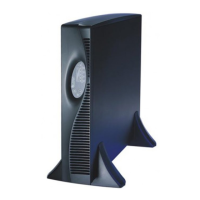
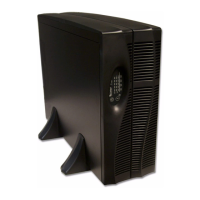
Selects the orientation of the display for use in rack or tower conguration. Options are:
• Auto-rotate = Automatically rotates based on the detected orientation of the UPS (default) .
• Horizontal = Screen rotated for rack use.
• Vertical = Screen rotated for tower use.










 To Next Page