EasyManua.ls Logo

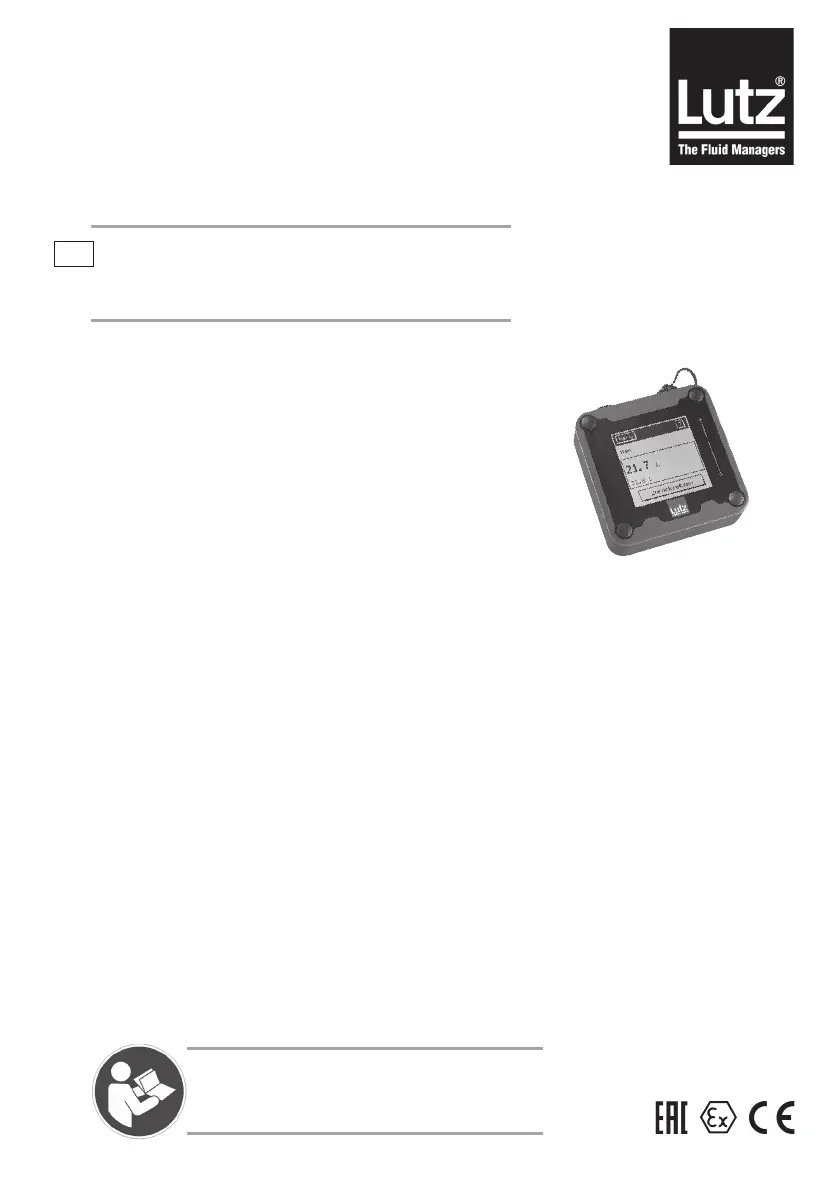
Lutz BE10 - User Manual

Default Icon
80 pages
Print Icon
To Next Page IconTo Next Page
Loading...
0698-651 Operating unit - 04/2021
en
Translation of the original instructions
OPERATING UNIT
Type
BE10
BE10V
Ex-BE10B
Ex-BE10BV
Ex-BE10C
Ex-BE10CV
Please read this manual before starting up.
To be retained for future reference.

Table of Contents

Questions and Answers

  • S
    Sarah ThomasSep 9, 2025
    What causes transmission errors on my Lutz BE10 Control Unit, where the display is OK but operator inputs are impossible?
    • U
      udouglasSep 9, 2025
      Occasional transmission errors on your Lutz Control Unit, where the display is OK but operator inputs are impossible, may be due to the data line being exposed to strong electromagnetic fields (large machines, power cables, etc.), so the data line must be shielded against electromagnetic interference. Also, the data line may be defective, so check data line for damage and secure fit of plug connection.
  • T
    tracy54Sep 12, 2025
    Why does the Lutz company logo appear for more than 1 minute after inserting the battery in my Lutz Control Unit?
    • L
      Lindsey BrownSep 12, 2025
      If the Lutz company logo appears for longer than 1 minute after inserting the battery, the basic flow meter might be missing, so check basic flow meter. Also check connecting wires and plug connections.
  • K
    Kirk SandersSep 14, 2025
    Why are many buttons unavailable on my Lutz BE10 Control Unit?
    • K
      Kathleen AlvarezSep 14, 2025
      If buttons like RESET, START, Change volume, Calibration, Total volume, Flow monitoring, Measurement On/Off, Coupling modules, and Factory settings are not available on your Lutz Control Unit, the basic flow meter may be missing, so check basic flow meter. Also, check connecting wires and plug connections.
  • S
    Susan GutierrezSep 16, 2025
    What to do if there is no indication on my Lutz Control Unit after changing the batteries?
    • S
      Steve SmithSep 16, 2025
      If your Lutz Control Unit shows no indication after changing the batteries, the batteries may have been fitted incorrectly, so open the battery compartment and check polarity. The battery contacts could also be corroded, requiring you to clean the contacts. Verify that you are using the correct battery type.

Lutz BE10 Specifications

General IconGeneral
BrandLutz
ModelBE10
CategoryControl Unit
LanguageEnglish