110 MDS iNET 900 User’s Guide MDS 05-2806A01, Rev. A
6.1.2 COM1 Port
To connect a PC to the iNET’s COM1 port use a DB-9M to DB-9F
cross-over cable. This cable may also be purchased from a computer
retail store or mail-order company. For custom interface cables, use the
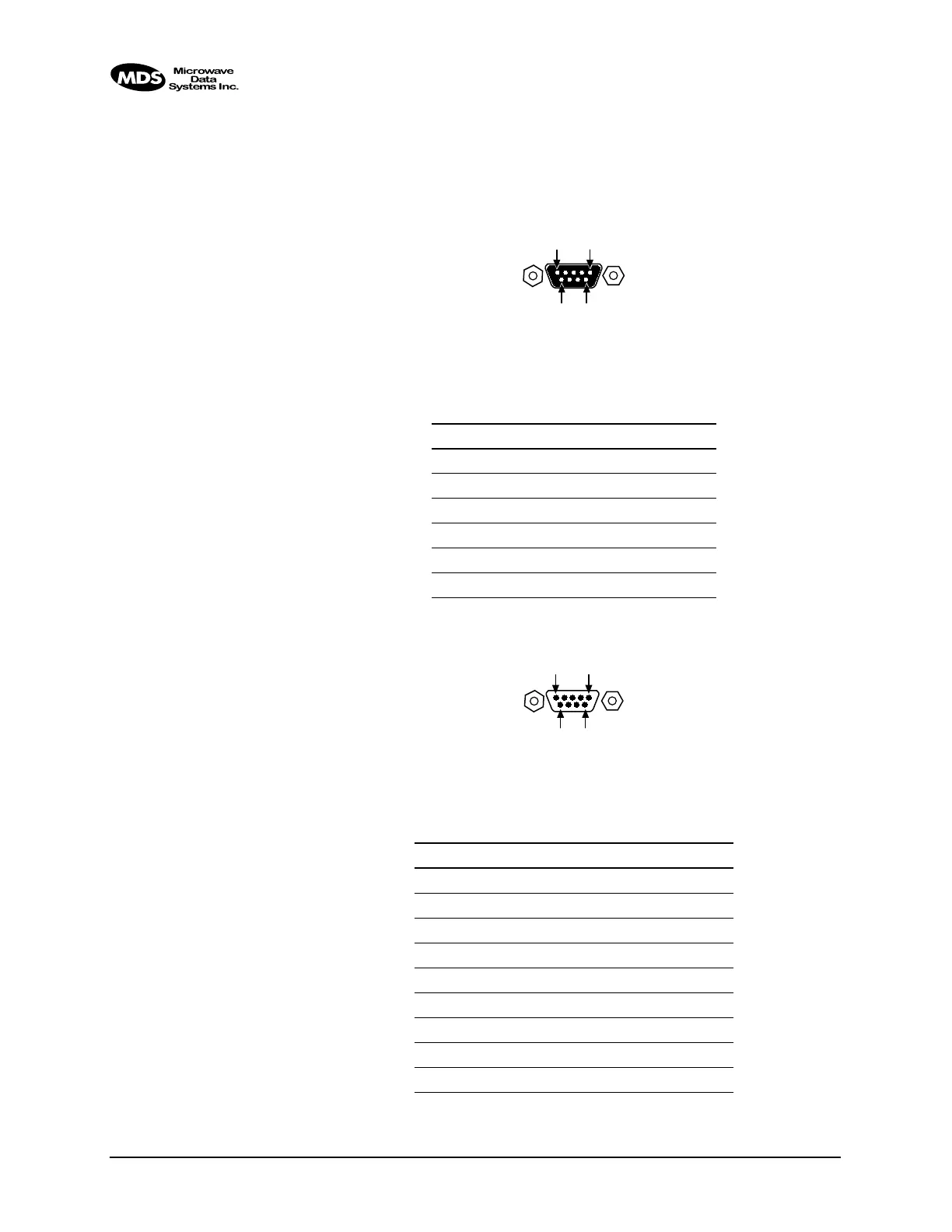
pinout information in Figure 6-2 and Table 6-1.
Figure 6-2. COM1 Port (DCE)
(Viewed from the outside of the unit.
)
6.1.3 COM2 Port
Figure 6-3. COM2 Port (DTE)
Viewed from the outside of the radio
Table 6-1. COM1 Port Pinout, DB-9F/RS-232 Interface
Pin Functions DCE
1 Unused
2 Receive Data (RXD) <—[ Out
3 Transmit Data (TXD) —>[ In
4 Unused
5 Signal Ground (GND)
6–9 Unused
Table 6-2. COM2 Port, DB-9M/EIA-232 Interface
Pin Functions DTE
1 Data Carrier Detect (DCD) In ]<—
2 Receive Data (RXD) In ]<—
3 Transmit Data (TXD) Out ]—>
4 Data Terminal Ready (DTR) Out ]—>
5 Signal Ground (GND)
6 Data Set Ready (DSR) In ]<—
7 Request-to-Send (RTS) Out ]—>
8 Clear-to-Send (CTS) In ]<—
9 Unused
1
5
9
6
5
1
6
9



 To Next Page