MDS 05-2806A01, Rev. A MDS iNET 900 User’s Guide 37
2.5.4 Point-to-Point Serial-to-Serial Operation and
Data Flow
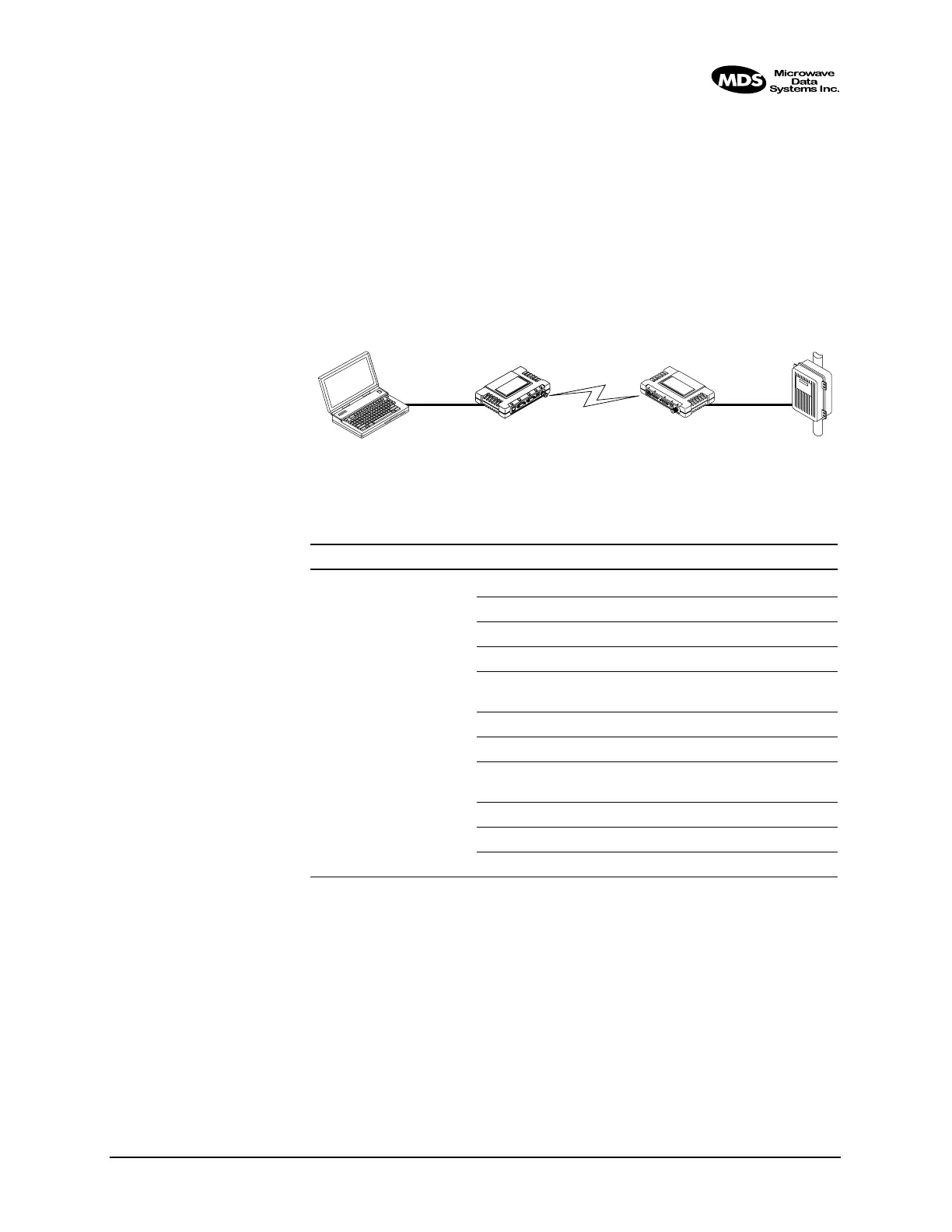
Once the iNET 900s are configured and the changes have been exe-
cuted, they begin processing any data presented at the
COM ports. Data
presented at the Access Point’s
COM port will be packetized and sent via
UDP to the Remote. Upon receiving the packet, the Remote strips the
data out of the UDP packet and sends it out its
COM port. Likewise, data
presented at the Remote’s
COM port is packetized, sent to the Access
Point, stripped, and sent out the Access Point’s
COM port.
Invisible place holder
Figure 2-17. Point-to-Point Serial-to-Serial Connection Diagram
EIA-232
RTU
EIA-232
Terminal
or Computer
192.168.0.10 192.168.0.1 192.168.0.2
iNET 900
Remote
iNET 900
Access Point
L
A
N
C
O
M
1
C
O
M
2
P
W
R
LI
N
K
Table 2-2. Serial Port Configuration Example
iNET Unit Location Menu Item Setting
Access Point (COM2)
1
Enable Enabled
Mode Serial-to-Serial
Baud Rate 9,600 (Example)
Flow Control Hardware (Example)
Send to Address 192.168.0.2
(IP address of the iNET Remote)
Send to Port 30011
Receive on Port 30011 (Not used)
Receive on
Address
0.0.0.0 (Not used)
Seamless Mode Disabled
Delimiter Chars 0
Latency Chars 0



 To Next Page