60 MDS iNET 900 User’s Guide MDS 05-2806A01, Rev. A
• Telnet—Text-based access to the Management System through
a network connection.
• Web Browser—Connect to the iNET units using a Web
browser on a local PC connected directly to the iNET’s LAN
port or associated network.
Firmware images are provided free-of-charge on the MDS Web site at:
www.microwavedata.com/service/technical/support
2.9.2 Installing iNET Firmware by TFTP
To use this function the user will need:
• A PC with a TFTP server running.
• The IP address of the PC running the TFTP server.
If you do not know your computer’s address on a Windows PC, you can
use the
RUN function from the Start menu and enter winipcfg or ipcfg to
determine your local PC’s IP address. The IP address of the radio can be
found under the iNET Management Systems’ Network Configuration
menu. (See “Network Configuration Menu” on Page 28.)
A TFTP server can be found on the MDS Web site at: www.microwave-
data.com/service/technical/support/downloads.asp
There are several alternatives to connecting the iNET 900 to the server
containing the firmware and TFTP server, and a computer control point.
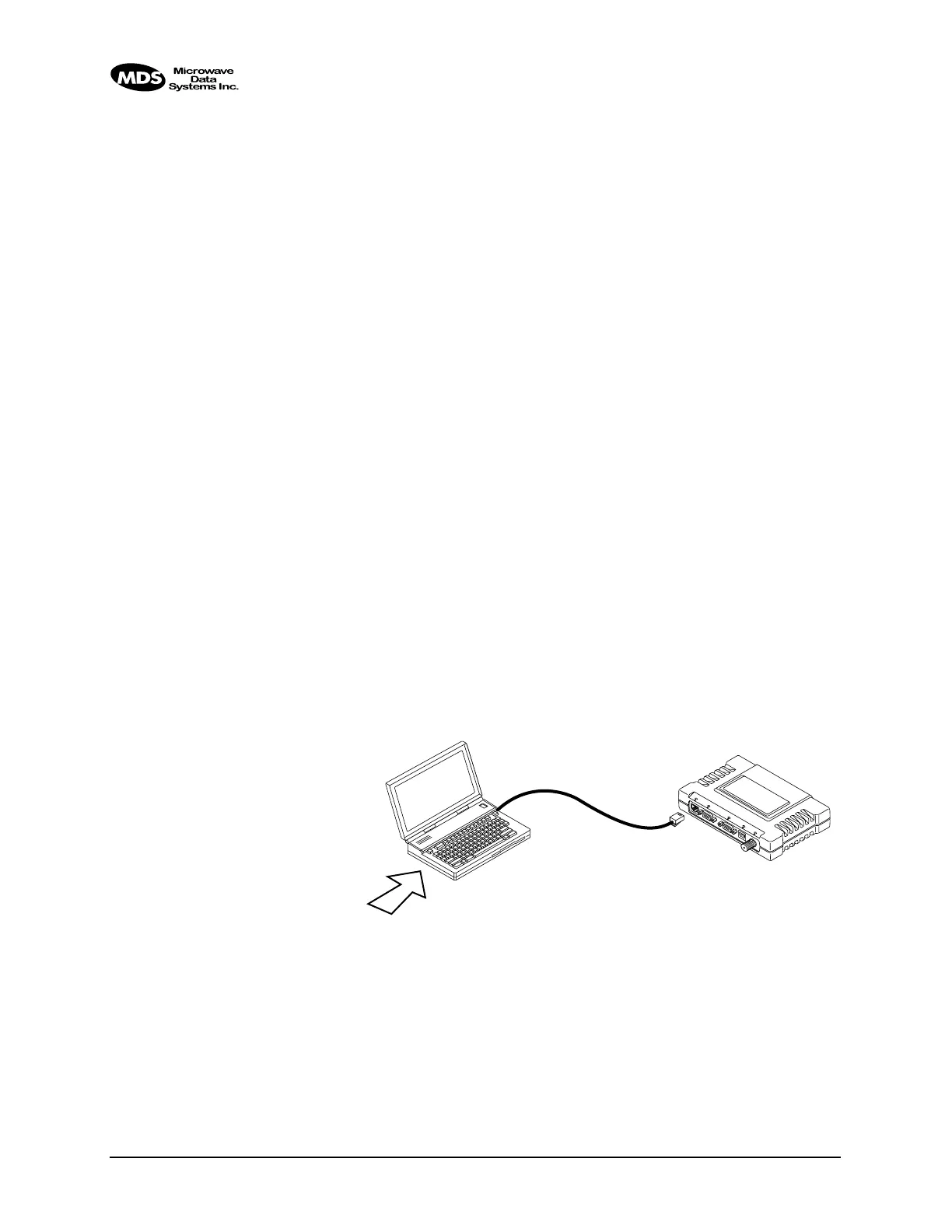
Figure 2-37 and Figure 2-38 show two variations. It is essential all of the
equipment be on the same subnet.
Invisible place holder
Figure 2-37. Upload Configuration—Option 1
(TFTP Server and Firmware File on Same CPU)
L
A
N
CO
M
1
CO
M
2
PW
R
LIN
K
LAN
PORT
LOCAL WINDOWS PC
WITH iNET FILES
IP ADDRESS: 172.0.0.A
IP ADDRESS: 172.0.0.B
TFTP
SERVER
& TELNET
MDS iNET 900
C
R
O
S
S
-
O
V
E
R
C
A
B
L
E
INITIATE UPLOAD
FROM HERE



 To Next Page