80 MDS iNET 900 User’s Guide MDS 05-2806A01, Rev. A
NOTE: It is very important to use attenuation between all units in the
test setup. The amount of attenuation required will depend on
the number of units being tested and the desired signal strength
(RSSI) at each iNET 900 during the test. In no case should a
signal greater than –50 dBm be applied to any iNET 900 in the
test setup. An RF power output level of +20 dBm is recom-
mended. (See “Radio Configuration Menu” on Page 29.)
3.3 STEP 2—MEASURE & CONNECT
THE PRIMARY POWER
The primary power at the iNET 900’s power connector must be within
10.5–30 Vdc and be capable of continuously providing a minimum of 8
Watts. (Typical power consumptions are: 760 mA @ 10.5 Vdc, 580 mA
@ 13.8 Vdc, and 267 mA @ 30 Vdc.) A power connector with
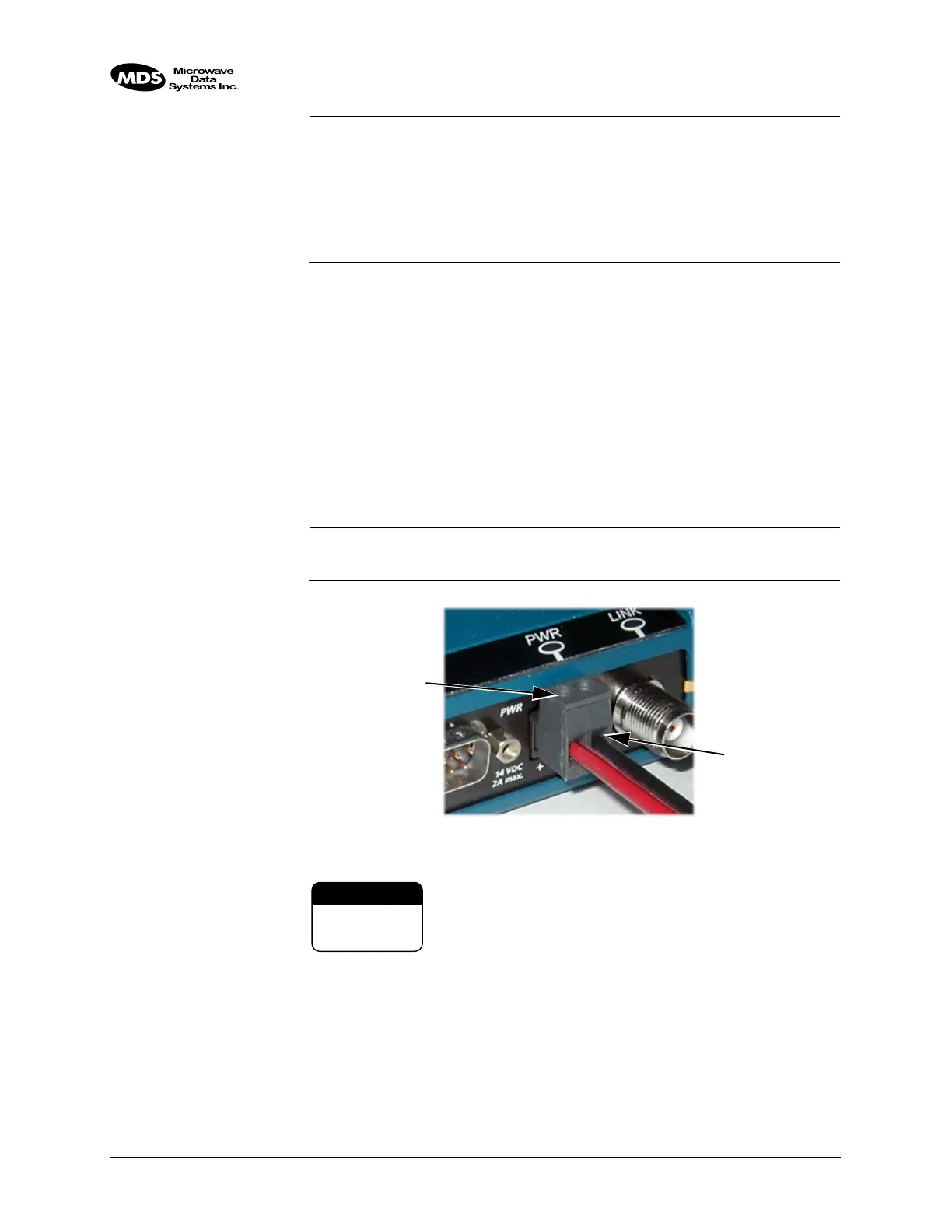
screw-terminals is provided with each unit. Strip the wire leads to 6 mm
(0.25"). Be sure to observe proper polarity as shown in Figure 3-2 with
the positive lead (+) on the left.
NOTE: It will take about 30 seconds for the iNET 900 to power up and
be ready for operation.
Invisible place holder
Figure 3-2. Power Connector, Polarity: Left +, Right –
The iNET 900 must be used only with negative-ground
systems. Make sure the polarity of the power source is cor-
rect. The unit is protected from reverse polarity by an inter-
nal diode and fuse.
3.4 STEP 3—CONNECT PC TO THE
iNET
Connect a PC’s Ethernet port to the LAN port using an Ethernet cross-
over cable. The
LAN LED should light. Alternately, you can use a serial
cable to connect to the
COM1 port. (Figure 3-3 on page 83)
Wire Ports
Lead
Screws (2)
Binding
CAUTION
POSSIBLE
EQUIPMENT
DAMAGE



 To Next Page