MDS 05-2806A01, Rev. A MDS iNET 900 User’s Guide 23
Invisible place holder
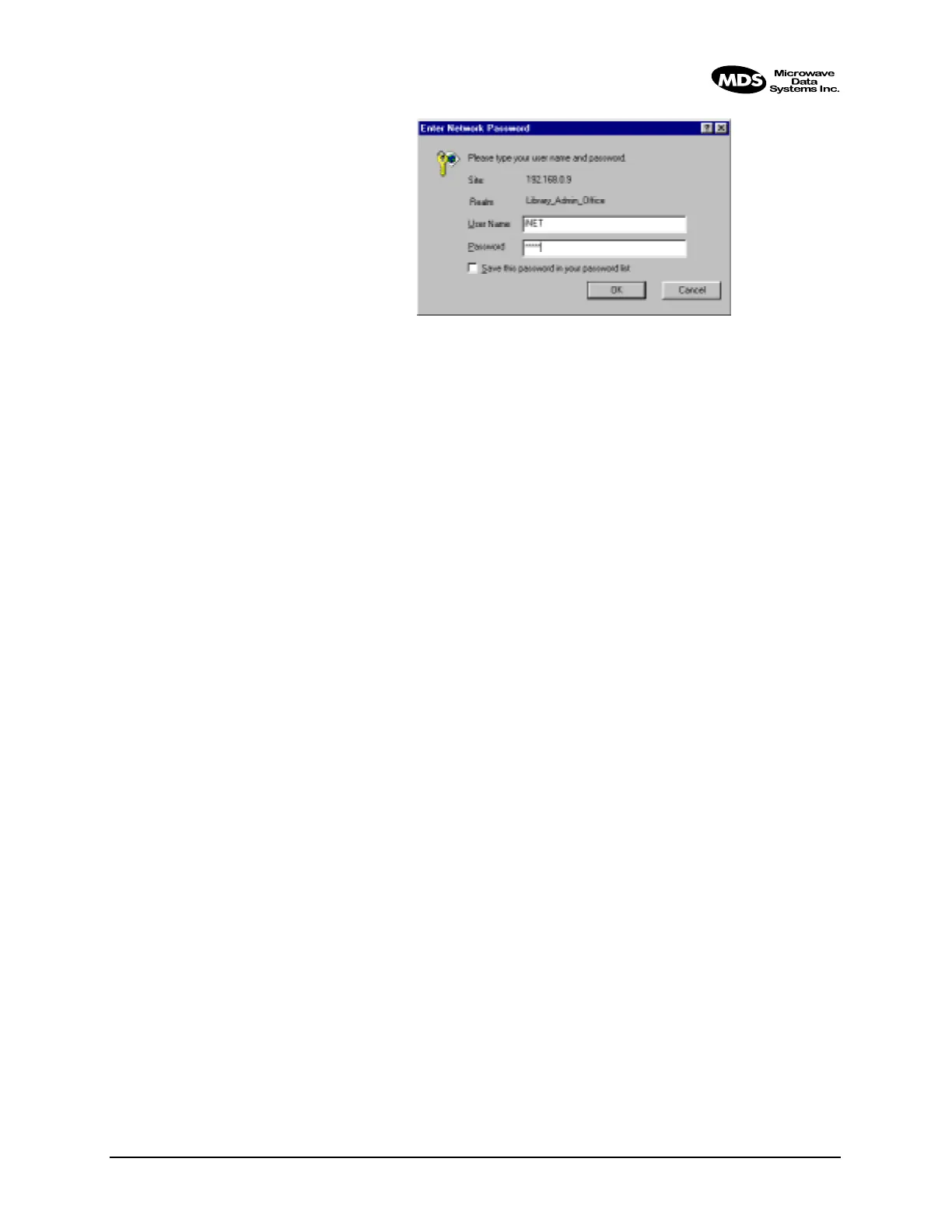
Figure 2-4. Sign-in Screen when using a Web Browser
The iNET’s Device Name is used as the “Realm.” (See Device Names
Menu on Page 27 to learn how to change this name.) This name will con-
firm you are connecting to the iNET you desire.
Changing Passwords
Once you are logged in, you can go to the
Device Information Menu and
change the password (case-sensitive). Follow any changes to the pass-
word or other parameters with an
ENTER key to save the change.
Logging Out of the iNET Management System
For security reasons, it is best to formally log-out of the iNET Manage-
ment System. If you do not formally log out, the session will be termi-
nated within 10 minutes of your last activity with the system.
Web Browser To logout of the iNET MS with a Web browser, click on the “Logout”
listing in the lefthand frame of the browser window. The right-hand
frame will change to a logout page. Follow the instructions on this Web
page. If you do not manually log out, your session will time-out after 10
minutes of no keyboard activity.
Telnet From the Main Menu, press “Q” to quit and terminate the session. If you
do not manually log out, your network connection will time-out after 10
minutes of no keyboard activity.
Terminal Emulator You do not need to logout from a terminal emulator when connected to
the
COM1 port. You can force a logout by pressing the exclamation point
(!) key to optimize the iNET unit security.
Session Timer
Your management session will time-out after 10 minutes of inactivity.
You will not be disconnected from the network using a Web browser or
terminal-emulator, but some menu selections will require you to use the
password again.



 To Next Page