MDS 05-2806A01, Rev. A MDS iNET 900 User’s Guide 61
Invisible place holder
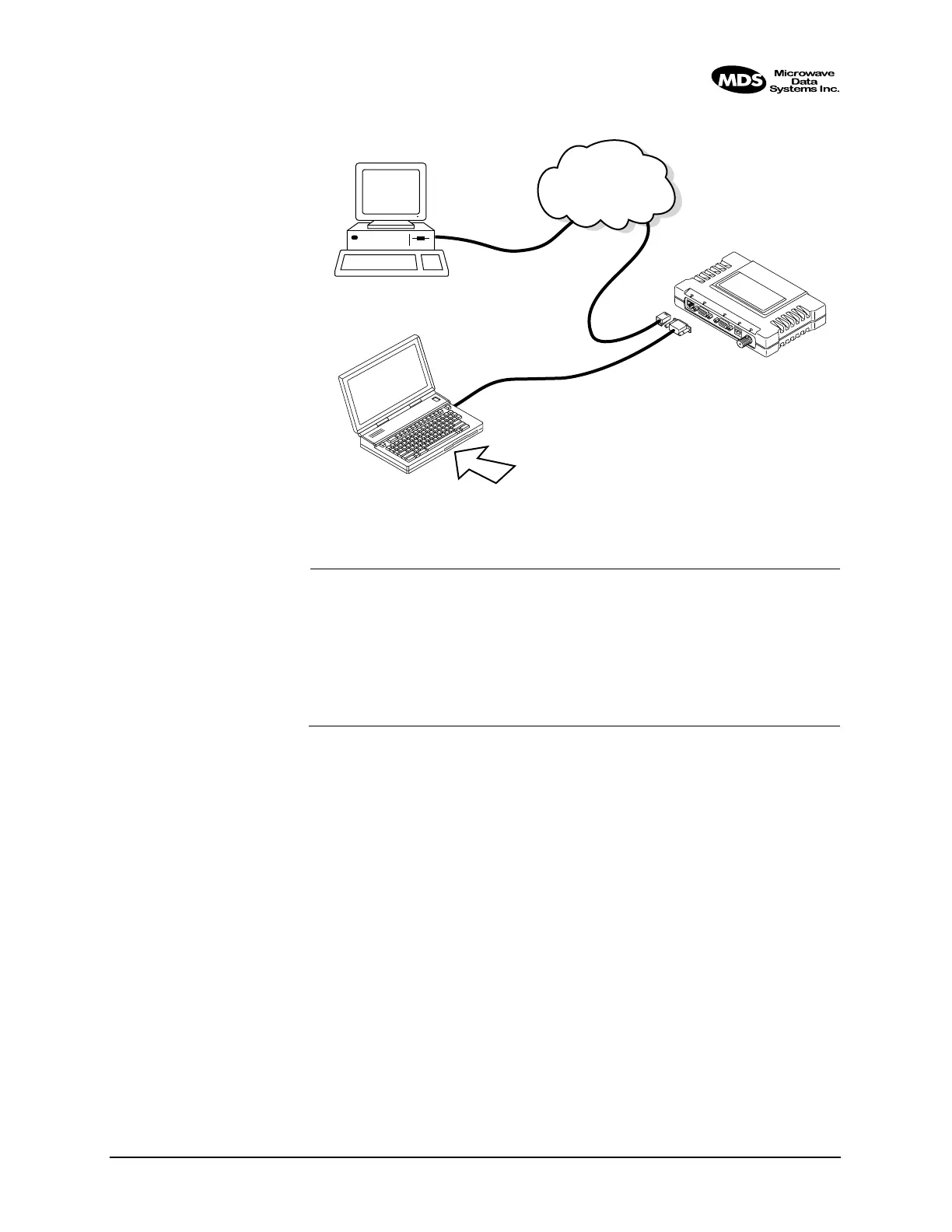
Figure 2-38. Upload Configuration—Option 2
(TFTP Server and Firmware File on Remote Server)
NOTE: The LAN and COM1 ports share a common data channel when
loading firmware over-the-air. Transferring the radio firmware
image file (≈ 3 Mb), may take several minutes depending on
traffic between the TFTP server and the iNET unit.
Regardless of your connection to the iNET 900, loading firm-
ware/configuration files into the unit’s flash-RAM is much
slower than loading software onto a PC hard drive or RAM.
Upload Procedure
To upload a new firmware file (
filename.ipk) into the iNET unit use the
following procedure:
1. Launch a TFTP server on a PC connected either directly or via a
LAN to the Ethernet port (
LAN) of the iNET 900. Point the server
towards the directory containing the firmware image file.
2. Connect to the iNET Management System by whichever means is
convenient: Browser or Telnet via the
LAN, or Terminal emulator via
the
COM1 port.
3. Go to the iNET MS Reprogramming Menu.
(Main Menu>Maintenance Menu>Reprogramming Menu)
4. Fill in the information for the:
• TFTP Host Address—IP Address of server (host computer)
running TFTP server.
TFTP
SERVER
ETHERNET
PORT
COM1
PORT
(DCE)
INITIATE UPLOAD
FROM HERE
REMOTE PC
W/FIRMWARE FILES
HUB/LAN/WAN/MAN
TCP/IP
LAN
PORT
COM1, 2, ETC.
(DTE)
IP ADDRESS: w.x.y.z
LOCAL WINDOWS PC
MDS iNET 900
L
AN
C
OM
1
C
O
M
2
PW
R
LIN
K
IP ADDRESS: 172.0.0.A
IP ADDRESS: 172.0.0.B
TERMINAL
PROGRAM
9
-
P
I
N
S
E
R
I
A
L
C
A
B
L
E



 To Next Page