Installation
1003en01 03-11-24 45
Using the keyboard
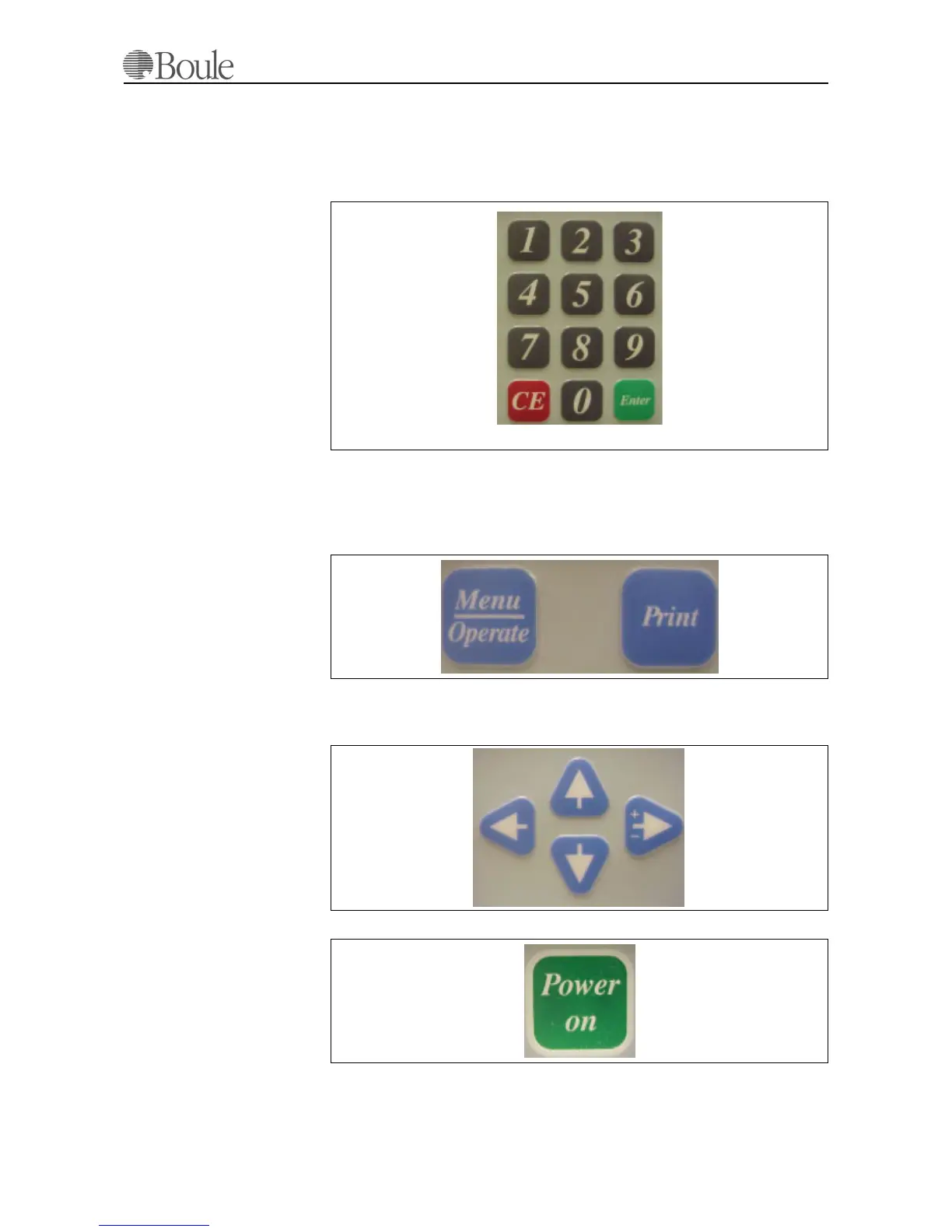
Numerical keys are used to enter ID, calibration factors, normal ranges and other
entries that need numerical identification.
[CE] always clears a previous entry unless the [Enter] validation key has been
pressed.
[Print] will send the sample data to either the printer and/or serial output, de-
pending on how the instrument is configured by the end-user.
[Menu-Operate] is used to switch between Menus and the operational mode. The
operational mode is defined as the instrument status where the next sample can
be entered at the aspiration pipette.
The arrow keys are used to scroll through the Menu system, switch between dif-
ferent display modes and to display alternative parameters. The right arrow key is
also used to enter either a + or a - within the calibration menu.
Note that the
[Power-On] indicator is an indicator only and no key!.
1032.tif
1033.tif
1034.tif
1035.tif



 To Next Page