Installation
1003en01 03-11-24 41
5.3 Mechanical Check and Set-Up
Recommendation
Installation of the instrument should be carried out by the authorized distributor.
Instrument installation
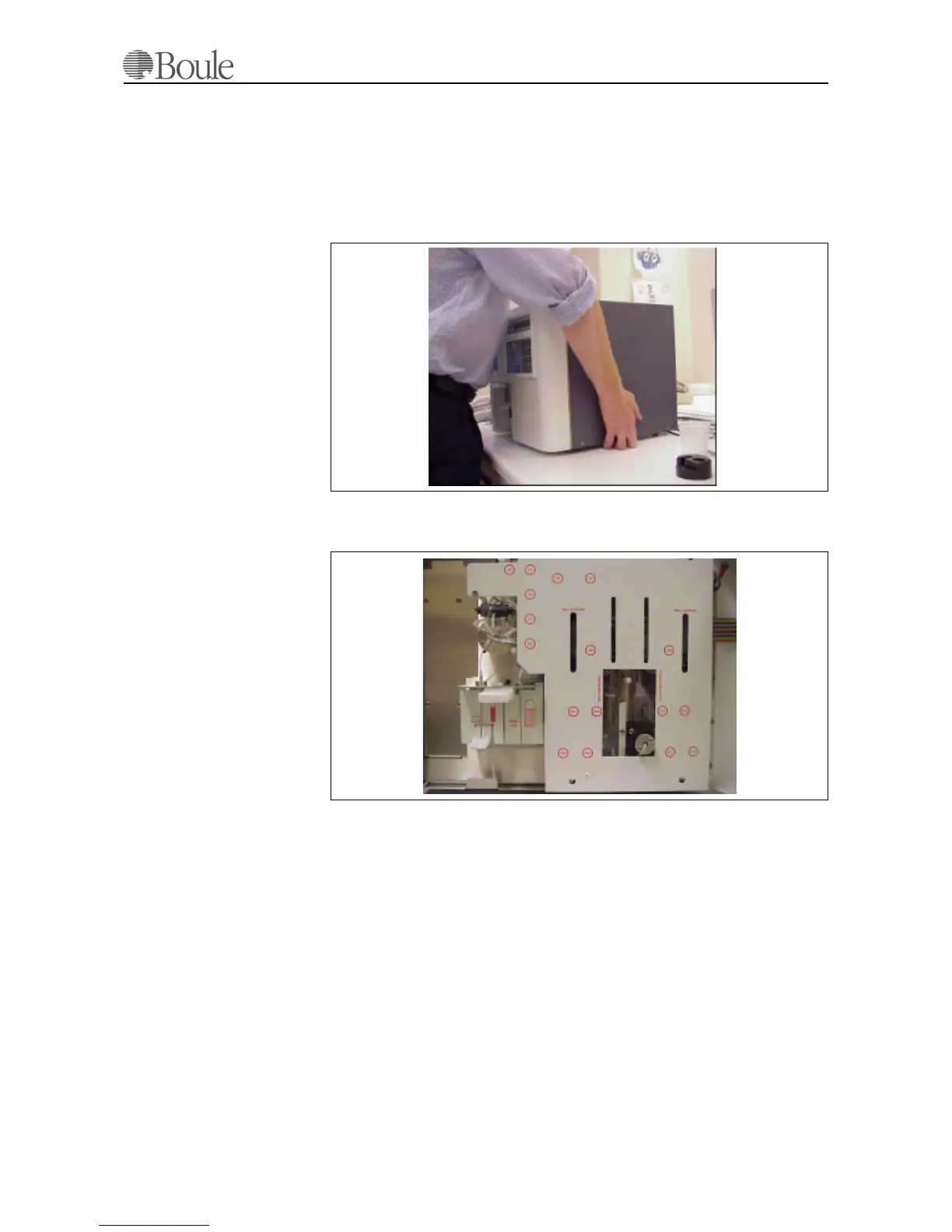
1. Lift the instrument and place it on the chosen location as shown below.
Be careful not to stress the front door of the instrument.
2. Open the front door of the instrument.
3. Locate the cover plate of the tubing system.
4. Unlock the screw at the left hand-side as shown below.
5. Lift up the screen slightly and remove it forwards.
1023.tif
1024.tif



 To Next Page