Routine Operation
60 03-11-24 1005en01
7.6 Advanced User Options
(CA620-CellGuard)
In section Routine Operation on page 53, the normal use of the instrument is
described.
The system was either used for “Blood mode” or “PLT concentrate mode”.
It is possible however to switch between these 2 modes without altering menu
5.8.
Suppose the following:
In case the CA620-CellGuard was set up for “PLT concentrate mode” as default
but it is required to analyze some whole blood samples.
Proceed as follows.
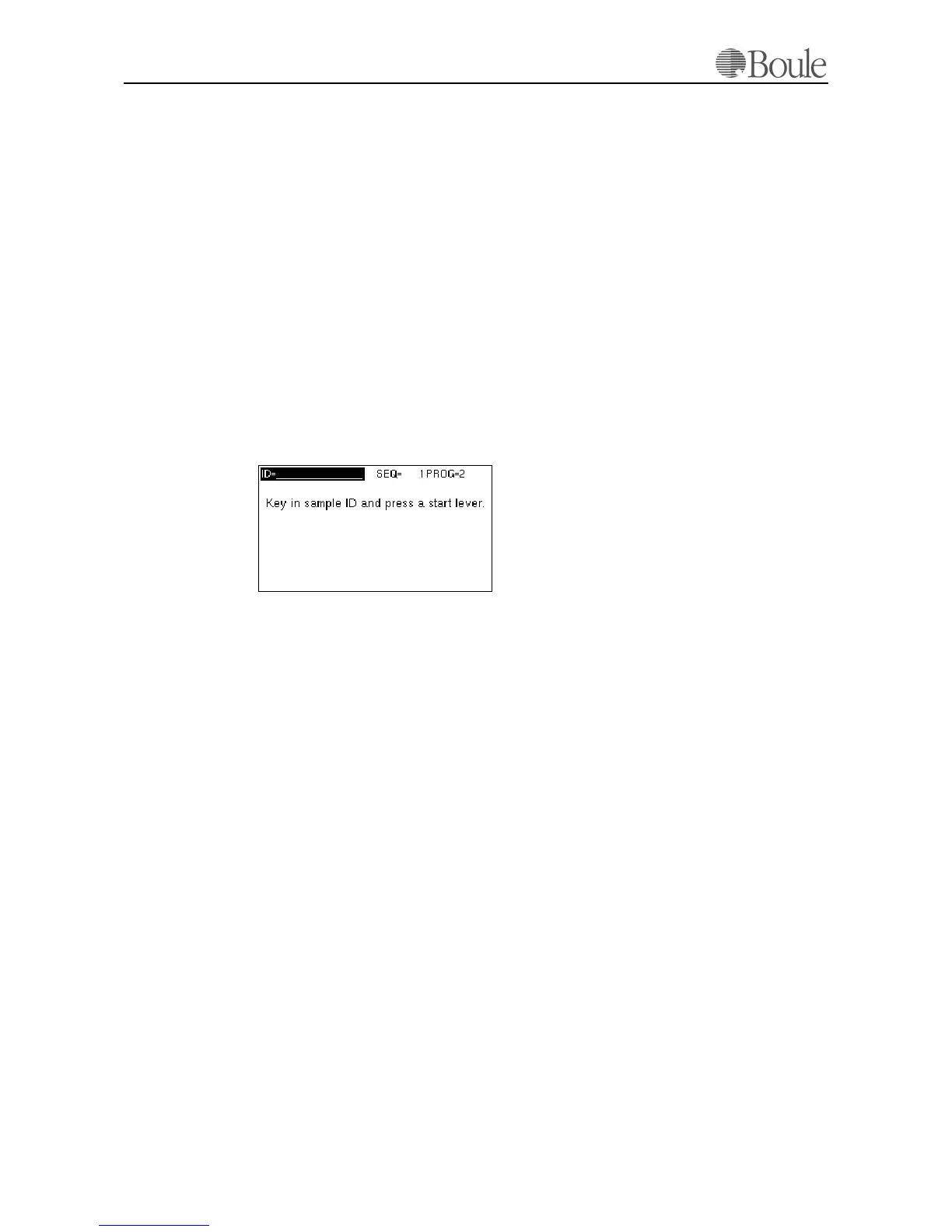
1. Press the “up/down”-keys until PROG 1 is displayed within the “Opera-
tional mode” Note that the text PROG1 might have been replaced with the
text “Blood”. See Set PROG names on page 71.
The LCD display shows the following.
2. Aspirate the sample by pressing the start lever or pull out the MPA.
3. After the aspiration of the sample or insertion of the MPA, enter the sample
ID if required.
The sample is now processed as “Blood” and all PROG 1 settings are applied to
this sample.
Note:
The next sample will “fall back” to the default PROG mode unless again changed
by the user.
1069en.gif



 To Next Page